I posted an article to this site “How to Back up your Travel Photos.” about 2 years ago. The info in this post is still accurate and relevant except I’ve also discovered a way of backing up on the go without using a laptop. Now I am talking about backing up memory cards not images taking on a smartphone. The smartphone images should be automatically backed up to the cloud if you have the settings correct. But even with the latest DSLR”s and Mirrorless Cameras being able to send images to the cloud, their systems are still clunky. So let’s get into it. This video takes you through it:
For those who like pictures and words you need the following: A Smartphone. I use an android so I’m not sure about iPhones. But I believe this system works with the latest models. So, if you’re in the Apple ecosphere you’ll need to do your own research.
A hub that has a USB-C cable and USB-A (and/or USB-C) connections.
A hard drive.
A memory card reader
Put it altogether and plug into the smartphone and then open “My Files” and you’ll see “USB Storage 1” and “USB Storage 2” plus “USB Storage 3” if you’ve plugged in 2 hard drives.
Go to the memory card storage, which is usually the one with the smallest storage, and find your way to the images.
On the settings button (in this case 3 vertical dots) and select edit and then select all. Tap “copy” and then go back and select the hard drive. Find where you want the images copied to and tap “copy here” and you’ll get a progress pop up.
The operation is complete once the pop up disappears.
Rinse and repeat if you’ve got another hard drive to back up to (recommended).
Himeji Castle and Cherry Blossoms, Himeji, Japan. Click on the image for a larger view
Travel Photography guide to Japan Part Two Kyoto and Hiroshima
In part two of this travel photography guide to Japan we go to Kyoto, Hiroshima and a couple of points in between as well as some general items to photograph. As I mentioned in Travel Photography guide to Japan Part one you need to make sure you are prepared. If you haven’t read that article, I suggest you, at the very least, go and read the first section.
What will you see that you might want to photograph?
I travelled from Tokyo south to Mountains,
Hiroshima and a few points in between before getting back to Tokyo.
The area I covered has a wide variety of
different subjects.
This area, I’m led to understand is similar, with exceptions, to the rest of the country. The following is by no means exhaustive. It’s the subjects that I found interesting from a photographic point of view. Others may have a different opinion.
I’ve only selected three items from each
area that have some degree of photographic interest.
Kyoto
Kyoto is probably Japan’s jewel in the
crown. It’s Paris or New York but on a much smaller scale.
Because of this you most certainly won’t be alone in wanting to capture all it has to offer. The tourists are many and the crowds are big but don’t let that put you off.
Kyoto is awesome!
Before I start on my suggestions on what to photograph. Let me suggest to you something not to photograph. Geisha Girls! Around the corner from Miyako Odori one of the theatres used for Geisha Dances we saw tourists at their worse. The girls had finished their show and were walking out to either other shows or to live their own lives. Still in full dress they had cameras shoved into their faces and some were obviously distressed by this aggressive behavior.
I didn’t get any photos of them because of that and the fact that these aggressors were in the way! So leave them be when there are lots of tourist around. You will just be compounding the problems for all of us.
Onto my suggestions of what to photograph.
Ponto-Cho area
Ponto-Cho is a small pedestrian street alongside the main canal and whilst it’s pretty during the day when the cherry Blossoms are out, it comes alive a night. The whole area is a fairyland of atypical Japanese buildings and narrow streets, especially across the canal in Gion. The best time to take images is at dusk or after dark. So you will need to make some compromises on whether you risk ‘soft’ images due to camera shake or have a bit of graininess in there, some of which can be removed later. It’s really all about architecture, people and culture.
Fushimi Inari-Taisha
South of the city itself is a little gem of a vast shrine complex. There around 10000 shrine gates (torii) that straddle the paths that lead up the mountain to different shrines. All are painted in Vermillion Red and you can spend hours here photographing different angles of the architecture of the gates, shrines, graveyards and other buildings. You may also get lucky and see priests conducting ceremonies at the actual shrines.
Torii shrine gates at the Fushimi Inari-Taisha complex in Kyoto. Click on the image for a larger view.
Arashiyama Monkey Park Iwatayama
I’ve put this in to give some variety. Architecture, people and culture are great but sometimes you need a break from photographing these subjects. And what better way than to photograph Snow Monkeys. It’s a steep climb up to where most of them are but you also get the bonus of some great views across Kyoto when you get there..
So, it’s wildlife and landscapes form the Monkey Park.
Additionally there is also the famous Golden Temple but you won’t have much time to photograph that as they move you through pretty quickly so I’ve left it out. But it’s still worth a visit.
Himeji
A day trip from Kyoto or a stopover on the way to somewhere else, Himiji is all about the castle. The outside of the Castle is extremely photogenic and if you catch it on a clear day it’s a sight for sore eyes. The interior is not so photogenic, so you are better off zooming in to capture small points of interest.
Next door is Koko-En, reconstruction of a Samurai quarters. Well worth a visit as it’s all about gardens and culture.
Nara
Again, a day trip from Kyoto. Its main attraction is Todai-ji a temple which houses the great Buddha. There are other sights and there is around 1200 deer there as well. So it’s really all about architecture, culture and little bit of wildlife if can’t help yourself and want to take pictures of bambi.
The great Buddha stature in the Todai-ji Temple at Nara. Click on the image for a larger view
Hiroshima
There is lots to see and do in Hiroshima.
But I’ve concentrated on 2 sights
Peace memorial Park and surrounds
Photography aside this is a sobering and confronting area. There are a few memorials in the park and a museum. There is also what’s left of a building called Atomic Bomb Dome. Light is important here as the area lends itself to dawn and dusk light. That’s not to say you can’t take pictures during the rest of the day as there is plenty of shade from the trees in the park.
Miyajima
A lengthy ferry ride from Hiroshima is the island of Miyajima one of Japan’s most popular tourist spots. There are lot activities available there but from a photography subject point of view, there are two main attractions.
The Torii (shine gate) that sits in the water. Depending on what time of day you get there, you may well have to queue to take the popular front on view. Take that one but also look for side views and reflections.
Misen at 530M is the Mijajima’s highest spot and you can get there via ropeway and a bit of a hike. Terrific views of the ocean and mountain ranges beyond are worth the trouble.
After you finished go find the Miyajima Brewery. Great beer with water views and nice food.
Summary for Travel Photography Guide to
Japan Part Two Kyoto and Hiroshima
Kyoto is Japan’s tourist equivalent to Paris, New York or London with some much diversity
Himeji and Nara make for great photographic stopovers.
Hiroshima is a thought provoking and promotes a different type of photography. Don’t forget to get to Miyajima
Do you see yourself taking some great travel photos that you can share or display? Or can you see yourself reliving your travel experience by bringing home some emotive travel photos? Maybe you aspire to getting your travel photos published.
If one or all of these is YOUR goal, I can help. Sign up in the box below to subscribe to my exclusive Travel Photo Tips Newsletter. Remember if you want to take great travel photos
that you can share and display.
that help you relive your travel experience
that give you a chance to have your travel photos published then sign up below and subscribe to my exclusive Travel Photo Tips Newsletter.
but I will
highlight some of the things I recommended there as they are important.
Depending on where you are travelling, I would recommend you take the following:
Everywhere:
Camera Body or Compact Camera with Optical Zoom Lens
Lots of empty memory cards.
It’s one of the most photogenic countries in the world regardless of what time of year you go. Take lots of 32GB Memory cards you’ll need them.
More than one charged battery for the same reason as having lots of memory cards. Have one in the camera and 2 charged spares
A lens cloth
Filters, if you use them, particularly Polarisers and Neutral Density,
If you intend using only a smartphone you will need lots of storage. See How to Back up your Travel Photos. to see the best ways to back up a Smartphone.
You also
need to be aware that, with only a smartphone, you won’t have the flexibility
to get shots of a lot of what Japan has to offer.
Cities
There’s lots of subject matter in Japanese cities. So depending on your interests you need the following, if you have them. If you don’t, put them on your wish list if you have plenty of time:
People and Street – 50 or 80MM Prime Lens plus a 28-150mm Telephoto
Journalistic or lifestyle – 80 or 100mm Prime Lens plus a Telephoto Lens of 28-150mm
Architectural – 24-100mm Telephoto and a 35 or 50mm ‘Fast’ Lens i.e. F1.2 or 2.4.
Restaurants, Bars etc. – For low light plated food, a wide angle or 50mm lens with a large maximum aperture of F1.2 or 2.4.
Outside of cities
Landscapes – Tripod and a 24mm Wide-Angle plus a Telephoto with a minimum focal length of 100mm
Culture – 80 or 100mm Prime Lens plus a Telephoto Lens of 28-150mm
Again, this is a wish list. If you only have a telephoto because you have a compact camera, or you can’t afford a prime lens then you can get by. A Telephoto Lens plus an 80mm Prime Lens ticks the 80/20 rule.
What will you see that you might want to photograph?
I travelled from Tokyo south to Mountains, Hiroshima and a few points in between before getting back to Tokyo. The area I covered has a wide variety of different subjects. This area, I’m led to understand is similar, with exceptions, to the rest of the country.
The following is by no means exhaustive. It’s the subjects that I found interesting from a photographic point of view. Others may have a different opinion.
I’ve only selected three items from each area that have some degree of photographic interest.
Tokyo
Tokyo is everything you expect and more. It would take a lifetime to discover everything it has to offer
Shinjuku Station
The World’s busiest transport hub where nearly 4 Million plus passes through every day. Here it’s worth watching and waiting to get some good people shots.
Shibuyu Junction
It’s humanity at its most compressed as literally thousands of people cross the junction every day. At its busiest nearly a thousand people cross at one time. Again, it’s people but don’t expect to get portraits it’s way too crowded for that.
Tsukiji Market
Like food?
Like to take food close ups and people involved with serving it and cooking?
Then Tsukiji is the place. Food is also pretty good if you want to put down and
rest your overworked camera.
A boat of Tuna and Otoro served up in Tokyo’s Tsukiji Market. Click on the image for a larger view and other options
Mount Fuji
Away from
the madness that is Tokyo, Mount Fuji is usually viewed from 2 sides:
Kawaguchi-Ko
The centre of the area called Fuji Five Lakes, Kawaguchi-Ko is a very busy place and the town itself is ok. What it’s famous for is the views of Mount Fuji. There are 2 well know photos locations of Mt Fuji and both are near Kawaguchi-Ko.
Fuji-Sengen-jinja
is known for the photos of the shrine with the backdrop of Mt Fuji.
Mt Fuji from the famous shrine of Fuji-Sengen-jinja Click on the image for a larger view and other options
On the north side of Lake Kawaguchi-Ko is another famous spot to capture Mt
Fuji and its reflection on the lake. Sadly, it was too windy when I was there,
so I couldn’t replicate that shot.
Hakone
Whilst the view of Mt Fuji from Hakone is not so well known. It’s much smaller (and quieter) than Kuwaguchi-Ko and the views are much more varied.
Take the Hakone circuit which is a combination of different transport modes such as cable car, ship, narrow-gauge rail, gondola and bus. On this circuit you will see lots of different scenery and some small towns all of which provide ample reward for the travel photographer. More info can be found here
Watch out for the next article on Japan: The Travel Photography guide to Japan Part two Kyoto and Surrounds
Summary for Travel Photography Guide to Japan Part One Intro, Tokyo and Mt Fuji
Japan has that WOW factor that you want to make sure you capture with your travel photos
You need plenty of Battery Power and Storage
To give you the best opportunity to take some great photos you need more than just a smartphone.
A removable lens camera will do that for you
Tokyo has many, many interesting a diverse attractions but you can’t see them all
Mt Fuji is as spectacle in the flesh as it looks. Take lots of shots from different locations and angles.
Do you see yourself taking some great travel photos that you can share or display? Or can you see yourself reliving your travel experience by bringing home some emotive travel photos? Maybe you aspire to getting your travel photos published.
If one or all of these is YOUR goal, I can help. Sign up in the box below to subscribe to my exclusive Travel Photo Tips Newsletter.
Remember if you want to take great travel photos
that you can share and display.
that help you relive your travel experience
that give you a chance to have your travel photos published
then sign up below and subscribe to my exclusive Travel Photo Tips Newsletter.
Finding the best Camera for your Travels Part 3 DSLR
In The basics of camera equipment – Best camera equipment for travel photography, I mentioned That “despite those who say its’s not about the gear, you need a camera that will suit your style and objectives.” This is especially true when you are off travelling. Having a camera that you are comfortable with and that can help you take photos that you will proud to bring home with you is essential.
Maybe you aspire to getting your travel photos published. If one or all of these is YOUR goal, I can help. Sign up in the box below to subscribe to my exclusive Travel Photo Tips Newsletter.
Remember if you want to take great travel photos
that you can share and display.
that help you relive your travel experience
that give you a chance to have your travel photos published
then sign up below and subscribe to my exclusive Travel Photo Tips Newsletter.
Smartphones are amazing things. You can live your whole life on one. From doing your banking to checking your email to turning on your lights; hell! it even talks to you now!
It’s a great device for managing almost anything on the go.
The one thing that it was lagging on was the camera. But over the last 2-3 years that’s all changed.
Samsung and Apple lead the race on this but Google, Nokia and HTC are catching up quickly.
Is the Smartphone as good as a DSLR or Mirrorless I.e. Interchangeable lens camera or high-end compacts?
Not yet.
The quality of the image and more importantly the flexibility and options are not there yet and whilst I’m reluctant to say it, they may never be.
So how do you get the best images from that small device you have in your hand.
Here’s 8 Tips on how to use a Smartphone Camera
1 Hold the camera still
In my recent article How to hold a camera correctly there is some detailed information on how to hold a smartphone camera but it’s worth repeating some of that here:
Most smartphones these days have the option to operate the shutter with a physical button like a volume control instead of tapping the screen. So, if you have that option then use it for the landscape position. It’s a big more awkward in the portrait position so the virtual button is better to use in most situations
Tuck in your elbows and bring it close to you. Holding it away from your body makes it much more difficult to hold still.
Use both hands. It gives me nightmares watching some people take photos one handed.
Ever taken a picture of a loved one and they look like a rabbit caught in headlights. Yes. Well that’s cos you had the flash on.
As with any camera with a built-in flash they are not in the right position for most shots. So, if you can, avoid using it.
3 Familiarise yourself with the settings
These days the smartphones come with lots of different settings.
They are there to give you options rather than just leave it on auto.
Nothing wrong with auto of course but if you can improve an image by using a different setting then why not?
For example, the Samsung Smartphone camera has a “Pro” mode. This allows you to change the ISO, White Balance and shutter speed amongst other things.
Samsung Galaxy Pro Camera Settings
4 Use apps
The Camera Apps for the smartphone, as I mentioned before in 4, are improving and coming up with more ways that allow to you control your image.
However, there are a number of apps out there that not only give you ways of filtering and editing but shooting as well.
My favourite is Lightroom but you need to have Lightroom on a desktop or Laptop for it to sync to.
What I like about is that it allows you to shoot in RAW using the Adobe DNG format. That way when you sync to your desktop version you have much more flexibility in editing.
Lightroom Library View
5 Photo size
Now you should always shoot with the maximum size selected so that you have options on the size print you can have.
The camera setting will allow you to choose this so select maximum size id if you are only sharing by text or on social media. Sharing apps have the algorithms necessary to automatically reduce the size.
6 Watch your storage
Once you start increasing the size of your photos then storage can be an issue.
But these days there are plenty of ways to overcome this. The obvious one is to increase your storage with a mini SD or equivalent.
However, some phones won’t allow you to do this so cloud services are the next, in fact they are probably the best, option. I mentioned Lightroom earlier.
When it syncs with the desktop version, it downloads into a folder on your hard drive.
Other more well-known ones though are Google Photos, Dropbox, iCloud or OneDrive.
So, once you’ve uploaded (usually you set the service to do this on auto) delete the ones you don’t need on your smartphone. You should be able to view the photo via the app rather than your gallery.
Sapa Mountain Resort Vietnam. Taken with Samsung S8
7 Remember that the Camera Lens is at the top of the Phone.
This is something that can be confusing.
Usually the Camera Lens on a Smartphone is, when looking at it vertically or in the Portrait position, about 25mm (1”) from the top.
Not a problem if you are taking what you see but if you are mounting it on a Tripod or propping it up just bear it in mind otherwise you will end up with a lopsided photo or you might not capture what you wanted.
8 Forget Bokeh unless you have the latest Model
Bokeh what’s that? Well it’s the picture of the flower with little or no focus in the background but a good focus on the flower.
I’m not going to go deep into that here but if want that ‘effect you need to find a decent app that will do it after the shot has been taken. Alternatively the latest smartphones such as Googles’ Pixel, Samsung S10 or the iPhone X etc. have duel or triple lens with some grunty alogoritms that will create that bokeh effect. However outside of those you are not going to get good results with a smartphone when you attempt to get that sort of image.
The sensor is just too small.
However, I did say you can use an app. These apps can be easily found but have varying reviews and I haven’t really found one that performs as well as a DSLR or Mirrorless camera for Bokeh.
The problem is that they simulate by software and that is a long way from being perfect – Yet!
Wildflower Kings Park Perth
So, in conclusion if you follow some or all of these tips, you should end up with a half decent image
Summary for 8 Tips on how to use a Smartphone
1 Hold the camera still
2 Turn off that flash
3 Familiarise yourself with the settings
4 Use apps
5 Photo size
6 Watch your storage
7 Remember that the Camera Lens is at the top of the Phone.
8 Forget Bokeh unless you have the latest model
Remember if you want to take great travel photos
that you can share and display.
that help you relive your travel experience
that give you a chance to have your travel photos published
then sign up below and subscribe to my exclusive Travel Photo Tips Newsletter.
How to hold a camera correctly (Photo by Hyunwon Jang on Unsplash)
So, you think you can hold a camera or smartphone correctly? Well how do you know? In this article learn why camera shake can be avoided with a little of knowledge.
Take a good look at your photos.
No, not on the camera or phone screen but on your PC, Mac or Laptop. Even a tablet is better than a smartphone or camera screen but the bigger the better.
Now does it look really sharp or does look a little bit blurred (the industry phrase is “soft”) in parts or may even a quite a bit blurred?If so, there is a good chance you are not paying enough attention to the fact that a camera moves when you hold it. Now that’s not the camera moving on its own but you moving it. Got It?
Techniques
Now there are several techniques to overcome this but I’m going to basically cover how you should be holding your camera and smartphone.
Camera with a Viewfinder.
If it has a view finder – then use it!
When you use the view finder you are putting the camera up to your face and therefore bracing it on your face.
Now to add to that, tuck your elbows in against your side.
Depending on the weight of the camera, grip one side with one hand usually the right where the shutter button is and the position the other hand underneath the body or if it’s a fairly long lens then under the lens. .
Camera with no Viewfinder
Ok so it doesn’t have a viewfinder or you don’t want to use it! If either one of those is you. You need to know that:
The overwhelming majority of people taking pictures using the view finder do not hold it correctly
And consequently get pictures that are ‘soft’.
If you have studied physics you will know what the pendulum theory is. Holding the camera at arm’s length creates a pendulum effect and ‘soft’ or blurry photos unless the light is very good and you have a high shutter speed.
So just like using the viewfinder tuck those arms in against your sides and bring the camera closer to your eyes.
Again, depending on the weight of the camera, grip one side with one hand usually the right where the shutter button is and the position the other hand underneath the body or if it’s a fairly long lens then under the lens.
Ideally you want to stand with your legs shoulder width apart so that you well grounded.
If there happens to be a handy surface, say a wall, rest the camera on that.
Alternatively you can support yourself against a vertical surface such as a tree or a wall if practical.
The portrait position is similar for both the viewfinder and rear screen. You just need to decide which side is more comfortable for the shutter button. The shutter speed at the bottom is the most practical so that you can use the bottom to help support the bottom of the camera.
Camera Holds
The Smartphone
Most smartphones these days have the option to operate the shutter with a physical button like a volume control instead of tapping the screen. So, if you have that option then use it! Especially for the landscape position.
As with a camera most people using a smartphone camera often don’t hold it correctly. So tuck in your elbows
Use both hands. It gives me nightmares watching some people take photos one handed. With a smartphone, you need to use 2 different handling techniques.
In the horizontal or landscape position hold it with your hands in the same spot on each side.
With whatever hand you are using to press the shutter button make sure you have that trigger finger free so that you can tap the virtual shutter or press the physical shutter button.
Now the vertical or portrait position is bit trickier.
If you are using a physical shutter, then hold the phone with whichever side it’s on and curl it around the back the lens with the thumb operating the shutter.
The other hand can hold the bottom of the phone with the index finger and thumb.
For a virtual button the difference is that it’s the hand at the bottom that presses the virtual button and can’t in that case grip the bottom of the smartphone at the same time.
When in portrait mode, it’s often better to use the virtual button.
Smartphone Holds
Other Situations
In some situations, you may not be physically vertical.
You may have to lie or sit to take the photo.
If you are lying down, you have the added support of the ground or floor but you need to rest the elbows on the ground or you will end taking a steady image of the ground which may not be your intended subject.
If you are sitting, then usually there is something you can rest the camera on.
Other ways to avoid that Blurry or soft Photo.
Use a tripod,
Have image stabilisation turned on (if fitted),
Ensure that your shutter speed is fast enough,
Use the timer
And so on.
But this piece is just the basics on holding the camera.
More on those tips on the next post.
If you have any tips, please don’t be shy just stick ’em in the comment box below?
Is there anything else that you want explained? Again just ask.
Finding the best Camera for your Travels Part 2 Mirrorless
In The basics of camera equipment – Best camera equipment for travel photography, I mentioned That “despite those who say its’s not about the gear, you need a camera that will suit your style and objectives.” This is especially true when you are off travelling. Having a camera that you are comfortable with and that can help you take photos that you will proud to bring home with you is essential.
In the second of this series I will defer to some reputable camera reviewers who can help guide you. Only two this time as DP Review don’t distinguish between SLR’s and Mirrorless
So, without further ado please read this one from Camera Labs below
Do you see yourself taking some great travel photos that you can share or display? Or can you see yourself reliving your travel experience by bringing home some emotive travel photos? Maybe you aspire to getting your travel photos published. If one or all of these is YOUR goal, I can help. Sign up in the box below to subscribe to my exclusive Travel Photo Tips Newsletter.
Remember if you want to take great travel photos
that you can share and display.
that help you relive your travel experience
that give you a chance to have your travel photos published
then sign up below and subscribe to my exclusive Travel Photo Tips Newsletter.
In previous posts I’ve talked about having the need to have
a decent self-portrait or ‘selfie’ on your website or publication to show the
human face.
If you don’t have a website or business you almost certainly
will have a social media presence, whether it’s LinkedIn, Facebook, Instagram,
Twitter or anything else.
In this day and age of digital social interactions I believe
it’s still important to control your personal image and make sure any ‘selfie’ is
a true representation of you.
That’s right, ‘you’ not your dog, kids, motorbike or picture
taken on holiday in a bar in Bali.
Once you get ahead around that you then need to decide what sort of self-portrait or selfie you think represents you best
You may want a more conservative head shot.
Or a full-length portrait with business like clothes like jacket and trousers.
On the other hand, you may want to convey a trendy relaxed image.
There are no rules except to be true to yourself.
The four most crucial factors to getting a professional
‘selfie’ or self portrait
1 Equipment
I’m going to show you on a smartphone but any camera should do the job provided it works
2 Light
Light is everything. If the light is dull or too bright the image can be too dark or ‘blown out’ (a term for images that have the highlights way too bright).
3 A way of mounting the camera.
A tripod is undoubtable the best way if someone is not taking it for you.
4 Staging
Make sure you select the correct pose. You
may have to take several different images at different angles to get one you
want to use.
Incidentally there is no rule that says you must use the same image across the all platforms or for the same purpose
Man in turban at Mehrangarh Fort in Jodhpur, Rajasthan.
Set the camera up;
1 Regardless of what the use is, make sure you have the biggest resolution.
Much better to size down than try to upsize. For example on the Samsung S series smartphone cameras you will find picture size next to the settings icon. Select 16M or 12M or whatever the largest number is. The resolution on the IPhone is set to maximum and has no adjustment from that except with the use of a third-party app. Some other brands only give you the option to select large or high Note: The front camera usually has a much smaller resolution than the main camera, so avoid using it for this application
Find the timer and set it to 10 seconds You can usually just leave the camera on auto if the light is pretty good. But you can change the settings on some smartphones. The only settings I recommend changing are either the ISO and/or the exposure compensation.
Mount the camera on a tripod or any other way you can find to mount. I use the Joby Grip Tight Micro Stand a great little find that has a mini stand. It can also be fitted to a standard tripod head.
2 Set the scene
Find a well-lit position. You can be creative by sitting or standing near a window and allow the light to be strongest on one side. Alternatively, if you want to light up both sides, use a whiteboard on the side away from the light.
Think about the background. Make sure it’s not cluttered and distracting to the eye. Again, a whiteboard is handy. White (or off white) backgrounds are always the best way.
Think about your position. Ideally you want to be slightly lower than the camera if possible to avoid unflattering distortion.
Now comes the tricky bit. Unless you have someone else helping, you are going to have to focus the camera on your final position, be it a full length or head shot. The easiest way to do this is to put something in that position and then focus on it.
Just press the shutter button and then get into
position.
Take plenty of images, trying different poses
and maybe different locations.
You can’t take too many!
3 Review
Review on your phone and add a filter if you wish. There’s plenty of them out there!
Load the images onto your computer.
Look for softness (slightly blurry), unwanted distractions or items and light
Crop if required. You may need to crop for different applications.
Upload to your platform of choice
Finally
Rinse and repeat if need be. You may think you’ve got it right but there’s always room to improve.
Summary for “How to take an ‘awesome’ selfie”
Make sure you are true to yourself and have a
‘selfie’ that truly represents you.
Decide on your orientation and pose
Four crucial factors for selfies are:
Equipment
Light
Mounting
Staging
Set the camera up
Set the scene
Review
Do you see yourself taking some great travel photos that you
can share or display?
Or can see yourself reliving your travel experience by
bringing home some emotive travel photos?
Maybe you want to get your travel photos published.
If one or all of these is YOUR goal, I can help.
If you go to the form below you can sign up and get my free
eBook “9 ways to improve your Travel Photography”.
At the same time, you will also subscribe to my Travel Photo
Tips Newsletter which is exclusive to those who have signed up.
Remember if you want to take great travel photos
that you can share and display.
that help you relive your travel experience
give you a chance to have your travel photos published
Then go to the form below and subscribe to my Travel Photo Tips Newsletter and for your trouble get my eBook “9 ways to improve your Travel Photography”
Any questions then please write your comments below or contact me here
Now that you’ve got down this far can I ask a favour.
Please share this with anyone who is going on a trip and
wants to take and bring back some great travel photos.
Rooftops of Dubrovnik’s old town. click on the image for other views
If you are off on some travels soon and you want to ensure that you make best use of photographic opportunities you will discover, it’s worth having a plan. Especially about the Camera Equipment you are going to take with you.
However, it’s always worth getting other perspectives.
Rooftops of Dubrovnik’s old town. Used extensively in the Game of Thrones TV series. Click on the image for a larger view
This episode of the podcast TWIP (This Week in Photo) is called “Why you be trippin”. In it Frederick the host, is joined by 2 travel photographers, frequent-flyer Jeff Cable and globe-trotting photographer Giulio Sciorio. They discuss what camera equipment to take with you, and what to leave at home. They also reveal some secret packing tips that may just change the way you think about luggage!
Do you see yourself taking some great travel photos that you
can share or display?
Or can see yourself reliving your travel experience by
bringing home some emotive travel photos?
Maybe you want to get your travel photos published.
An aerial view of a cafe and it’s tables settings in Dubrovnik, Croatia. Click on the image for a larger view
If one or all of these is YOUR goal, I can help.
If you go to the form below you can sign up and get my free eBook “9 ways to improve your Travel Photography”.
At the same time, you will also subscribe to my Travel Photo
Tips Newsletter which is exclusive to those who have signed up.
Remember if you want to take great travel photos
that you can share and display.
that help you relive your travel experience
give you a chance to have your travel photos
published
Then subscribe to my Travel Photo Tips Newsletter and for your trouble get my eBook “9 ways to improve your Travel Photography”
Any questions then please write your comments below or contact me here
Now that you’ve got down this far can I ask a favour?
Please share this with anyone who is going on a trip and
wants to take and bring back some great travel photos.
You’ll not only be doing both them and me a favour.
In The basics of camera equipment – Best camera equipment for travel photography, I mentioned That “despite those who say its’s not about the gear, you need a camera that will suit your style and objectives.” This is especially true when you are off travelling. Having a camera that you are comfortable with and that can help you take photos that you will proud to bring home with you is essential.
In the first of this series I will defer to some reputable camera reviewers who can help guide you.
Do you see yourself taking some great travel photos that you can share
or display?
Or can you see yourself reliving your travel experience by bringing home some
emotive travel photos?
Maybe you aspire to getting your travel photos published.
If one or all of these is YOUR goal, I can help. Sign up in the box below to
subscribe to my exclusive Travel Photo Tips Newsletter.
You’ll also get my free eBook “9 ways to improve your Travel Photography”.
Remember if you want to take great travel photos
that you can share and display.
that help you relive your travel experience
that give you a chance to have your travel photos published
then sign up below and subscribe to my exclusive Travel Photo Tips
Newsletter and for your trouble get my eBook “9 ways to improve your Travel
Photography”.
Leopard stalking his prey in South Luangwa NP in Zambia
In Tips to Prepare for Photographing Wildlife while Travelling I gave you some handy tips on preparing for photographing wildlife while travelling. Now it’s time to give you some tips on actually photographing wildlife whilst travelling.
As I stated in the previous article travellers like us will never reach the level of expertise of a wildlife photographer. Of course, if you aspire to be a wildlife photographer that’s different. But in general, there are photographers out there who specialise in photographing wildlife. They are meticulous in their preparation. They leave almost nothing to chance, have lots of patience and spend a huge amount of time trying to get that “shot”.
So now to the tips
Puku near a riverbed in south Luangwa NP Zambia
Basic equipment.
1. Zoom or Telephoto lenses. This is non-negotiable. Sure you can take
pictures without a zoom if you have a long fixed or prime lens. But that’s
restrictive as you can only be a set distance away. Having a long zoom of at least
300mm (in 35mm) gives you flexibility.
2. Either a DSLR or Mirrorless camera so you can swap out lenses. You
also get better control of the exposure and focus with an interchangeable lens
camera.
3. Smartphone? Well unless you going to get really close, which in most
cases is not recommended, leave it for the happy snaps.
4. If you want to get serious get a fast write speed memory card.
Nothing worse than shooting away only to find the camera is buffering.
5. Weather protector like a hood or a Rain
and Dust Cover for your camera. Going on safari or wildlife spotting can
often be dry and dusty or wet and raining. Don’t forget to protect the rest of
your gear as well. Most backpacks come with rain covers that offer a reasonable
amount of protection against both the rain and dust.
Settings:
1. Aperture Set to wide open (lowest F-Stop). And on Aperture priority
(A). Why?
A couple of reasons: You want to make sure that you eliminate any background distractions as much as possible. You also want to allow plenty of light in. See also no 2.
2. ISO
Set to auto Even in the tropics or sub tropics, light can vary from bright sunshine to dark shadows. More often than not, animals tend to be in the shadows. Where it’s quite dark you may need to override the auto and set the ISO to an even higher setting.
3. Shutter
As you should have the camera set on Aperture priority the shutter will
take care of itself. Unless of course you are looking to try some advanced
motion techniques which is outside the scope of this article.
4. Focus
Think you can take wildlife photos with your camera set to manual focus? Think again! You need your focus set to auto. Animals are always on the move. Even if they are lying down, they can jump up quickly leaving you struggling to maintain focus on auto, let alone manual
Lilac breasted roller in South Luangwa NP Zambia
5. Frame Speed
Set your frame speed to continuous or sequential or whatever your camera’s equivalent is. You’ll need to do some controlled spray and pray in some instances. Note: Check the camera default setting for continuous. I didn’t check the number of frames per second on a new camera. I ended up with 100 shots of an elephant hardly moving, as the default setting was 60FPS.
Last tip: GET UP CLOSE
There are some basic rules in getting up close to wildlife:
1. Be very careful in choosing what wildlife to get close to. They are
WILDlife which means they can be unpredictable. So stay safe
2. Where possible use a telephoto lens to get a close up shot.
3. Be quick. Wildlife is always on the move. If you are close you will
need to have your wits about you. It’s easy to get distracted when you are
behind the camera.
4. Consider using a shutter speed of 1/250 to reduce the chance of blur
5. As I mentioned in point 5 of the previous section, it’s worth
setting your frame speed on continuous or sequential.
6. Sometimes the wildlife is behind a fence or in a cage, or you are
the one in a cage or compound, as I’ve experienced. In these cases, it is
possible to reduce or totally eliminate the wire of a fence or cage in a photo,
by going up close. Same applies to any glass enclosures found mostly in Zoos.
Get up close and have your lens, or lens hood, touching the glass to reduce
reflections.
Hyaena in South Luangwa NP in Zambia
Extra tip on this one is that you can also use a polariser filter to reduce
reflections
Summary of 16 Tips for Photographing Wildlife whilst travelling
· Unless you are prepared to invest in a lot of time and patience it is
extremely unlikely that you will consistently take ‘National Geo” quality
photos
· For best results use an interchangeable lens camera with a Zoom
lenses
· In most cases it’s best to have a wide-open aperture (small F-Stop),
ISO set to auto, Focus on Auto and Frame speed should be set to continuous
· Get in close, if not physically then with your telephoto zoom lens
Thanks for reading this article
Do you see yourself taking some great travel photos that you can share
or display?
Or can you see yourself reliving your travel experience by bringing home some
emotive travel photos?
Maybe you aspire to getting your travel photos published.
If one or all of these is YOUR goal, I can help. Sign up in the box below to
subscribe to my exclusive Travel Photo Tips Newsletter.
You’ll also get my free eBook “9 ways to improve your Travel Photography”.
Remember if you want to take great travel photos
that you can share and display.
that help you relive your travel experience
that give you a chance to have your travel photos published
then sign up below and subscribe to my exclusive Travel Photo Tips
Newsletter and for your trouble get my eBook “9 ways to improve your Travel
Photography”.
Seals and Icebergs, near Sawyer glacier in Tracy Arm Fjord, Alaska. Click on the image for other viewing options.
One of the most
exciting and challenging genres is Wildlife.
When we travel, we often find ourselves in a situation where there is an opportunity to take wildlife pictures. This is the first article of two about this subject. Part two is Tips for Photographing wildlife whilst travelling. This article offers some tips on the preparation for photographing wildlife while travelling.
First things first
Before we begin.
It’s important to understand that there are photographers out there who specialise in photographing wildlife. They are meticulous in their preparation and leave almost nothing to chance. Unless you aspire to be a wildlife photographer you will never reach their level of expertise. Sure, you might get lucky and get a great shot by being at the right place at the right time. But in the main you will find wildlife photography disappointing if you think you can get a winner every time.It’s a bit like golf. Unless you practice continuously then most of your golf shots will anything from poor to just OK. What keeps you coming back is that one great shot you hit every 5th or 6th round.
So it is with Wildlife Photography.
Wildlife photography
takes a lot of patience, time and it has to be said, luck, to come home with
some great shots. Animals are elusive and do not behave as you would like them
to.
Having said all that,
being on safari or a wildlife tour with a camera is an exciting experience. One
that cannot be measured by the number of great photos you get.
Puffin in the Alaska SeaLife Center in Seaward, Alaska. Click on the image for a larger view and other images
Some Basic Preparations
You should know beforehand, whether your destination will offer you the chance to take some wildlife photos.
Of course, if you are
on the road without any thought on when and where you are going to travel to
then that may not be the case.
So, here’s a few things to think about.
Equipment
Most of the wildlife
is outside Europe and usually in a developing country or in areas that are
remote and away from major population centres.
That means that often the only support for your camera equipment is what you take with you. No good trying to buy a spare battery or memory card when you are in the Masai Mara photographing Lions. That’s not to say that consumables like memory cards aren’t available. They are, but they may have been sitting on a shelf in the heat for some time. There’s also every chance that you will pay a lot more for them than at home. Most photographic electronics are made to a high standard set by companies in developed countries. That can make them expensive elsewhere. It pays to take the items with you I’ve listed in “Before setting off” section of The Travel Photographer Destination Guide Part Two.
Destination
If you are going somewhere where there’s a good chance that you will be photographing wildlife, you need to do the research to find out the following:
How far away will the wildlife be?
On my visit to Yellowstone NP in Montana USA, I wanted to take photos of Wolves. Whilst I did research and found out that they can be extremely elusive, I wasn’t prepared for how elusive. The only ones I saw were that far away, that you needed a strong telescope to see them. There was no way even with the 200-400mm telescopic lens I had, that I would be able to take any photos of wolves that day.
What’s the frequency
of spotting wildlife?
Depending on your
timing and budget it may be too difficult to see wildlife.
At certain times of the year in the African Plains the grass can be too long to see anything. Some of the Northern American Parks are closed in winter. If not closed, restricted due to winter weather. No good being in Churchill, Canada to see Polar Bears in summer. They won’t be there!
Will I be travelling
around the wildlife Parks in a group or can I use my own wheels?
There are two trains of thought on this. I’ve done both. Sometimes you have no choice but to go on a group tour.
In Denali National Park in Alaska the only way to get into the Park is by a bus. You don’t have the choice of using your own transportation. In some of the Southern African parks, like Kruger and Etosha, driving around in your ‘own’ vehicle is easy.
How close to the
wildlife will you get?
Using the Yellowstone
example again. I had been used to photographing wildlife in Southern and
Eastern Africa. There you can get up close due to the number of roads (tracks)
that took you into areas where the wildlife was likely to be.
Not so in Yellowstone, there are only a few roads and places to stop. Trying to get up close was not the same. You had to stop and wait for the Wildlife to come to you.
What wildlife am I
likely to see?
This is a big question
as often this will dictate what equipment you will take.
Obviously, Africa has
all the large animals.
But if you are going
whale watching then that cranks it up a notch.
At the opposite end, Australia has some of the most diverse wildlife on the planet, but the majority is small and quite hard to see. If you are into Birds and what to get some close-up shots, then you will need to plan accordingly.
Elephant in South Luangwa National Park in Zambia. Click on the image for a larger view and other images
Summary for Tips to prepare for photographing wildlife while travelling
Understand
that being a casual Wildlife photographer does not mean you will get great
shots
Be patient
and allow time to give yourself every chance to get good shots
Take as
much equipment that you think you will need with you
Research
your destination/s for Wildlife Photographic opportunities.
Thanks for reading this article
There must have been
something that piqued your interest.
Is it that you see yourself taking some great travel photos that you can share or display? Or is it you can see yourself reliving your travel experience by bringing home some emotive travel photos? Maybe you aspire to getting your travel photos published.
If one or all of these is YOUR goal, I can help. If you sign up in the
box below, you’ll get my free eBook “9 ways to improve your Travel
Photography”. At the same time, you will also subscribe to my exclusive Travel
Photo Tips Newsletter.
Remember if you want
to take great travel photos
that you can share and display.
that help you relive your travel experience
that give you a chance to have your travel photos published
then sign up below and subscribe to my exclusive Travel Photo Tips Newsletter and for your trouble get my eBook “9 ways to improve your Travel Photography”
Next up: Tips for Photographing Wildlife whilst travelling
Any questions? Please write your comments below or contact me here and please say hello at these places:
Elliot Bay, Seattle Washington USA. Click on image for a larger view and other options
When we travel there are lots of challenges on the road. And the longer you travel the more challenges you face. In this travel survival guide for photographers, I cover most of the common challenges. I also cover a few of the least know but equally as important challenges as well
Weather
We have no control over the weather whilst travelling. But we do have control on how we manage it. There are various situations that need us, as potential photographers to have our wits about us. So, we need to adopt some special precautions.
Cold
A few years back I went on a Polar Bear safari near Churchill in North East Canada. It was November and the first day or so was at 5°C which was reasonably mild. The cold came quickly! It reached around -20°C for the next 3 days.
What I learnt is that whilst we could be warm inside the lodge, we couldn’t afford to have our cameras warm. It was OK to bring them in overnight, although even then they had to be in the coldest part of the lodge. But when we had much shorter breaks, like lunch time, we had to leave them hanging up outside. Why? If you wear glasses, then you will know that when you walk into a warm building from a cold outside area, your glasses steam up. The same happens to your camera except it will need a lot more time for the moisture to dry. If you took your camera back out after only half an hour or so and the temperature is low enough, the moisture will freeze. What can happen then is that it can damage not only your lens but your sensor as well, not to mention other working parts.
Polar Bear outside Diamond Creek Lodge near Churchill Canada
So, be very careful with your camera equipment and I mean a smartphone as well, in very cold weather. Give your camera plenty of time to acclimatise in both the heat of your digs and the outside cold.
Humidity
Leading on from cold challenges, humidity can also be a danger to
cameras.
Again, to use the same analogy of glasses but now in reverse. If you go outside
from an airconditioned space into high humidity, chances are that they too will
fog up.
When I was in Darwin in the North of Australia I was out walking early in the
morning.
I went to take a shot and guess what?
You guessed it.
What I saw through the lens was just fog! I had forgotten that that whilst it
didn’t seem too humid, there was enough moisture in the air to condense onto
the cold lens.
It took around 10 minutes for it to clear.
I also had my smartphone with me which also had fogged up.
But a small lens clears a lot quicker, so I didn’t end up missing the shot!
Sky above Darwin, Australia, during the the wet season
So how do you prevent this from happening? Get organised! If you know you are going to go outside into the humidity with your camera, put it out there at least an hour before you intend using it. You can do this by taking it outside for coffee or breakfast or putting it out onto your balcony.
Heat
In the heat and by the heat I mean anything above 30°C, everything gets hot. Whilst it won’t necessarily affect its picture making capability, Cameras don’t like heat. Most cameras are black which means they absorb the heat and can then be too hot to handle. Not only that but the electronic circuitry in a camera or smartphone is not made to withstand high temperatures. Whilst most cameras have an operating range of 0°C – 40°C, the recommended temperature for using a camera is a mere 25°C!
Dust
Dust is the enemy of all cameras. There are some high-end cameras that
are meant to be sealed to prevent dust ingress, but I doubt very much if that
is 100%.
As we all know from our personal interactions with dust, it comes in many forms
and can get into everything.
However the sort of dust I’m talking about is the particles you find on a beach
or in the desert. Sometimes the fine dust can be found in old properties where
it has been disturbed.
It’s essential that dust doesn’t get into the camera or smartphone.
Yes, smartphones are not immune.
Katelious beach in Kefalonia. Click on image for a larger view and other options
If I’m taking pictures on the beach or on sand dunes, I always have a
Ziplock plastic bag that I can quickly put the camera into. It’s not just wind
or sandstorms you need to be careful of. Vehicles, people and animals can all
churn up enough dust to make a big nuisance.
Wet
As I mentioned before there are some Cameras that are sealed against
Dust. Well the same cameras are also ‘water resistant’. Again, that’s not
foolproof. Common sense tells us that we should keep any electronic gear away
from water. So be careful around bodies of water like swimming pools, rivers,
lakes etc.
Be especially careful around the ocean, as sea breezes have minute
water particles as well.
Rain, on the other hand, is little bit harder to protect gear from. Not
to mention that it may not be the right time to take photos when it’s raining.
Mind you I have got some good shots during rain showers. There are covers that
you can buy like the Ruggard
RC Rain Cover that will protect your camera and allow you to keep shooting.
You can also make your own with a plastic bag or Ziplock bag.
Batteries
Batteries don’t like extremes of temperature, water or humidity, so
make sure you protect them from the elements as best as possible. They tend to
discharge much quicker and can charge a lot more slowly in temperature
extremes.
Theft
I covered this briefly in 7
Travel Photography Workflow Tips to use on the road.
I firmly believe that the majority of the Earth’s population is honest. But,
especially in developing countries, it pays to be careful.
Here’s a few tips:
Don’t check your camera gear in on public transport like air planes, trains or buses
If your camera strap has the camera logo and model on it, change for one that’s blank. Not only will that make your camera less noticeable, you’ll get a better strap anyway.
Carry your camera across your shoulder i.e. not around your neck. It makes it less conspicuous and is actually more comfortable
If you have a safe in your hotel room, use it! Lock up your gear when you are out without your camera and even when you go to bed. If there’s no safe use your suitcase and lock it up.
Whilst we all want to get that earthy, gritty shot, don’t take your gear (or yourself for that matter) into a known dangerous area. You are asking for trouble.
Don’t leave your gear sitting around without being secure
Remember that $500-$1000 worth of camera gear can feed a family for 3 or 4 months in some countries.
Damage control
Of course, it’s not only the elements or other people who can damage
your equipment.
Stats prove that more accidents happen at home than in the workplace.
They also show that the camera user is the most likely to damage photographic
equipment.
That’s you!
In the main most cameras are fairly hardy but don’t assume that they are bullet
proof!
Any piece of electronic equipment doesn’t like being dropped, thrown around or
slid around with movement. There’s a reason that camera bags have padding.
The best thing you can do is keep with you and don’t sling the bag around. Be
careful how you load onto transport and that includes planes.
Here’s some more tips:
Keep your equipment in a bag that has some sort of padding.
Don’t carry it one handed with the strap doing nothing. There’s every chance that you could get knocked and the camera ends up in the dirt.
Keep the lens and body clean.
Extra tip on this one, don’t use the same cloth to clean your spectacles if you wear them. You could end up scratching one or the other because you’ve picked up grit from either one.
Don’t leave your gear hanging around without being secure, even in your hotel room. Things get knocked around unintentionally.
Summary for a survival guide for photographers whilst travelling
Be mindful of the potential for freezing moisture damaging camera equipment in very cold climates
Allow your camera to acclimatise to humidity before you need it, so that any ‘fog’ has dried first.
Keep your camera out of the heat and especially the sun, in warm to hot climates. Excessive heat can damage the electronic componentry
Use protection e.g. plastic bags or purpose made products to protect your camera equipment from Dust and Rain
Make sure you guard and protect your camera equipment from theft by avoiding situations where that may be possible.
Treat your gear well and it will look after you. Even the most ‘bullet” proof camera can get damaged if you are not careful with it.
Thanks for reading this article
There must have been something that piqued your interest.
Is it that you see yourself taking some great travel photos that you can share or display? Or is it you can see yourself reliving your travel experience by bringing home some emotive travel photos? Maybe you aspire to getting your travel photos published.
If one or all of these is YOUR goal, I can help.
If you sign up in the box below, you’ll get my free eBook “9 ways
to improve your Travel Photography”. At the same time, you will also subscribe
to my Travel Photo Tips Newsletter.
Remember if you want to take great travel photos
that you can share and display.
that help you relive your travel experience
that give you a chance to have your travel photos published
then sign up below and subscribe to my Travel Photo Tips Newsletter and
for your trouble get my eBook “9 ways to improve your Travel
Photography”
Any questions? Please write your comments below or contact me here and please say hello at these places:
Brick Lane Street Sign Poplar, East London Click on the image for a larger view and for other options
In Tips to Photograph
People while Travelling I said that some of the most interesting
subjects can be people going about their normal day.
I would also add to that the environment that surrounds them as well.
In this article I will give you 13 Tips for street travel photography.
Street Photography
Before we begin , what is street photography?
Interpretations and definitions of street travel photography abound.
My take on it is that it’s photography that captures the moment in settings
that are predominantly man made like cities, towns and villages.
So now we have rough idea of what it is, let’s get into my 13 tips for
street travel photography
1. Being Organised
I’ve mentioned in articles like Planning and Preparation for Travel Photos or The Travel Photographer Destination Guide Part One, about the benefit of planning and organisation. I’ll repeat it here again. Doesn’t matter what type of travel photos you wish to take, being organised is the single most important facet of travel photography. Particularly if you want to give yourself the best opportunities to take home some great photos.
2. Have a Plan
By plan I mean know what sort of street travel photography you want to
practice.
Are you looking for a certain type such as people looking at their mobile
(cell) phones? Maybe you want to get images of people working in café’s and the
café’s themselves.
Whatever it is, focus on that and find the right location/s.
It’s no good wandering down a suburban street looking for cafés.
Brick lane cafe, Poplar London, England. Click on the image for a larger view and for other options
3. Have Patience
In How I took this Travel Photography Image I took quite a good picture of 2 guys laughing outside a bar. I ‘camped’ in one place to take advantage of any possible photo opportunity. Sometimes you must be patient and keep your eyes open. In most areas something will turn up. It’s not much different to taking wildlife. Wildlife doesn’t pose or turn up when you want it to, you have to be in the right spot and wait to grab that picture.
4. Batteries and Memory
Ensure you have the camera battery and your spare (you have a spare don’t
you?) are fully charged.
Also make sure your memory card has plenty of capacity.
If it’s nearly full, change it NOW for an empty one. And of course, make sure
you have at least a couple of empty spares.
32GB is a good size these days. It’s not just memory you are after. Sometimes
memory cards play up or fail, so a backup or 2 is essential
Can’t do street travel photography without battery power and spare memory cards
In the case of smartphones, most modern smartphones don’t have the option to
change batteries. But you can have a mobile power bank to keep it charged.
Similarly, with memory if your phone has the option of micros SD cards or if
not, flash drives, it’s worth investing in either.
5. Have the Camera Switched On
One reason for having plenty of battery power is that you should always have
your camera on.
If you have a smartphone then make sure the camera app is open and if possible
turn off the lock or adjust the time to turn off the app.
Street photography is very much about being ready and in the moment. If your
camera is off, then you will miss opportunities that you would get with the
camera on.
Shoeshine carts, Guadalajara, Mexico. Click on the image for a larger view and for other options
6. Have that Lens Cap Off
Leading on from the last point. Any extra step you have to take to have your
camera ready can be one step too much. Use a lens hood instead if you are
worried about damaging the lens.
7. Get Close In
When you have a telescopic lens, there is the temptation to position yourself away from possible subjects. Now there are times when this is a good idea. But some of the best street photos have been taken whilst close in. That’s not to say you need to be in someone’s’ space with a camera up their nostril. No, that’s not what I mean. For example, if you are taking a picture of some street art, don’t try and get it all. Pick some small parts and concentrate on that. For more on that see The One Big Creative Travel Photo Idea
8. Be Respectful
Taking pictures of people can be done quite close without them knowing. If you are going to have people as your subjects, be aware of any cultural sensitivities. Always ask when it’s a situation where it’s pretty obvious that you want to take their picture. For more on that go to my last article Tips to Photograph People while Travelling
Leaning Mexican Cowboy, Guadalajara, Mexico. Click on the image for a larger view and for other options
9. Use your Flash Sparingly
If you have the on camera flash on auto – turn it off!
On camera flash should only be used as a last resort. Much better to jack up
the ISO and have some grain or noise than have that “rabbit in headlights”
look.
As you can see, I don’t use it.
If you do have off camera flash then use it.
You don’t have to have an arm with a flash hanging off your camera to have off
camera flash. There are lots of ways of lighting a subject without flash.
Having someone shine a torch (flashlight) onto the subject can work as well.
10. Be Imaginative
Street photography is an open ended opportunity to take photos. You have
permission to take pretty much anything. Regulatory and cultural sensitivities
permitting, of course. So you have an opportunity to be creative and
imaginative.
Take something you’ve never seen before, use different angles, heights and
positions. Often, we get stuck in the standard position of holding the camera
at our standing height.
11. Shoot in Shade.
On sunny or bright days then it’s best to try and reduce contrasts.
Unless you are taking a photos that highlights light e.g. backlighting or
individual light falling on a subject. If you’re in an area with lots of
reasonably high buildings that shouldn’t be too hard and makes for a more even
exposure. Getting a great photo of a subject only to find some of it is badly
overexposed can be disappointing.
12. Shoot from the Hip
There will be times when you want to grab a shot without being seen. Whilst
you can do this with a telescopic lens, you may not be in the right position to
use it.
A technique, which takes a bit of practice, is to shoot from the hip.
That is have your camera hanging down by your hip, with your finger on the
shutter button. I would also suggest you have the rear LCD screen set on live
view, so you can get a rough idea on what sort of photos you are taking.
If you have a reticulated screen on your camera, one that can be manipulated
at angles away from the camera body, then that’s even better.
13. Convert to Black and White
Lastly, whilst not compulsory, street photography seems to lend itself to
black and white. Most cameras allow you to shoot in black and white. I would
suggest that you don’t do that. Instead choose and convert the photos that you
think will look good in black and white with your post processing software.
Whilst you can take photos in black and white, you want to have the choice
about whether colour or black and white is better for a particular photo.
Of course, there’s nothing to stop you challenging yourself and shooting
everything in Black and White. In other words, don’t worry about whether it
would have looked better in colour.
Le mouffetard bar on Rue Mouffetard, home to one of Paris’s many markets. Click on the image for a larger view and for other options
Summary for 13 Tips for Street Travel Photography
1. Being organised
2. Have a plan
3. Have patience
4. Batteries and memory
5. Have the camera switched on
6. Have that lens cap off
7. Get close
8. Be respectful
9. Use your flash sparingly
10. Be imaginative
11. Shoot in shade.
12. Shoot from the hip
13. Convert to black and white
You’ve got this far and I appreciate that.
But there must have been something that piqued your interest.
Is it that you see yourself taking some great travel photos that you can
share or display?
Or is it you can see yourself reliving your travel experience by bringing
home some emotive travel photos?
Maybe you aspire to getting your travel photos published.
If one or all of these is YOUR goal, I can help.
If you sign up in the box below you’ll get my free eBook “9 ways to
improve your Travel Photography”. At the same time, you will also
subscribe to my Travel Photo Tips Newsletter.
Remember if you want to take great travel photos
• that you can share and display.
• that help you relive your travel experience
• give you a chance to have your travel photos published
then sign up below and subscribe to my Travel Photo Tips Newsletter and for
your trouble get my eBook “9 ways to improve your Travel Photography”
Any questions then please write your comments below or contact me here and please say hello at these places:
There are so many features now on a camera that its’ both mind blowing and confusing.
The TV Analogy
When we were in the market for a new TV, we discussed all the different features and benefits with retailers.
By the time we had finished we were totally confused. Salespeople in different shops seem to tell us something different about the same TV. For example, one would say this TV doesn’t have Freeview plus, whilst another would say that it does. In the end, I researched on each manufacturers website. I even rang them to ensure that the information I had gathered was accurate. After doing that we went and bought the TV we wanted.
So, what about Camera features? Well compared to TV’s there are way more things to think about.
In my opinion there are too many Camera features that are not needed! This article is to help you navigate the different Camera features. I’m going to suggest some essential camera features you need to consider having.
Either when you are in the market for a new camera or mobile phone or that you should review on your existing camera. This article consists of 4 sections:
1. The single essential camera feature you must have 2. Four Camera features you need 3. Eight Camera features to have 4. Six Camera features you don’t need
After each Camera feature is a rating out of 10 – 10 being must have.
The single essential Camera feature you must have
So, let’s start with absolute must!!
Mechanical Exposure controls
Usually on most cameras there are a P, A, S and M modes.On small compacts there usually is only a P mode.
On smartphone cameras, even the best ones, they don’t yet have the option to adjust the exposure the “old fashioned way”. So what’s with the “old fashioned way”? Well without going into a great deal of details on how a camera works, I’ll explain: All cameras have an aperture and a shutter. Both allow light into the sensor but in different ways.
The aperture allows in light by changing the size of its hole, the shutter allows in light by the speed of its movement. Having the option of being able to control both or at least one of these is one of the keys to getting great photography.
What do all these letters mean?
P stands for program and is a more sophisticated way of shooting in auto. The camera decides which aperture and shutter speed to use.
However the difference is that you can also weigh in by using what’s called in the industry “shift”. A stands for aperture priority and S stands for shutter priority. In both these modes you control one whilst the other one is controlled by the camera.
Most pro photographers depending on their specialisation will shoot in aperture priority. M is where you have complete control. You set both the aperture and the shutter speed.
This is not something a beginner would dabble in until they have got some experience with the other modes
Confused? Let’s go into more detail
If you want to take a photo of a subject with all the background blurred then you would need to adjust the aperture. If on the other hand you want to take a photo of movement.
Let’s say, a dancer practicing or performing then you would more than likely want to adjust the shutter to capture the type of movement you want.
That can be blurred motion or freezing the action. So, it’s handy to have that degree of control.
What’s that you say? You’re only beginning so you only need auto!
That’s fine. However I would suggest that if you want to create images that you can be proud of, then at some time in the future you will need more control.
The ISO factor
One extra control that goes hand in hand with exposure is ISO adjustment. In fact, the aperture, shutter speed and ISO make up the exposure triangle. That is to say that the adjustment of one affects the other two. With each camera manufacturer trying to outdo each other, the ISO on a top end DSLR can now be adjusted to over 400,000.
Which is crazy, as now the camera can take pictures in the dark! When you change your ISO setting, you’re adjusting your camera’s sensitivity to light. ISO settings are normally anywhere from 100 to 10,000 (or higher). These numbers have a direct relationship with the sensor’s light sensitivity.
Therefore the affect both the aperture and shutter speed. so a low setting means you need more light whilst a high setting needs less.
Rating: A or S is 10/10
Four Camera features you need
Drive
Drive selection is the option to select single, continuous or timer shooting. Single is one shot each time the shutter button is pressed.
Whilst continuous can be anything up to 15 frames per second (FPS) which is great for action pictures. The self-timer option is great for selfies. It’s also handy if the self-timer has two intervals. For example, a short, say 2 second, interval can be handy to use if on a tripod in low light instead of using a remote cable or wireless device. One thing to be aware of is that cameras these days are really mini computers.
So sometimes there can be a lag if you shoot in continuous, especially in Raw format due to the larger file size. Drive selection is standard on most cameras.
Rating: 10/10
Bracketing
I mentioned earlier that I’m a champion for getting the shot right first time in the camera, well bracketing helps this. Bracketing allows you to automatically take 3 shots of the same subject at different exposures, usually by one or half a stop each. I.e. aperture and/or shutter speed settings. You take the shot at the setting you think is correct and the camera will adjust the exposure settings for your next 2 shots to make those images lighter and darker. Handy when taking images of scenes or subjects where there is a lot of contrast. Some cameras allow you to bracket at different ISO, white balance and flash settings. Apart from the flash option these are a little superfluous.
Rating: Exposure bracketing 8/10 ISO, white balance and flash settings 3/10
Viewfinder
In the early years of digital cameras, very few had viewfinders.
Camera manufacturers thought that everyone would migrate to the rear screen or monitor on the back of the camera. However, the exception to the rule was the DSLR which retained the optical view finder. Nowadays Electronic Viewfinders have come into their own and very good they are too. Why use a view finder at all? Why not the rear monitor? Well 3 reasons come to mind
1. Camera shake is reduced. Holding the camera out from your body means it is a lot harder to keep still.
2. Competing light. Ever looked at the rear screen on a sunny day? You can’t see a bloody thing!
3. Battery power. An LCD screen will always use a lot more power than a viewfinder either optical or electronic.
But there are viewfinders and there are viewfinders. Make sure it feels comfortable. The frame should be 100% not have any cropping, has a central view i.e. as if you were looking through the Lens.
Rating: 10/10
Shooting and viewing videos
This is usually on most cameras and is the rapidly becoming the number one medium on social media. This is a whole article on its own so I won’t go too deep. I would say that at this stage the only recommendation is to ensure that the camera shoots in high definition (HD) at the minimum. A lot of cameras are now able to shoot in 4K but like 3D there are still limitations on being able to view 4K videos. That will change as it’s only a matter of time until 4K TV’s and Monitors will be more common as the price drops. Unfortunately, the image and video quality available is not yet matched by the audio quality that comes standard with most cameras. So, make sure you buy a good microphone that’s compatible.
Rating: 10/10
Eight Camera features to have
Being able to turn off Flash.
Controversially I used to rarely use flash, preferring natural light. Yet the degree of control some of these cameras allow you to have over flash means that it can be used to enhance daylight and improve the image. Because of this, I use it more and more these days. There are options to use flash in several different ways, Fill in, Slow, Red Eye reduction, Auto, Off or On etc. But it’s the option to be able to turn it off, especially if the camera comes with an inbuilt flash, that’s so important. Speaking of inbuilt flash. Avoid using them as much as possible. The ideal flash should be off camera. Something I’ll discuss in a future post.
Rating: On camera flash 4/10. Turn off flash 10/10
Focus targeting
Like most cities in the USA, Anchorage has a big fourth of July parade. This one was in 2012
Another option again almost universally supplied is focus targeting. Looking through the viewfinder and/or the rear screen you can bring up a rectangular or square grid of around 30 boxes that you can select to use as a focus target. Options usually include single, selected groups or all targets.
Rating: 6/10
Exposure Compensation
Exposure compensation is great!
The ability with just a twist of a dial to alter the exposure or brightness without having to alter the aperture or shutter speed that you’ve already set is very handy. Of course, it does adjust something so it should only be used for small incremental changes.
Rating: 10/10
Metering
Metering, whilst another handy option to have, is not used much. I think that’s because it’s not understood by most camera buyers. That too is a post for another day but suffice to say it’s a must have for the future.
Rating: 7/10
Image Stabilisation
The street art act, Dream State Circus at the Street arts festival in Fremantle, Western Australia. the festival attracts over 100,000 spectators over the Easter long weekend.
Many years ago, I met a photographer who was taking clear and sharp images of wildlife at dusk without a tripod. That was my first introduction to image stabilisation. Basically, it compensates for camera shake caused by slow shutter speeds and is a must have. Initially they were only available on the lens but nowadays most cameras have it inbuilt. So now you don’t have to worry about what lens to use. Again, a must have.
Rating: On camera 10/10
AEL/AFL Lock
(Auto exposure Lock/Auto Focus Lock)
I use this option all the time. The ability to be able to lock your exposure and/or focus is invaluable. How does work? Well usually there is a button on the camera that allows you lock the exposure and or the focus and then recompose. When would you use it? In lots of situations Landscapes, Portraits, Products, even macro work
Rating: 10/10
White Balance
What’s white balance?
Well it’s on every camera these days, so if you leave the setting on auto you don’t have to think about it.
But (always a but) there are times when auto doesn’t get it right. For example, tungsten or fluoro lighting tend to confuse it a bit. That’s when you take it off auto and set it to appropriate setting like, duh, tungsten or flouro
Rating: 8/10
RAW Format (Image Quality)
One phrase that is somewhat misleading is the term “Image quality”. Used for having the choice of what format to use i.e. JPEG or Raw.
I’m not about to expand too much on what the difference is but if you shoot in Raw then you will need to do some post processing whilst JPEG is mostly ready to go. That’s simplifying it but to do the argument justice I like to use a cooking analogy.
You could say that Cooking a supermarket bought ready to go meal that you sling in the microwave is a JPEG.
Whilst a meal that contains the raw ingredients you have bought at the local farmer’s market and prepared and cooked from scratch is a Raw file. The former is what you see is what you get (unless you can’t cook and cock it up altogether).
Whilst the latter is a creation that you can manipulate to give you whatever flavour and presentation you like. Clear? Another future post maybe. Anyway, most cameras will give you the option to select either and/or both and other variations. But the option to be able to shoot in Raw is a must, if not to use now but in the future!
Rating: Raw Option 10/10
The 6 features you don’t need on your camera
Cafe in Lixouri. Coffee drinkers in Lixouris main square
As you can see I have strong opinion on what you should have on your new (or existing) camera but guess what?
I have an equally strong opinion on what you didn’t need as well.
So, let’s get into it:
Picture Styles
Pike Place markets in Seattle, Washington, USA
Often there are picture styles, modes or scenes available and they can be countless;
Action, Portrait, Landscape, Panorama, Sunset, Candle, Fireworks, Beach & Snow, Fisheye, Wide-angle, Macro etc Some models also give you some tips for certain photo genres in the same mode. E.G. “Tips for flower Photos” What is often not discovered until the camera is used is that some of these modes, e.g. Fisheye, Wide-angle or Macro need to have lens that support those scenes. There is, however, one camera that it’s probably better to have some modes available for and that’s a good smartphone camera, e.g. the Samsung, Google or Apple varieties.
Most images taken by a smartphone are shared so it can be a shortcut to getting a good image first time.
Rating: 2/10
3D
Here’s a useless option ‘3D Photography’.
3D TV’s bombed and as far as I can tell there’s not many 3D monitors either, so why would anyone want to shoot a 3D image or video. It is used for some specific industries e.g. Computer-graphics, Architecture or Health. However, in my humble opinion, it’s useless as it relies on the viewer having the equipment to view it.
Rating: 0/10
Multiple Exposures
Not so useless but not essential is the recording of multiple exposures.
Multiple Exposures are photographs in which two or more images are superimposed in a single frame.
If you really want to try this for your travel photography be aware that it is somewhat tricky. In fact it’s much easier to do it in something like Photoshop.
Rating: 4/10
Digital Zooms
Digital Zooms are commonplace at the compact level and all phone cameras have it.
Personally I avoid using them as much as possible and will use an optical zoom over a digital one. What’s the diff? Well an optical zoom is a true zoom lens. They produce much better-quality images. A digital zoom uses some in-camera image processing.
When you use a digital zoom, the camera enlarges the image area at the centre of the frame and trims away the outside edges of the picture. The result is the same as when you open an image in your photo-editing program, crop away the edges of the picture, and then enlarge the remaining portion of the photo. By using the in camera digital zoom you lose the information around the crop. Whilst if it’s cropped during post processing you can keep the entire frame for use later on.
Rating: 2/10
Face Priority
My pet irritation is Face Priority. Personally, I think it’s a gimmick.
Originally in small compacts it’s spread its way into smartphone cameras and now even DSLR’s. If you are taking a portrait, then supposedly the camera will aid your focus by detecting the face.
Rating: 0/10
Printing
Printing is on its way back. Whilst the option to directly print from the camera could be handy, it’s also generally restrictive.
This feature often requires certain functions to be available on the printer. At the end of the day, if you are going to do any post processing even if it’s minimal, you should be able to print from that software.
Another option is to take it to a print shop if you are looking for high quality. Of course, you can always use the self-service machines that are everywhere.
Rating: 2/10
Conclusion
Of course, there are other Camera Features not mentioned here. But these are the main ones you will most likely come across. As you can see there are lots of different Camera features and I didn’t cover them all.
But the one thing to remember is it’s not the camera that takes the images, it’s you. All features and benefits do is give you more options a lot of which you will never use or use once or twice a year at best. A short cut is to decide how much you are prepared to spend, go into a shop and test drive those within your budget, decide on the most comfortable and buy it. When you pick it up it needs to feel comfortable. Does the weight seem too heavy, too light or, just right? If it has a viewfinder, does that fit comfortably against your eye? Is the rear screen easy to see? How easy is it to see when you are holding it? How easy is it to adjust the dials and access the menu/s? Does the grip feel good? Is it easy to turn to portrait or landscape mode? That’s what you need to look for in a new camera and to revisit your existing Camera.
Make your life easier and double check the features on your new or existing Camera by downloading a e-book to Camera Features. Just pop your name in the box below.

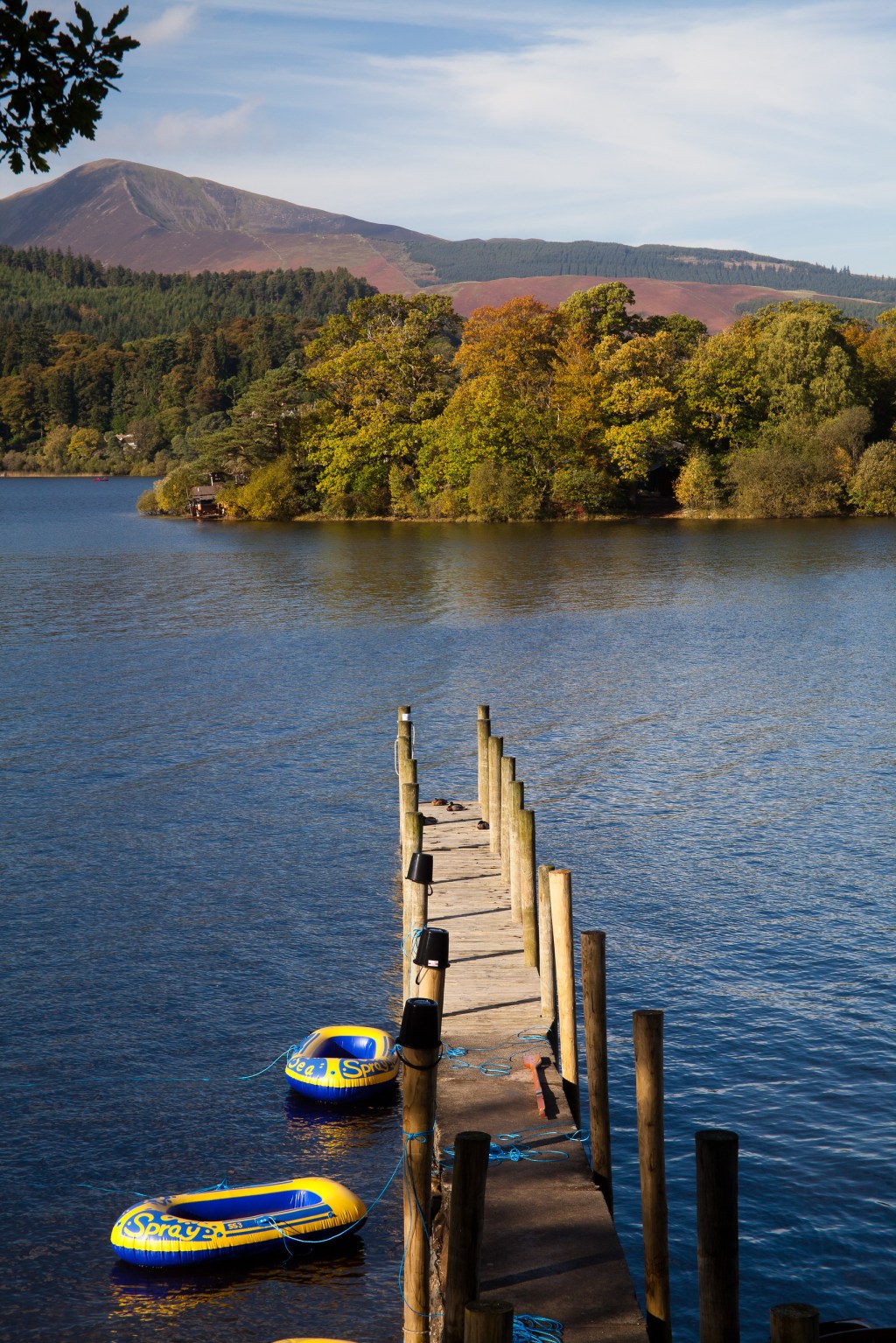


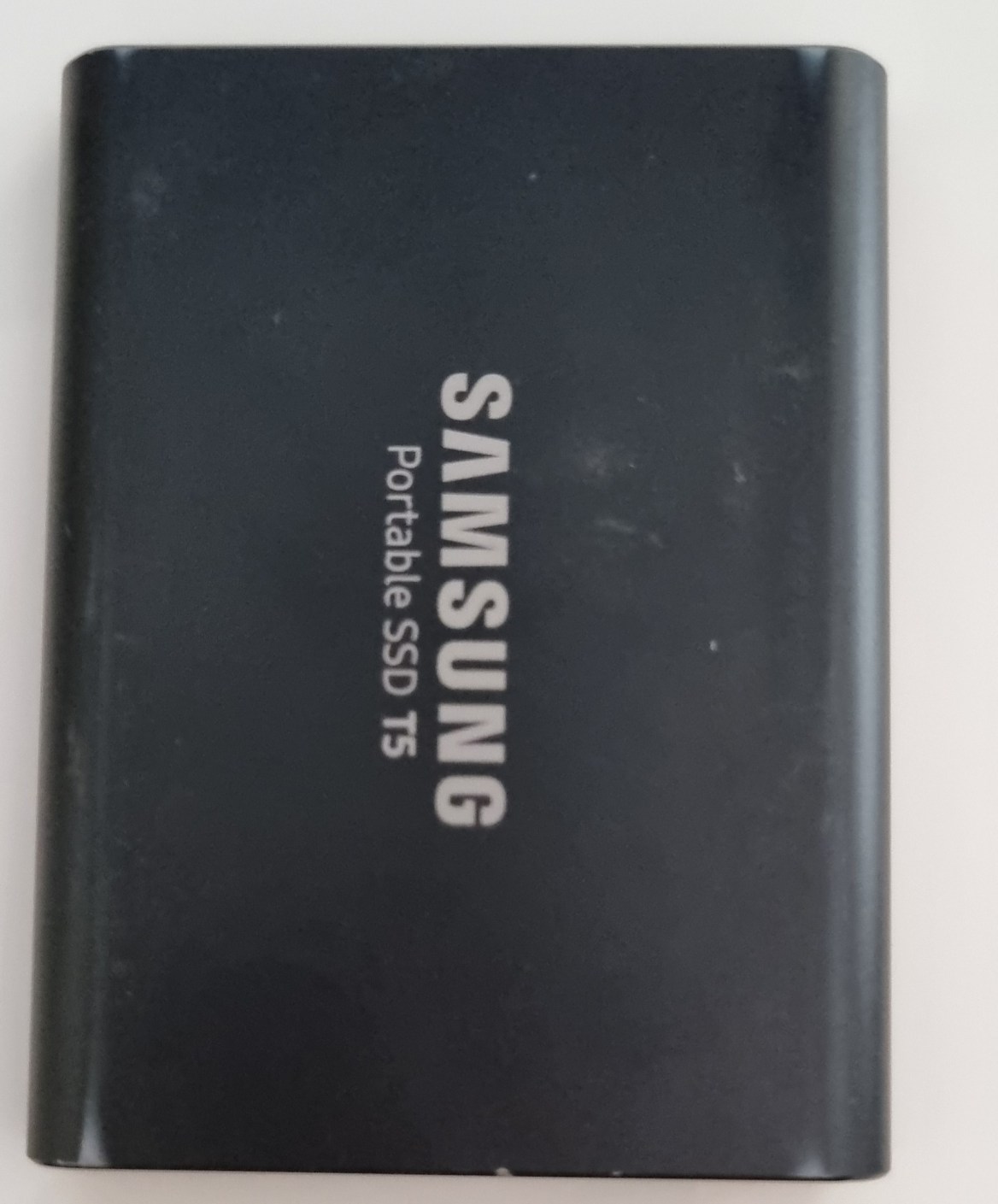


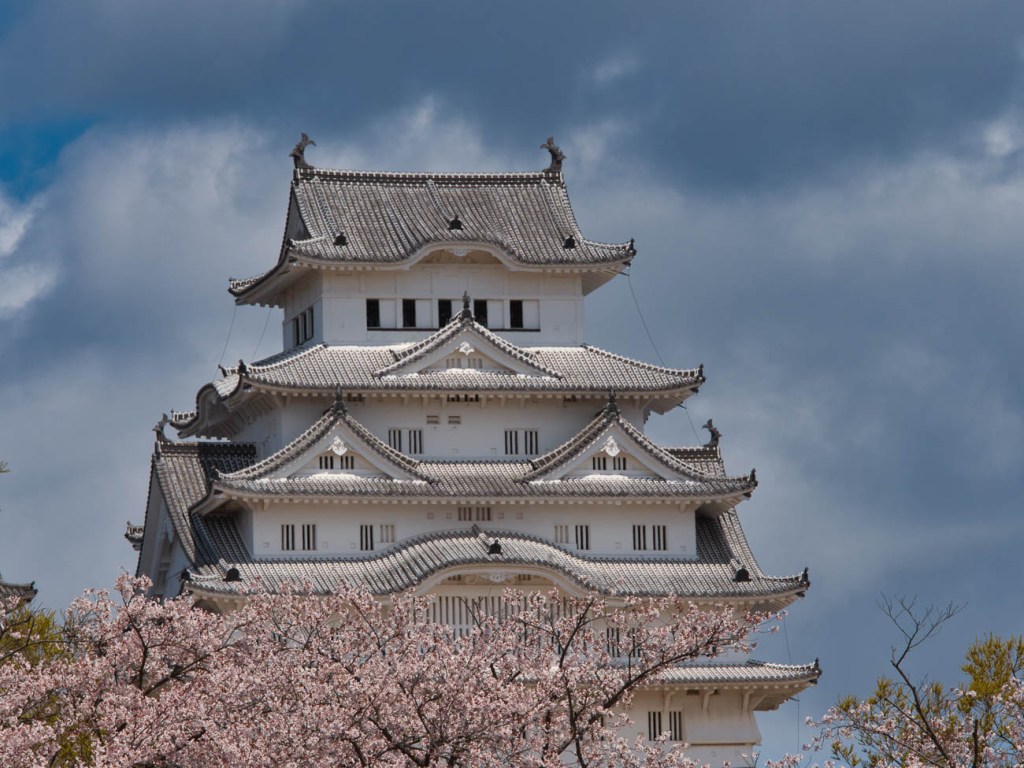


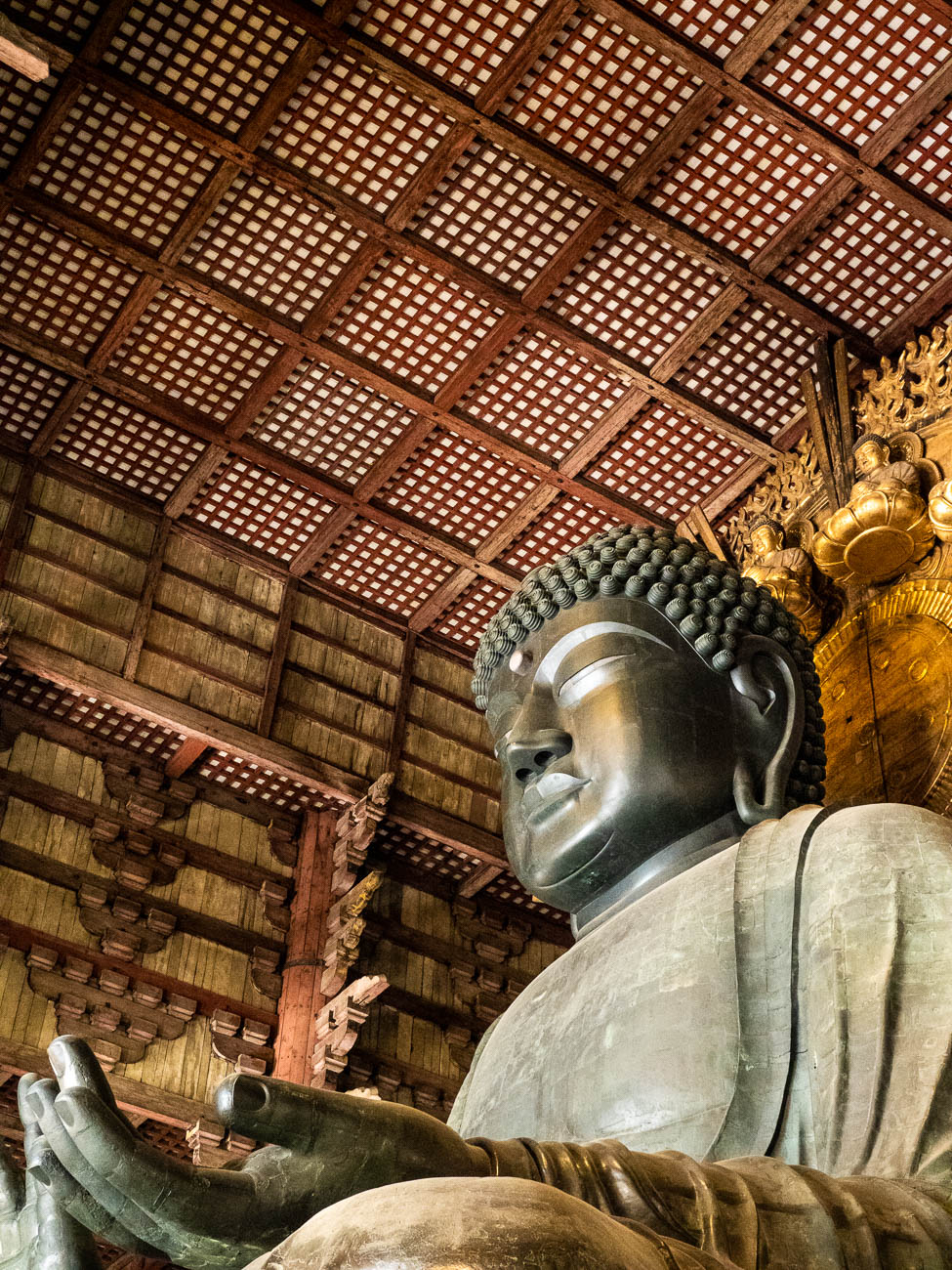




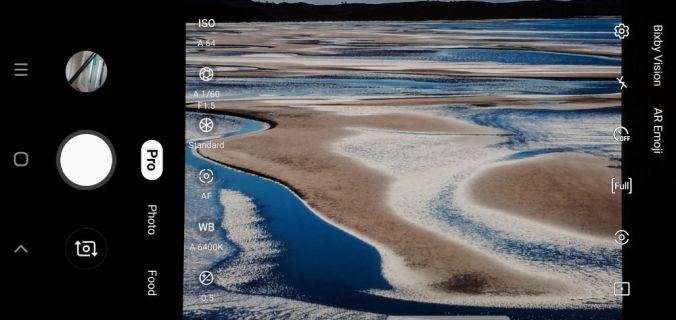
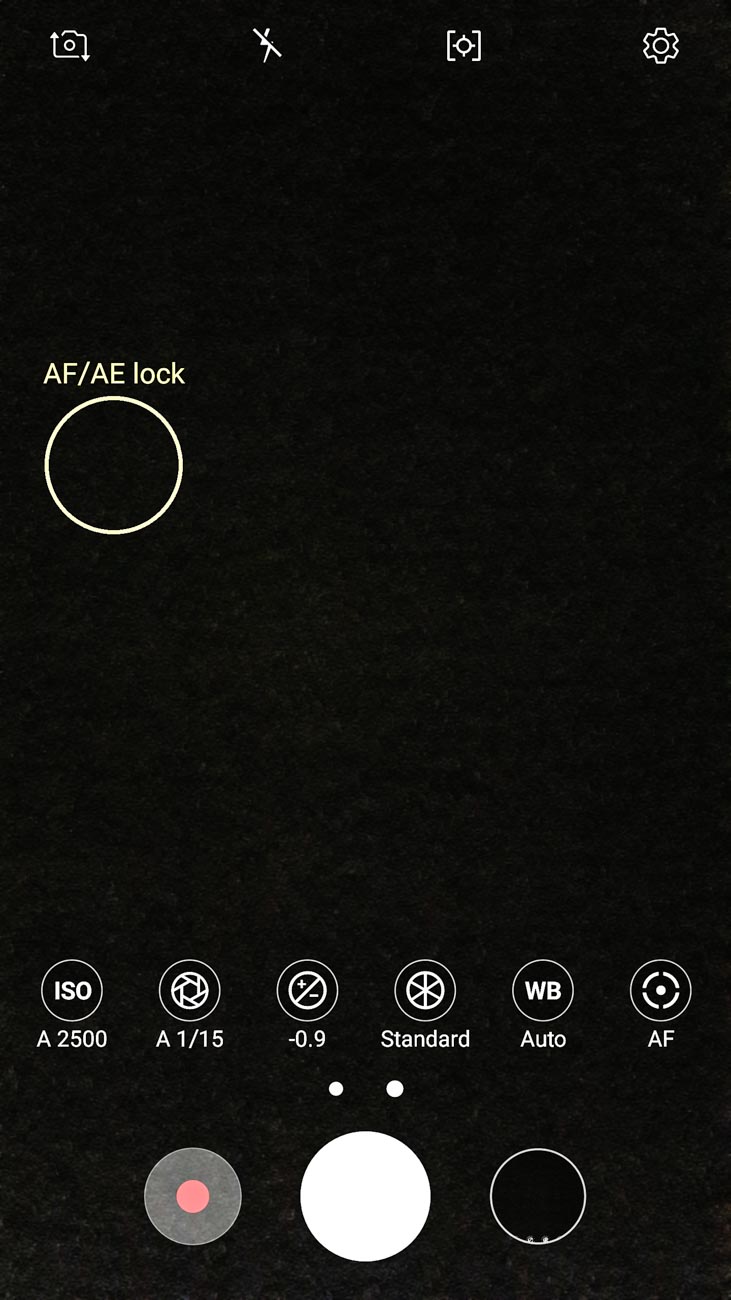
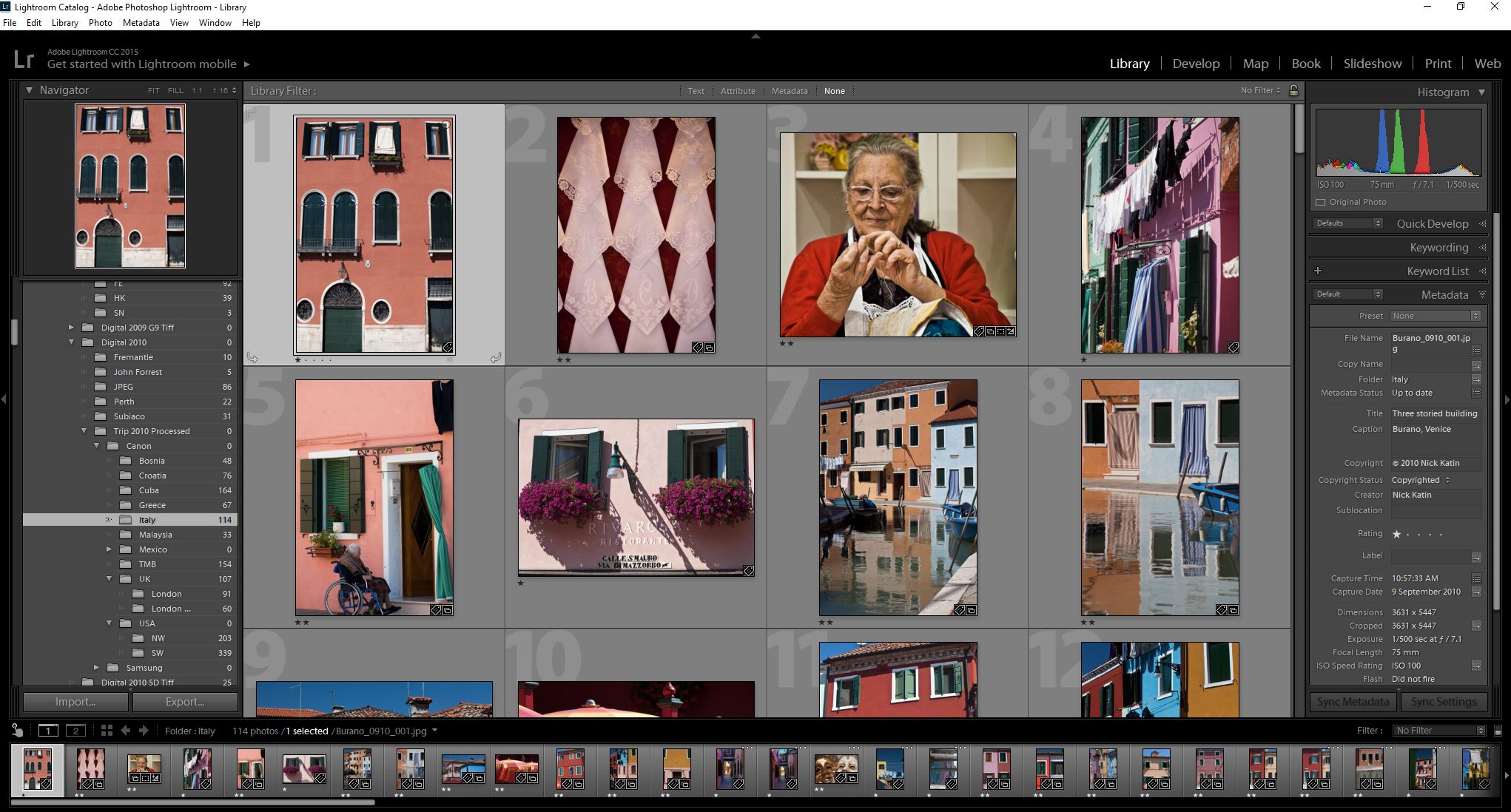
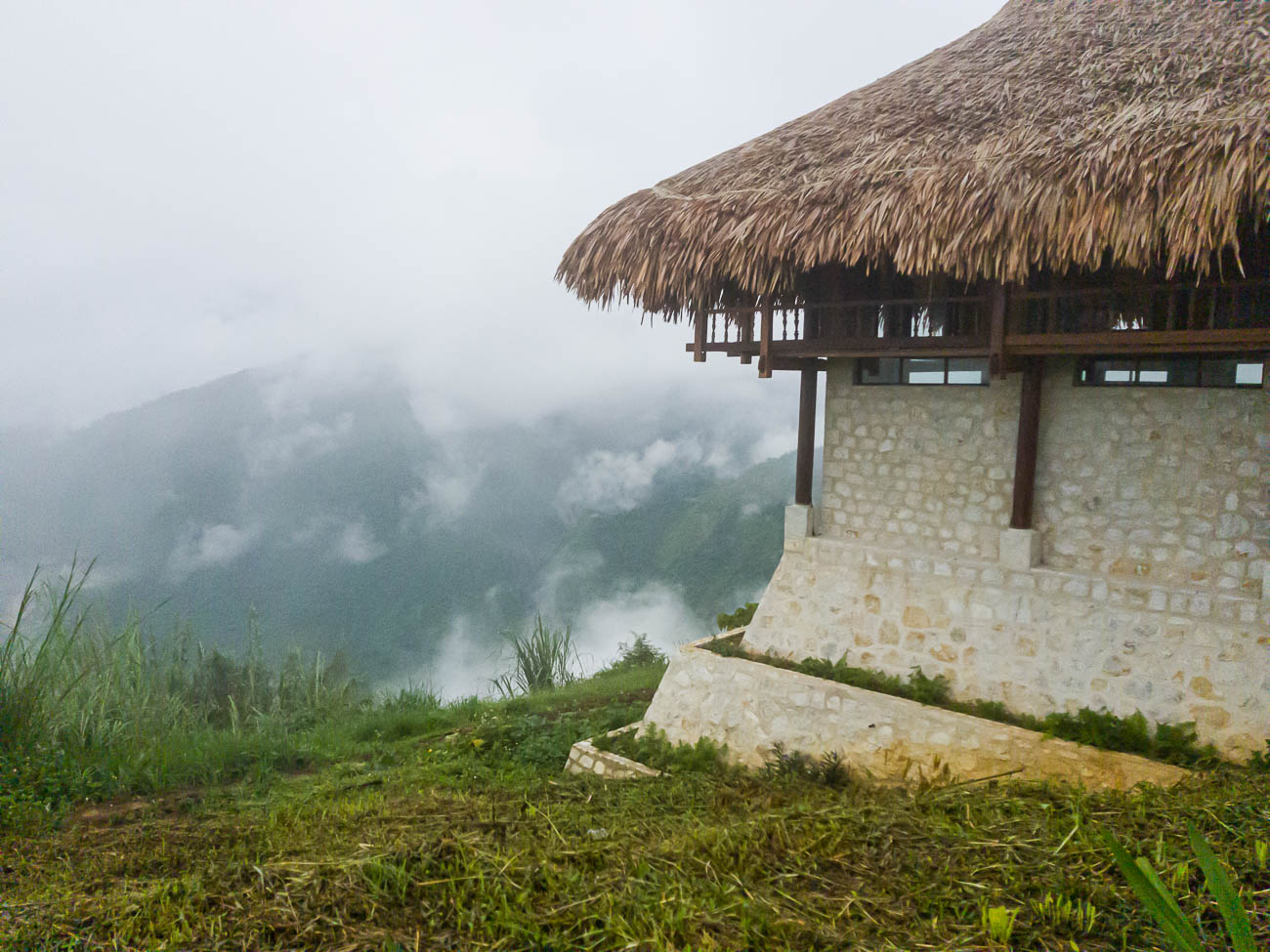
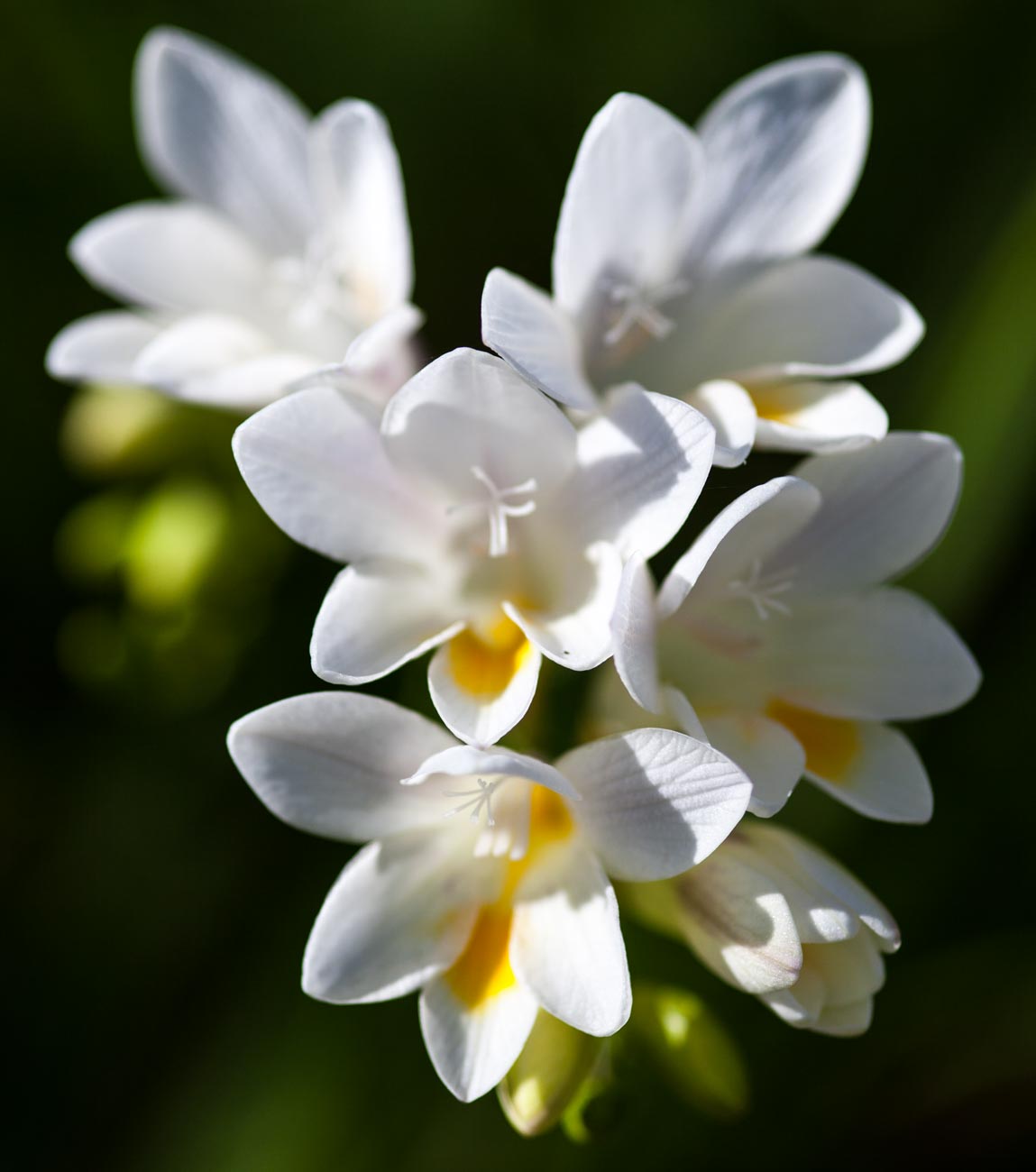

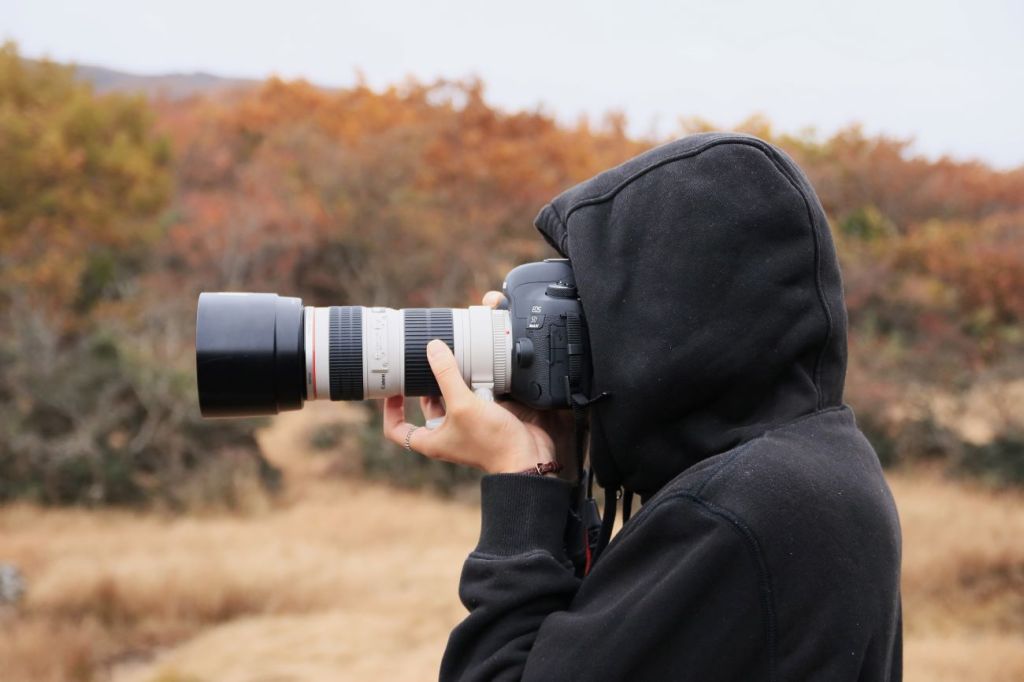
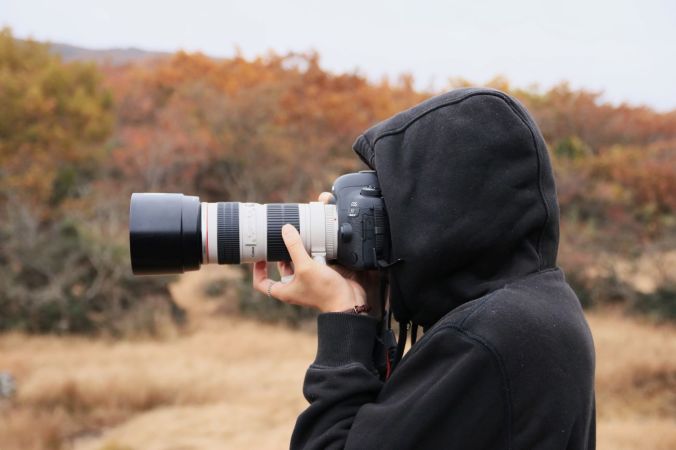
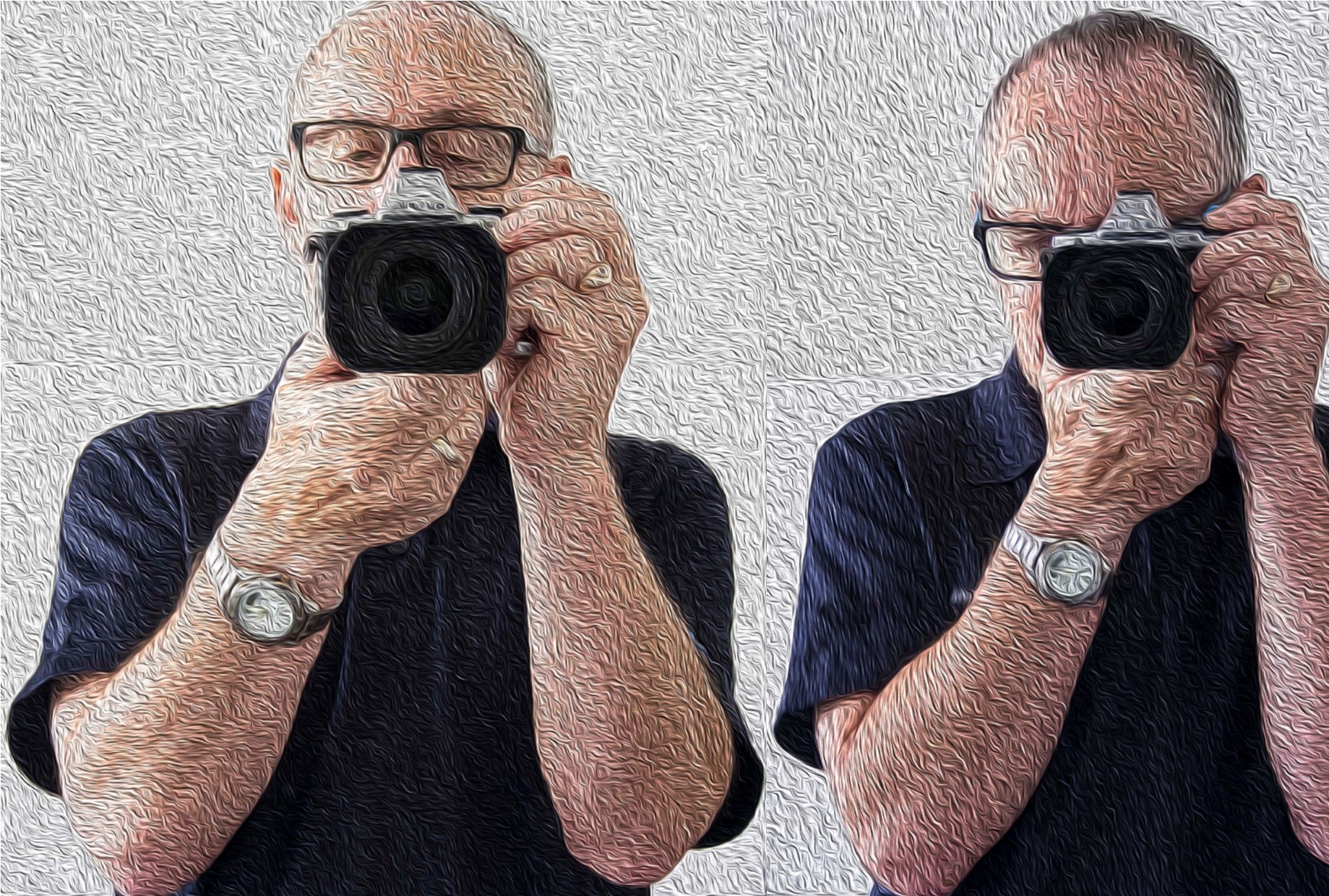


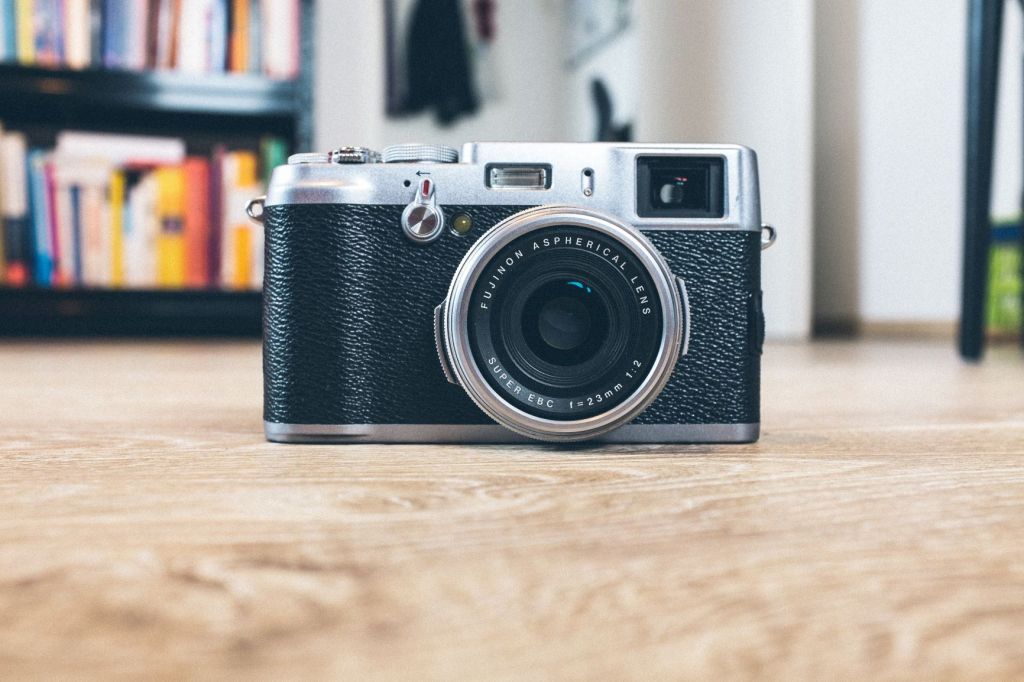

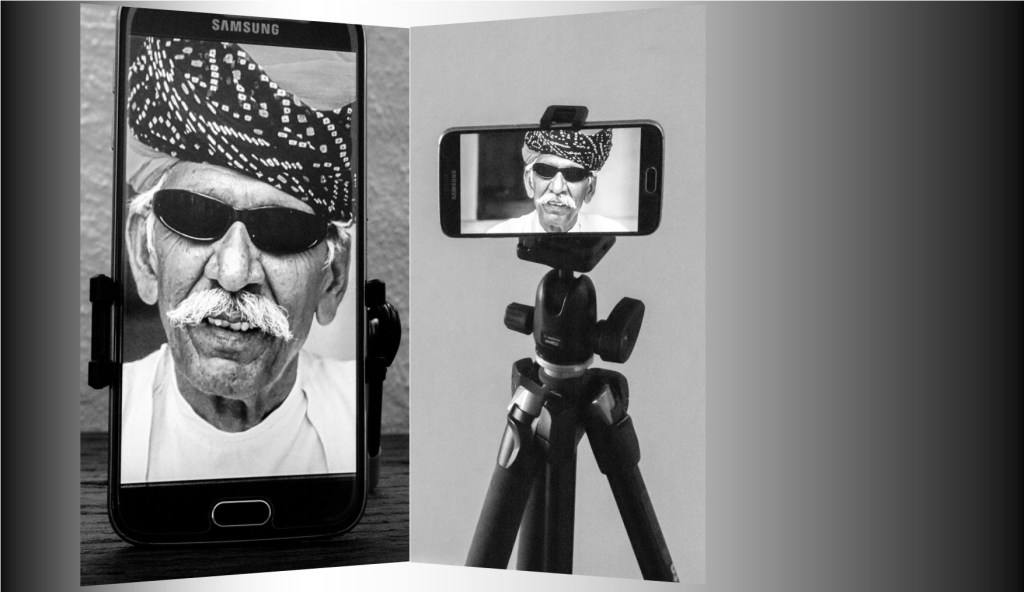
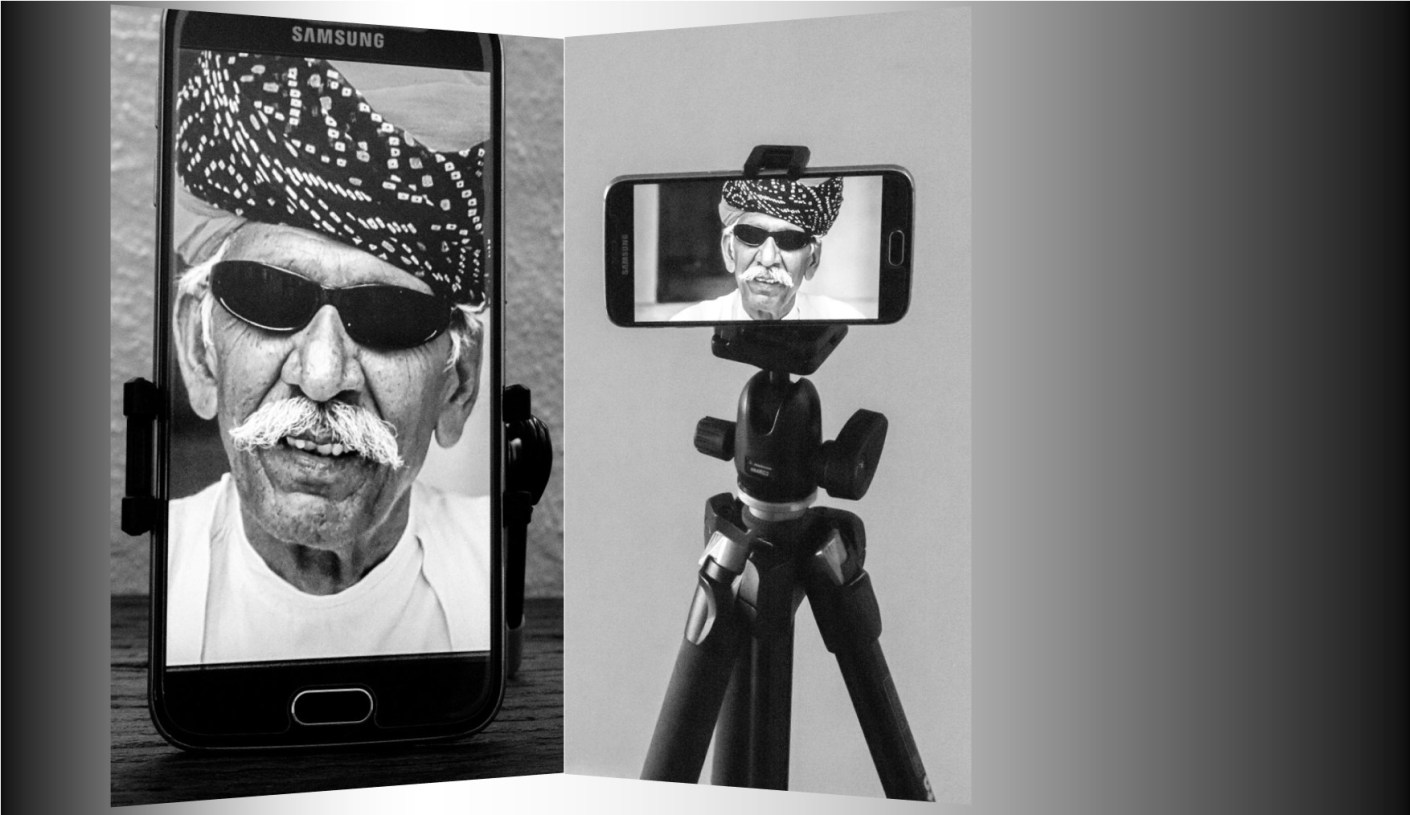
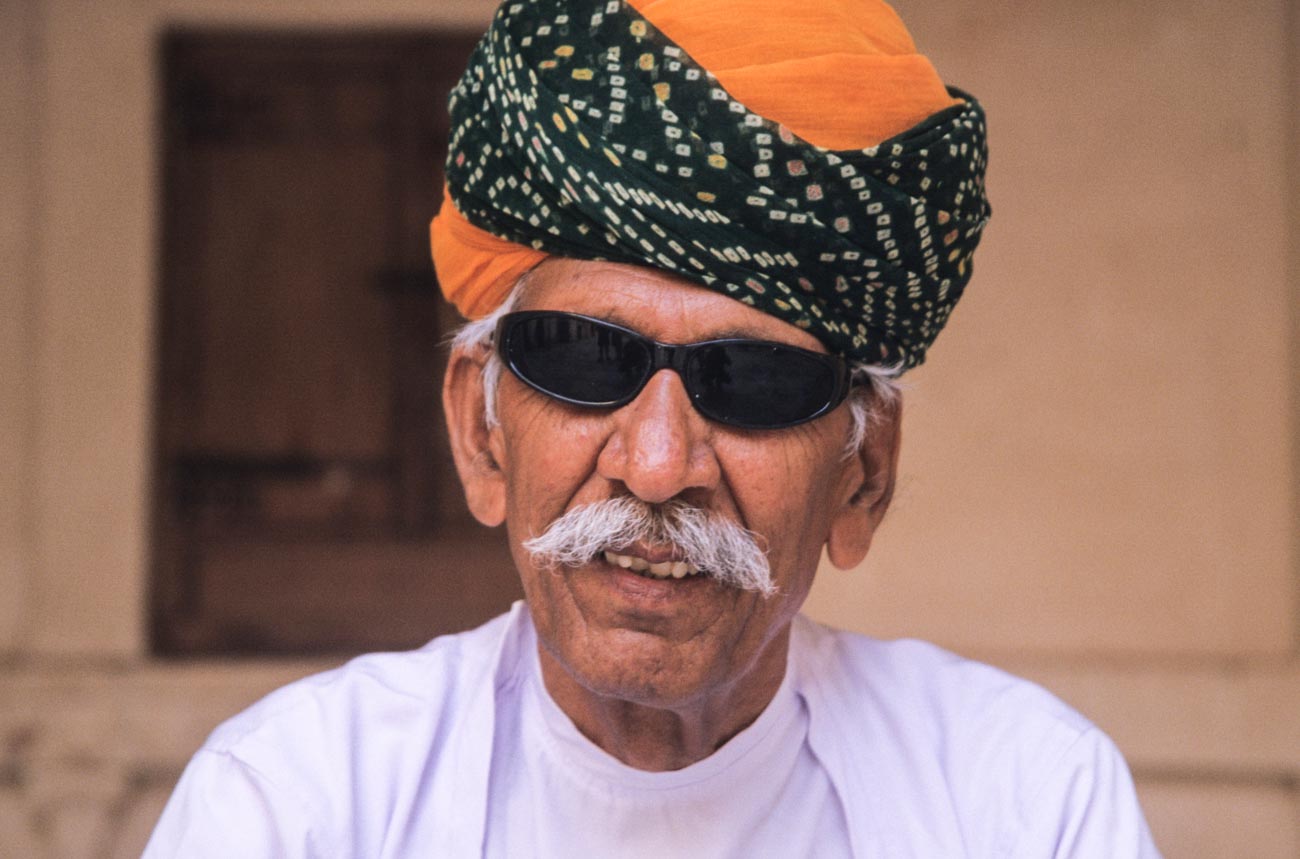
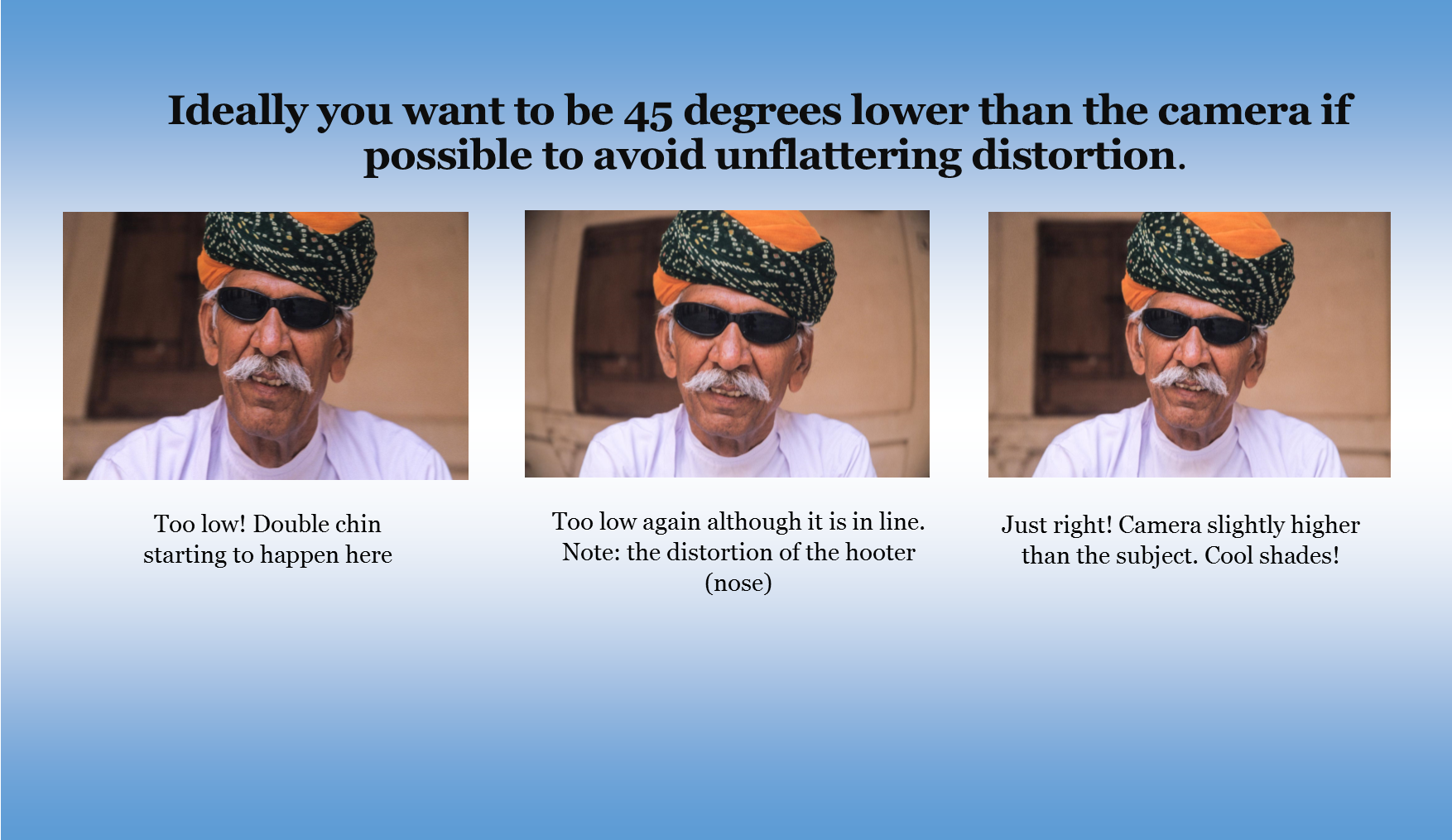

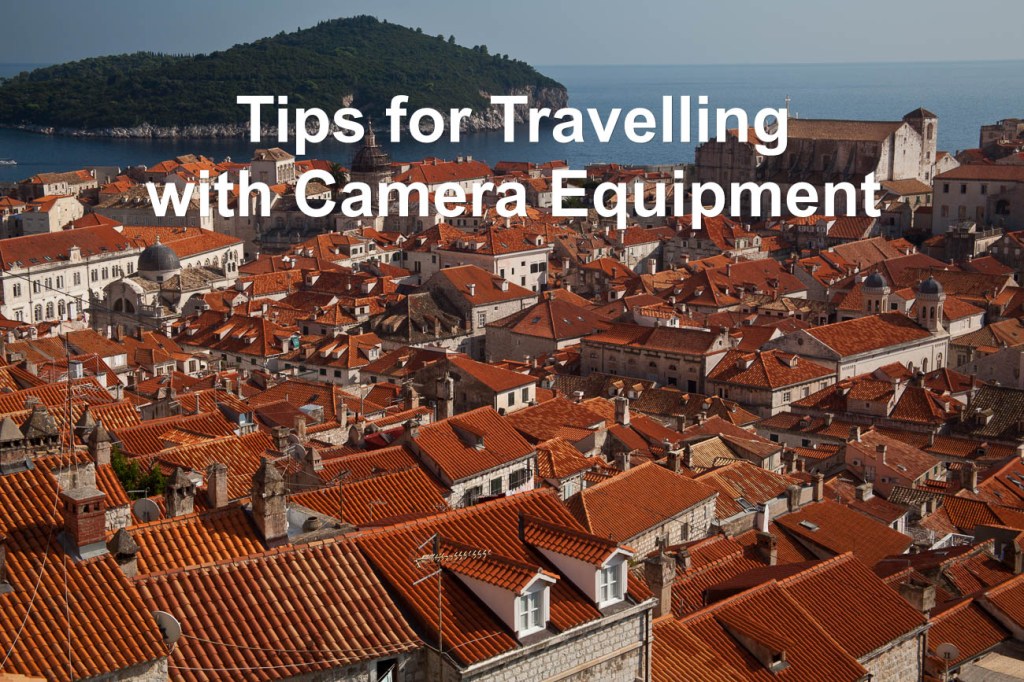


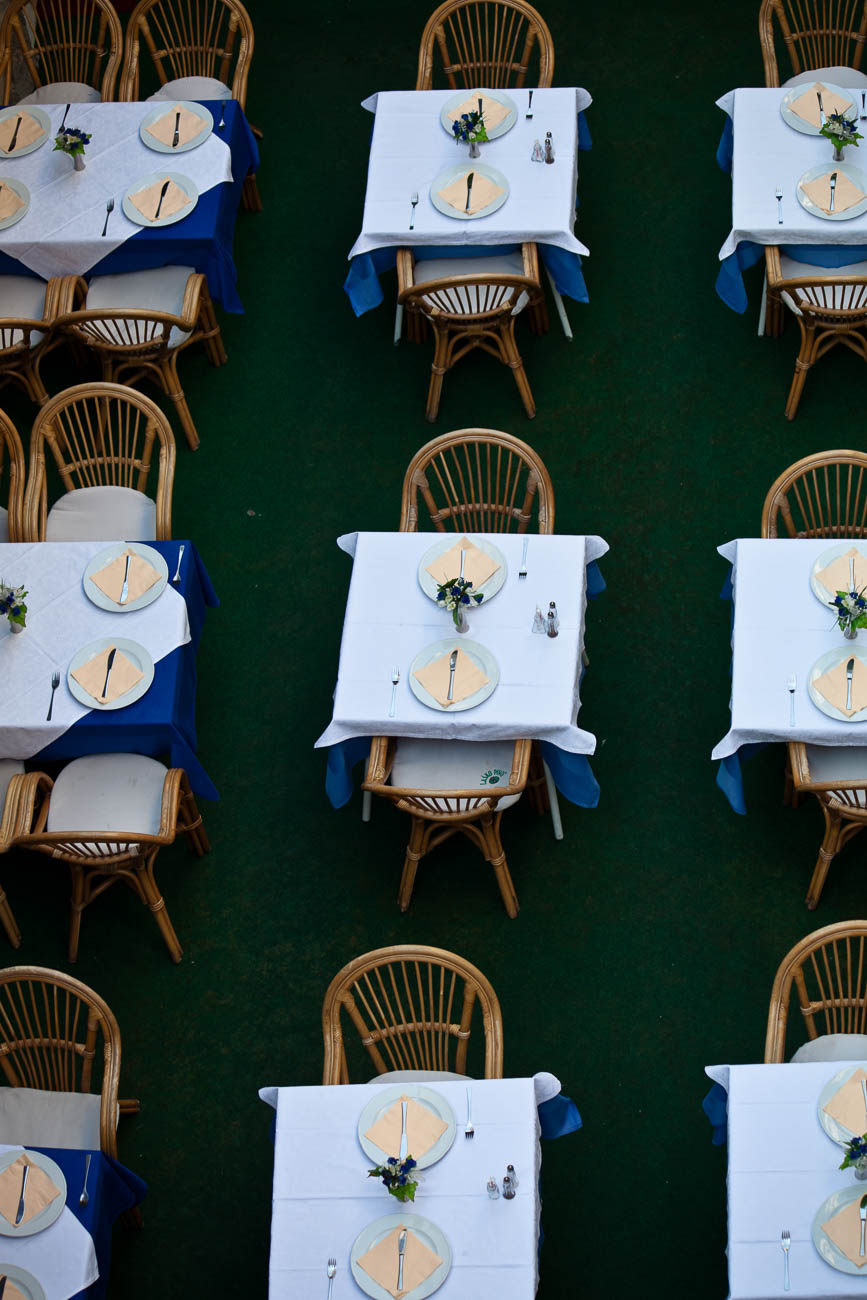


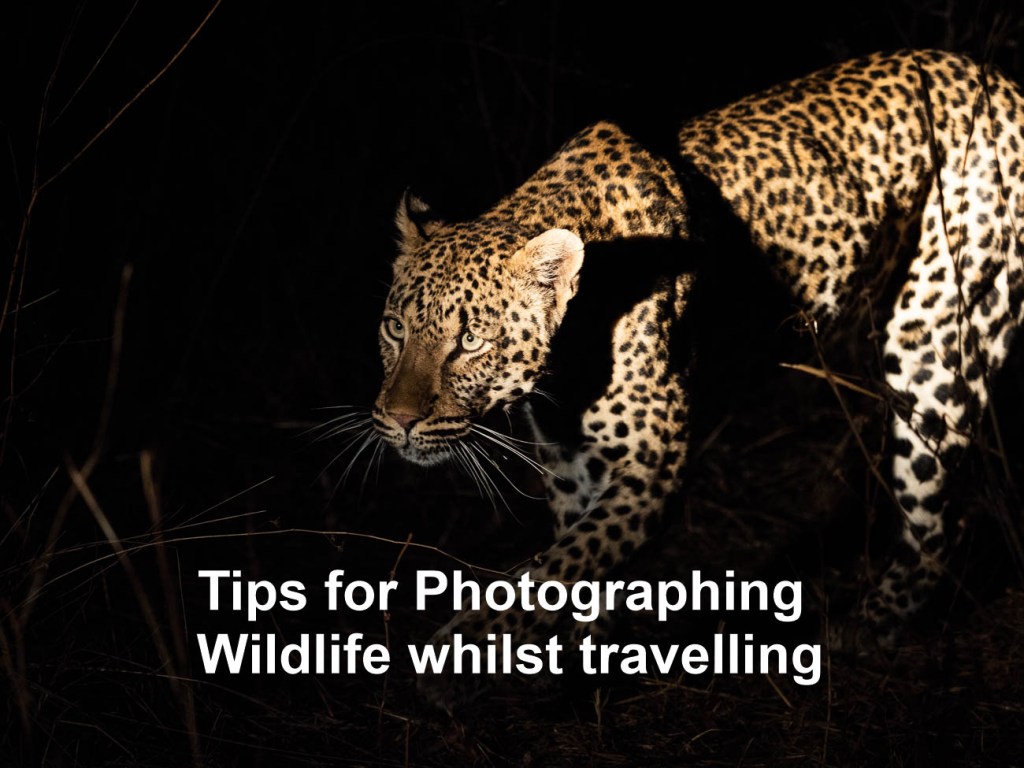

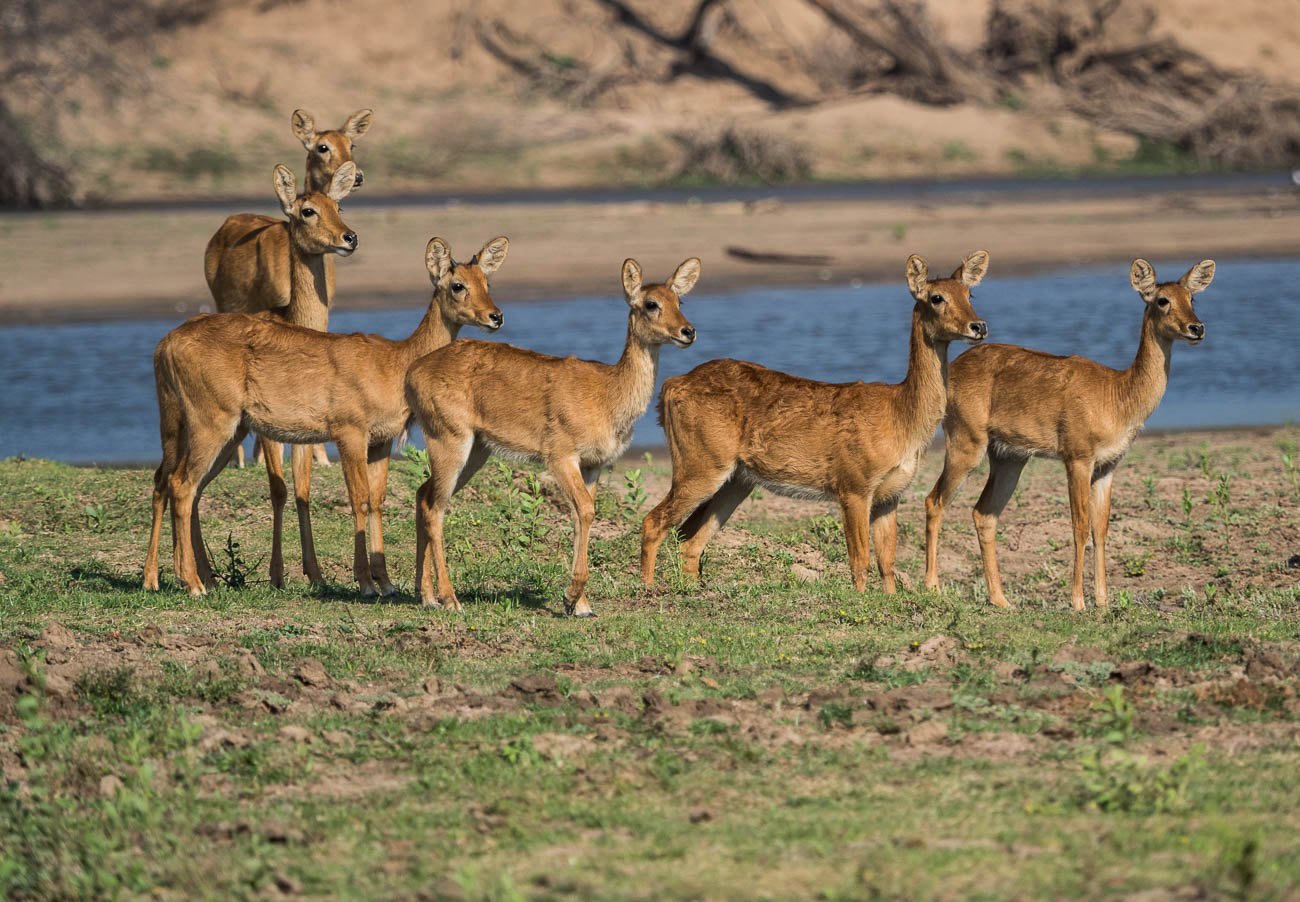


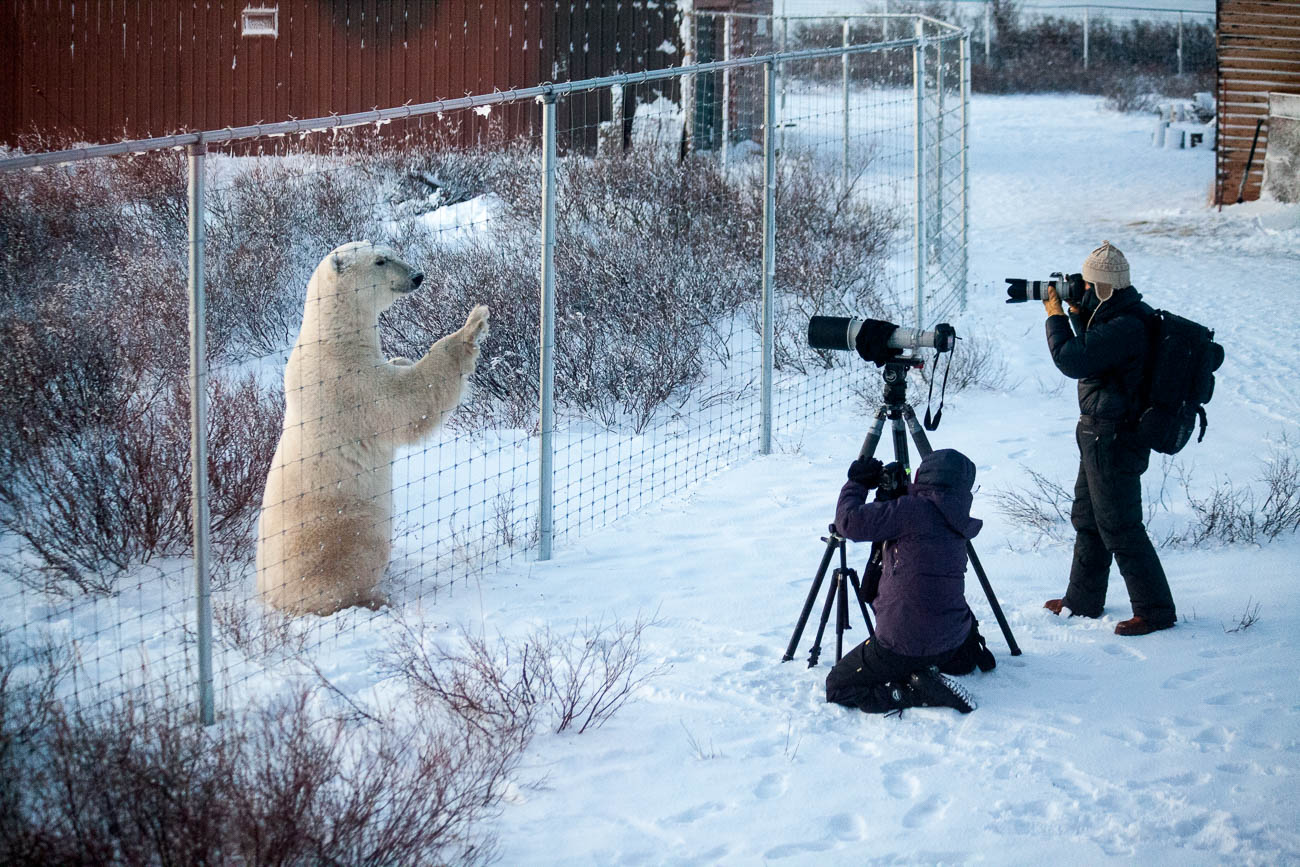
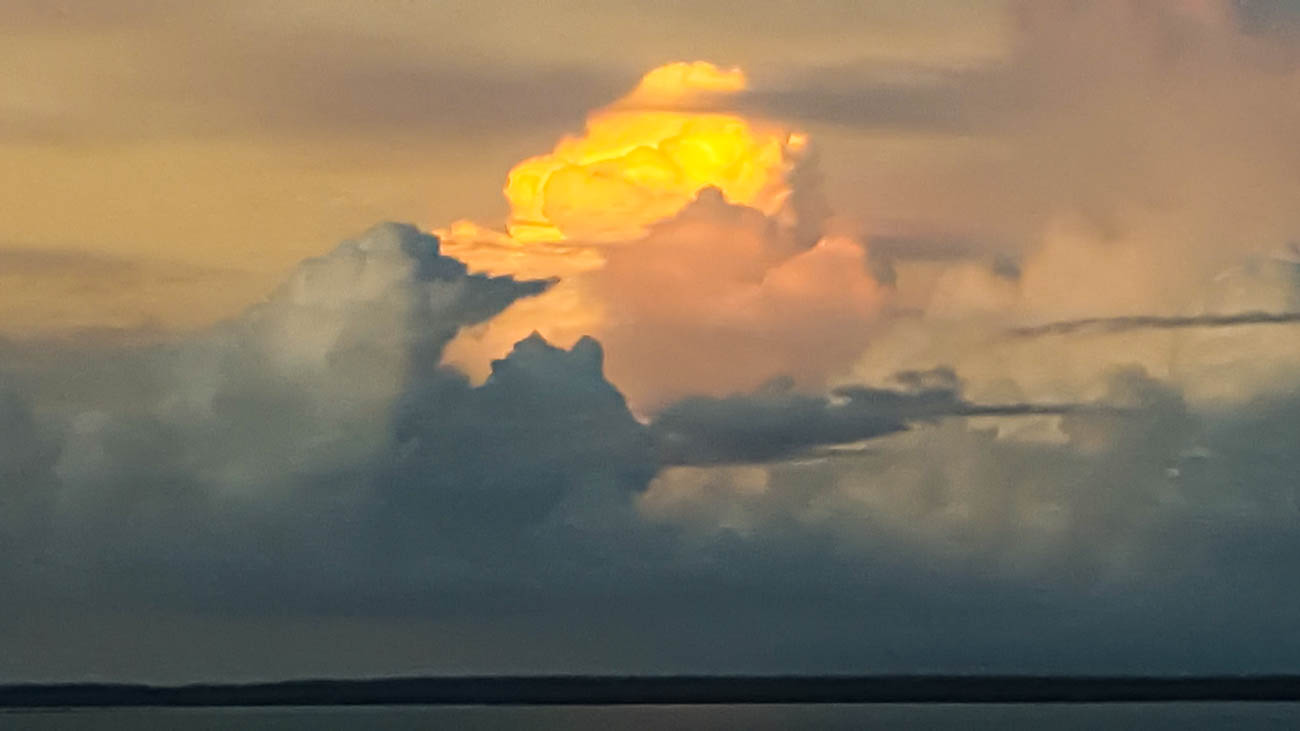
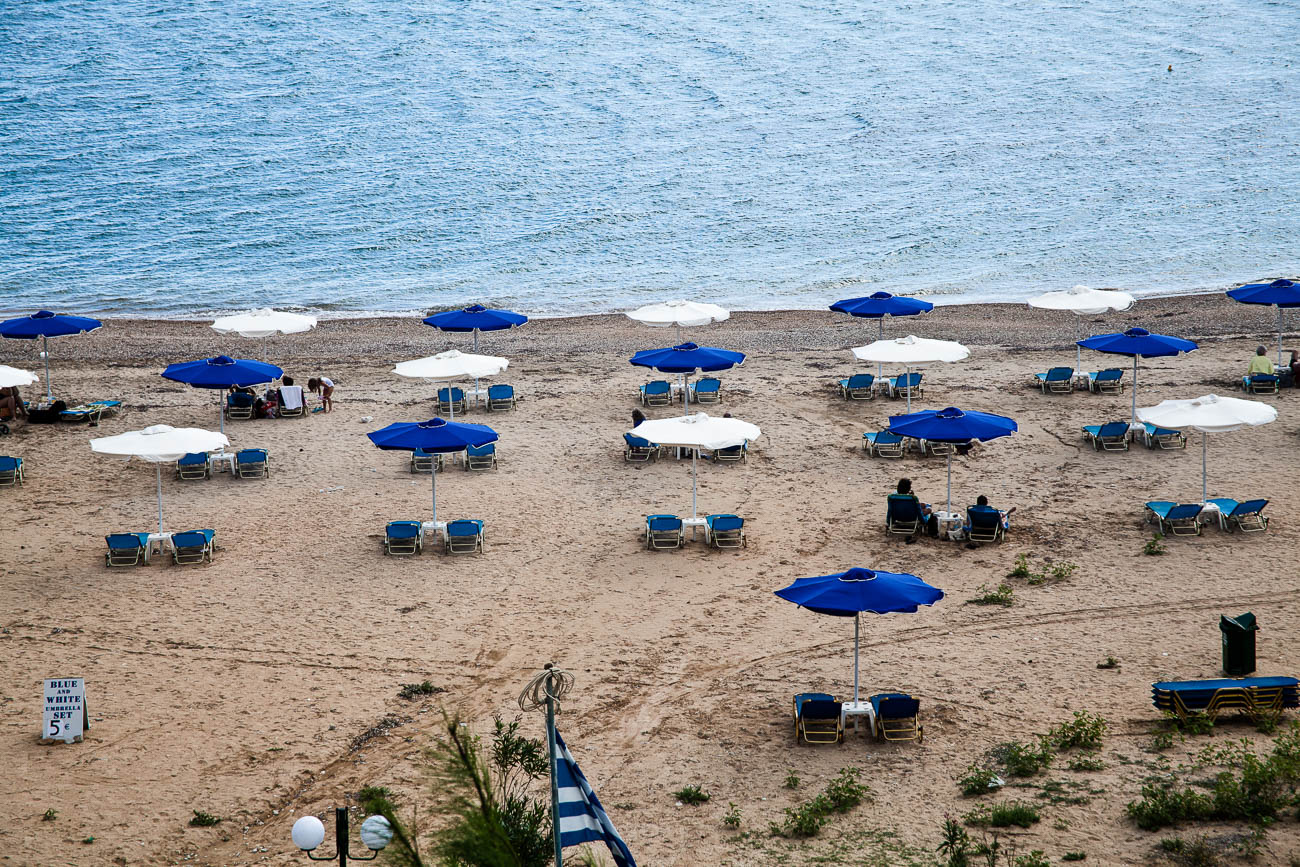


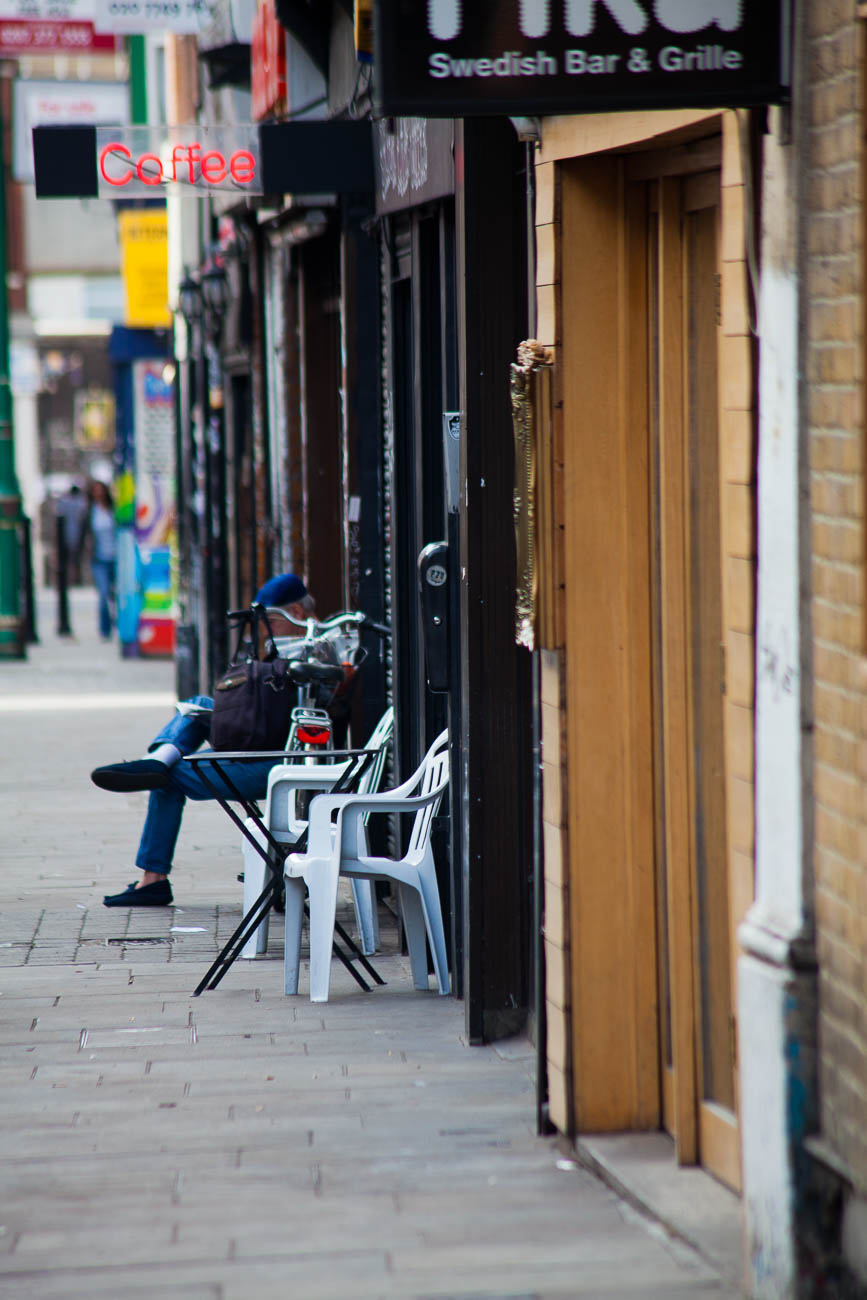
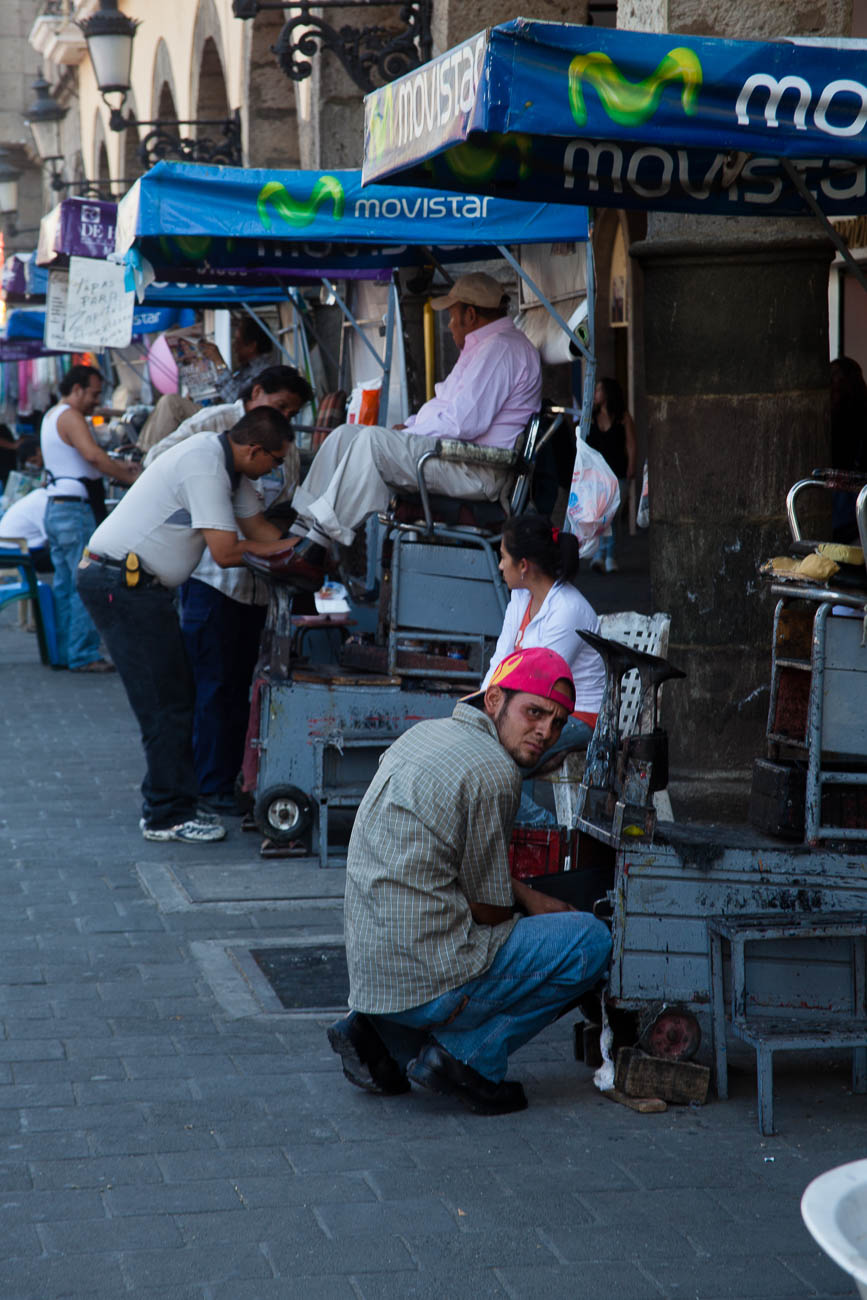
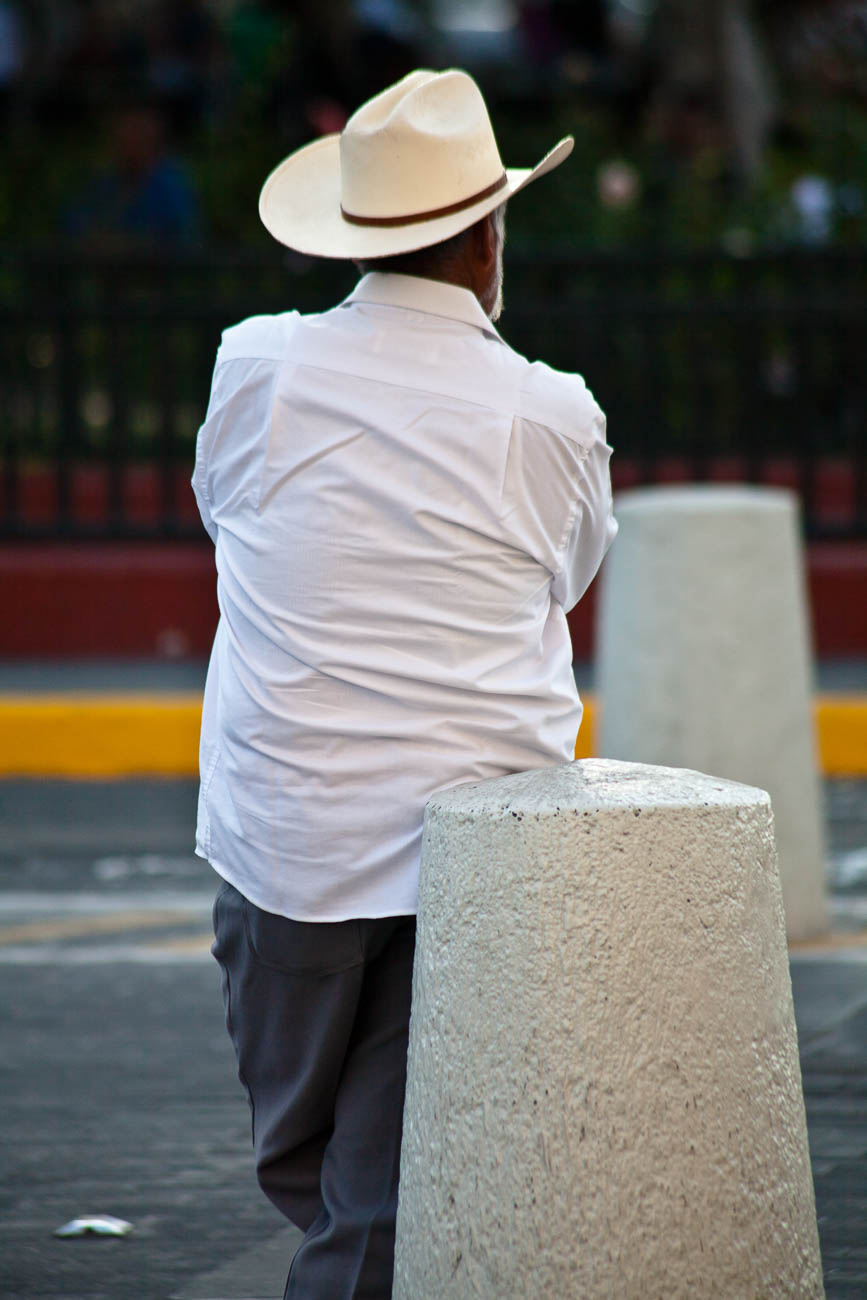
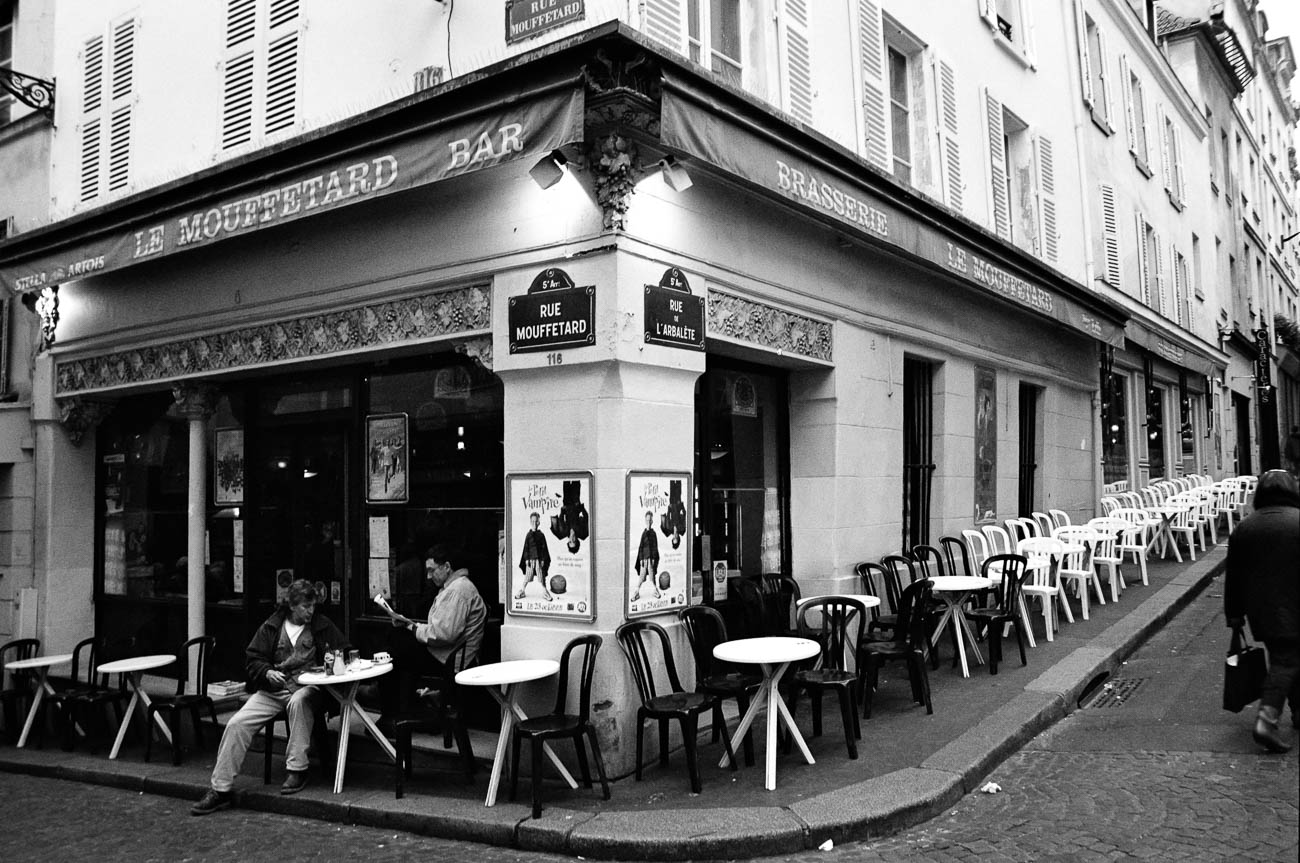
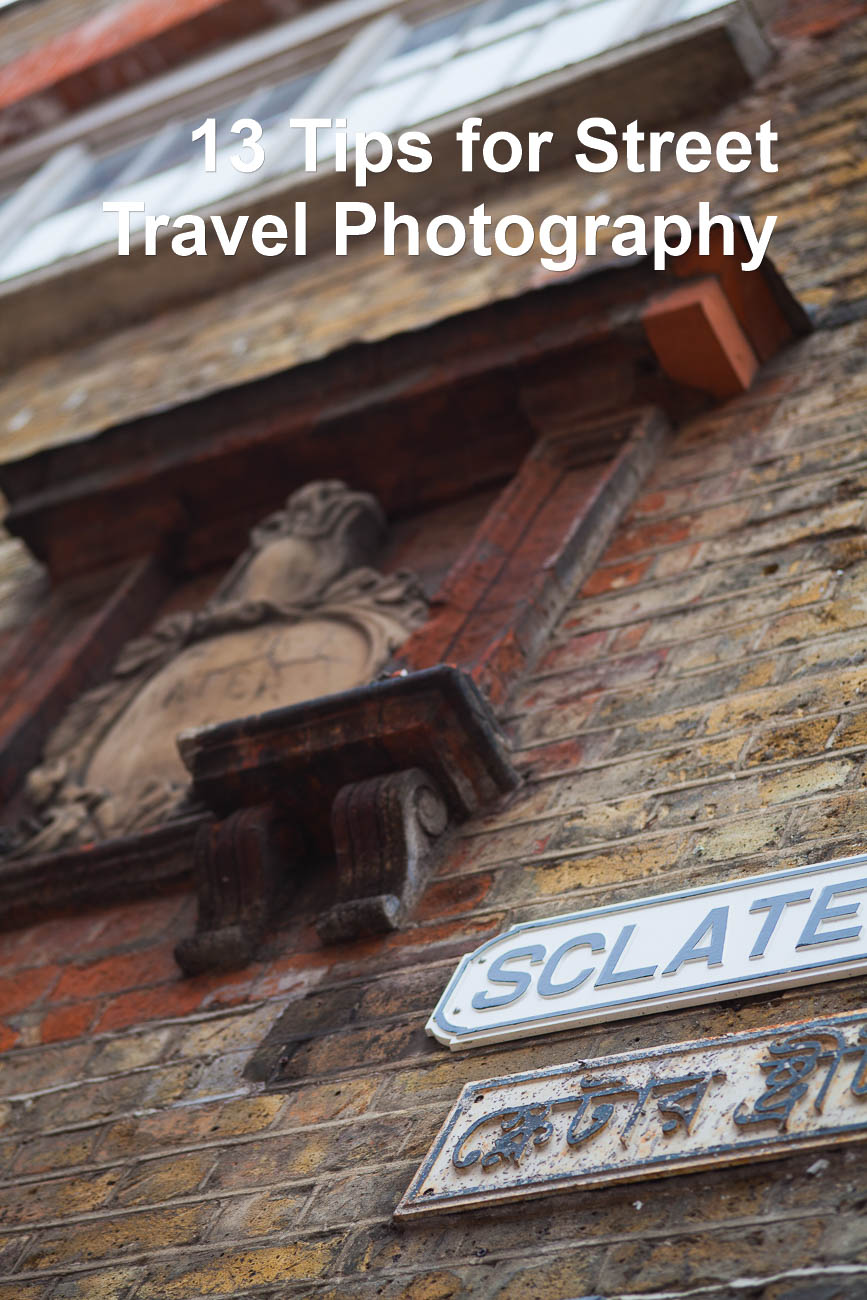

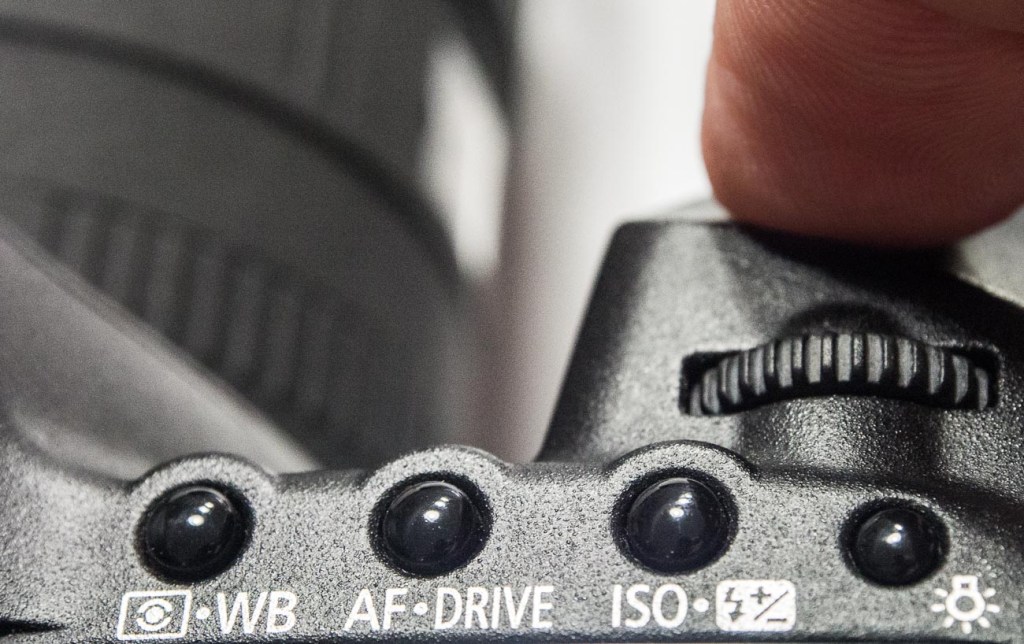
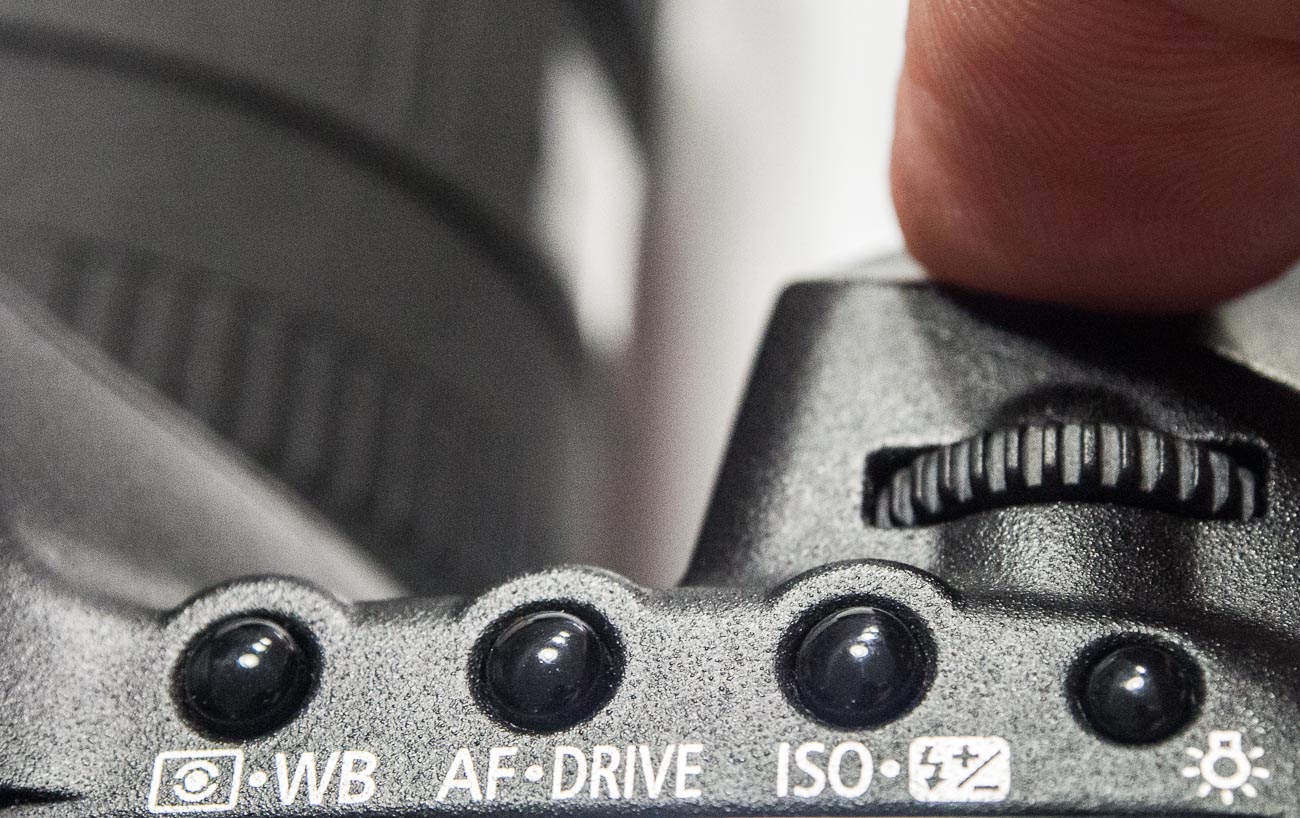


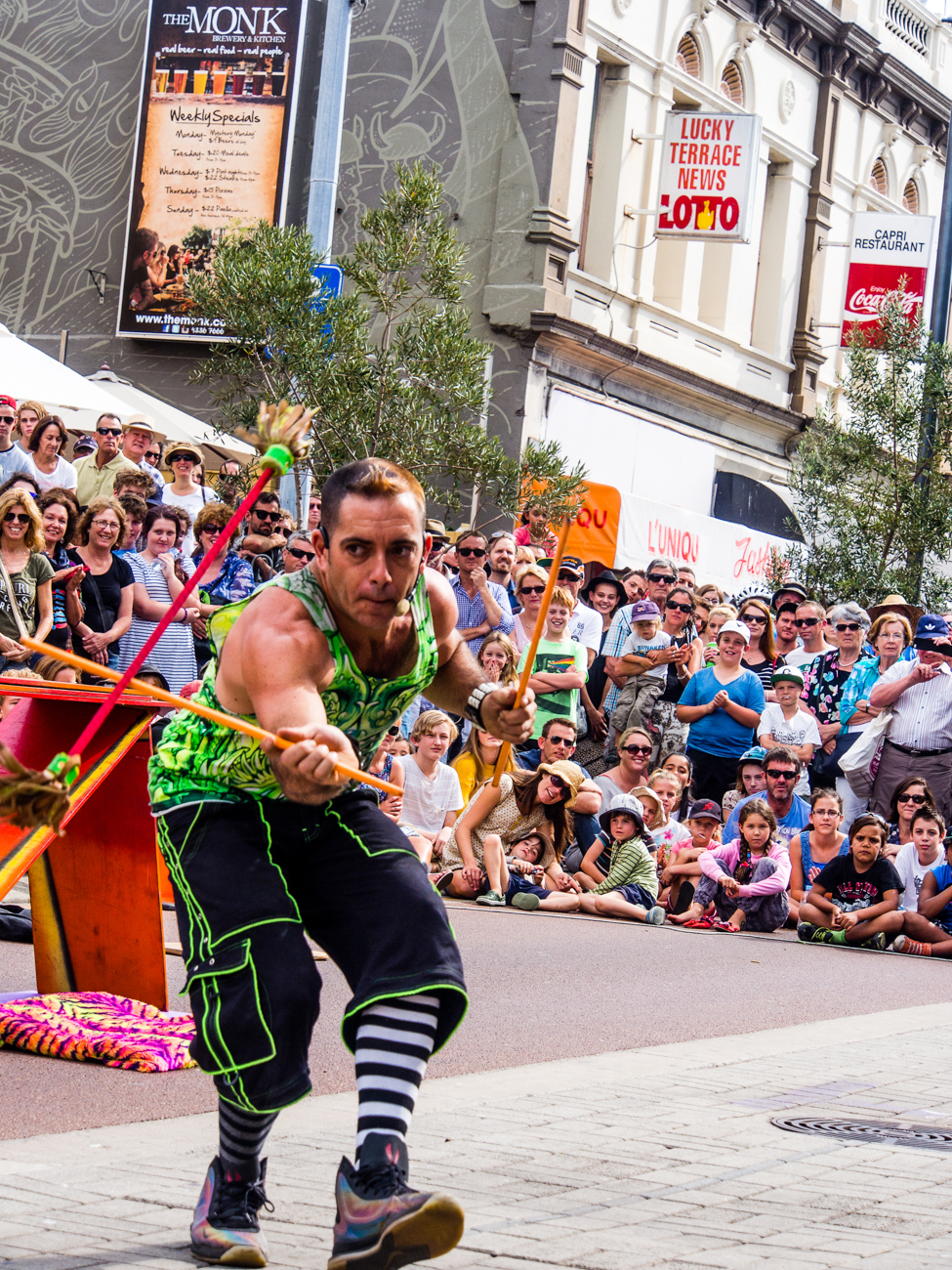


 Katin Images Travel Photography