
Category: travel photography
-
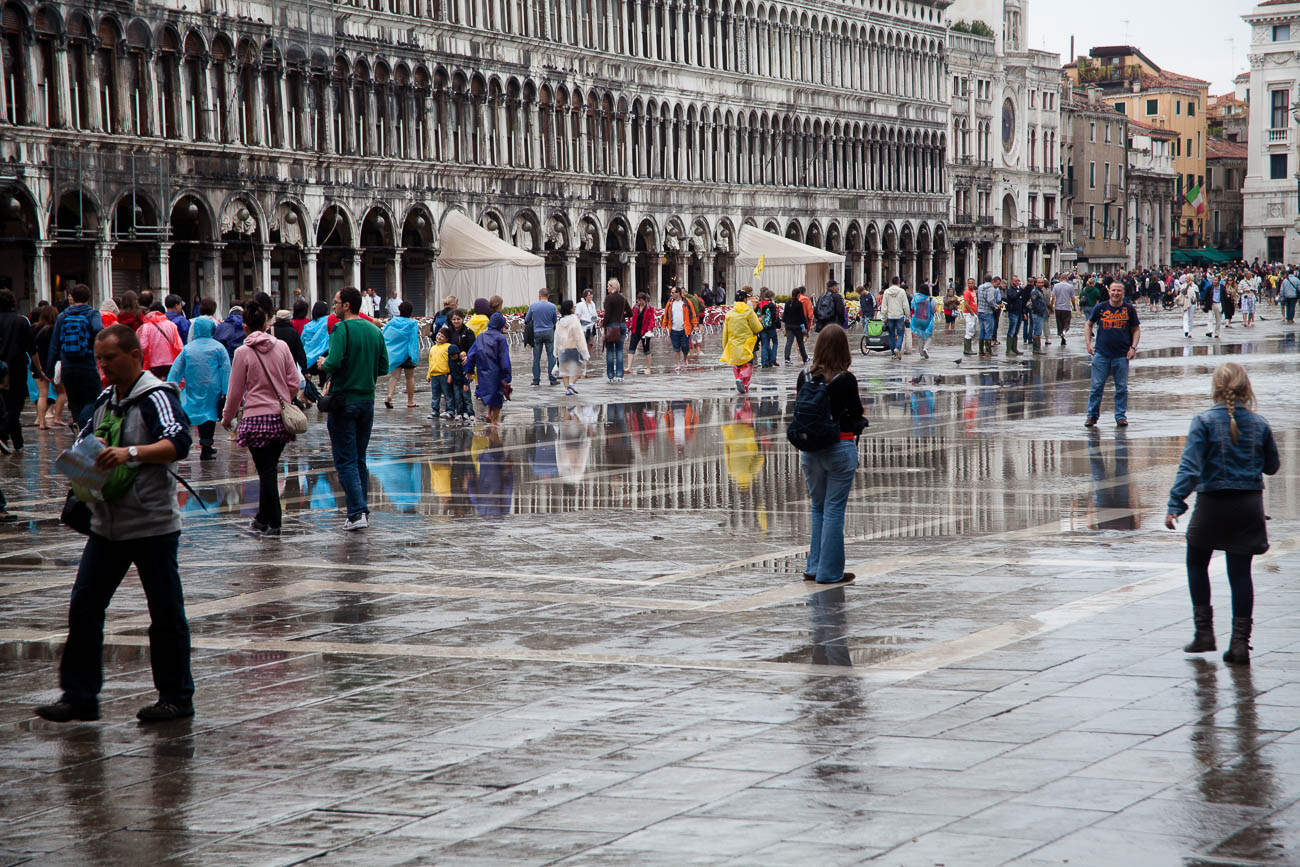
Wet Piazza San Marco, Venice
Wet Piazza San Marco Venice. click on the image for a larger view and other options -
Canal footbridge Burano, Venice

Canal footbridge Burano, Venice. Click on the image for a larger view and for other options. Share this:
-
African Elephant in South Luangwa NP, Zambia.
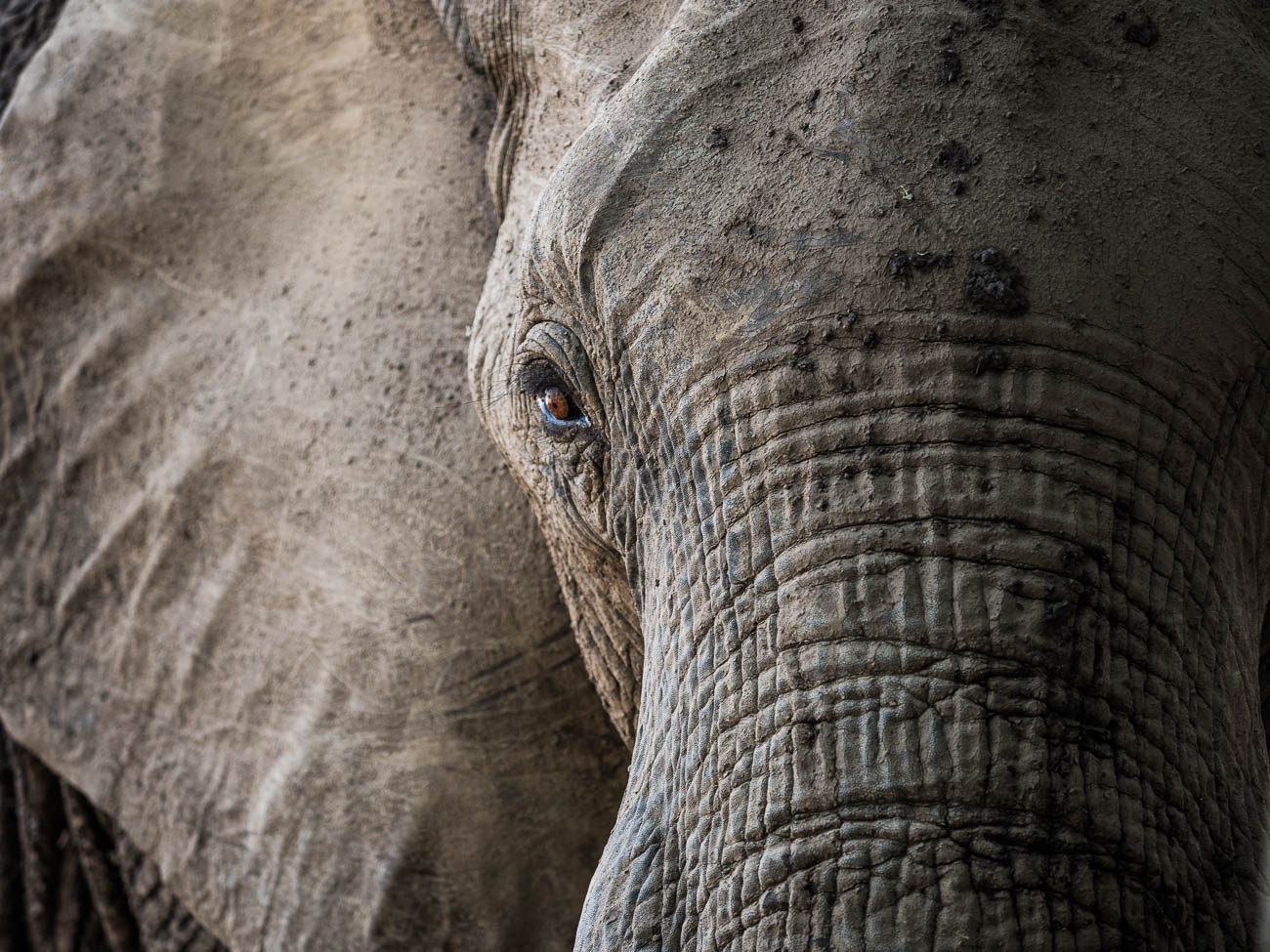
African Elephant in South Luangwa NP, Zambia. Click on the image to view a larger version and for other options Share this:
-
El Castillo the Pyramid, Chichen Itza, Mexico
Planning and Preparation for Travel Photos

El Castillo the pyramid, at Chichen Itza, Mexico. Click on the image to view a larger version and for other options Share this:
-

Learn how to use aperture priority in 15 minutes
You’ve got the new beaut camera or maybe you dusted off an old one that you’ve had for a couple of years and instead of using your smartphone, you thought you would use this for your marketing images. After all you have enough of searching for stock photos that just aren’t what you need.
After looking at this camera you realise there’s a dial on it that says A, P, S and P and maybe a couple of other items like the picture of a video camera, auto or some other sign that gives you choices to select a genre. But you’ve heard that the best way to shoot is to use “A’. But what is A?
Well it’s Aperture priority. Now to refresh your memory on what aperture is I’ll send you off to have a quick read of these 2 articles.
10 Vital Facts about Camera Aperture
Understanding the 3 points of the exposure triangle
So now you’ve done that or at least scanned it. Lets’ go forward
A stands for Aperture – yes, you’ve worked that out. Great!
Aperture is measured in f-numbers. An f-no. or f-stop is the size of the aperture and by moving that dial you control it.
Usually the numbers relate to a stop and each stop represents twice the preceding value and half the next higher value. So, if the number was 1 then the next number would be 2 and then the next number would be 4 and so on.
In f-nos they look like this:
f/2.8, f/4, f/5.6, f8, f11, f16, f/22 which is slightly different from what I just told you and that’s because it works in the amount of light it lets in. f/4 lets in half as much light as f/2.8, f/5.6 lets in half as much light as f4, f/8 lets in half as much light as f5.6 and so on.
It is arguable that changing the Aperture setting is the best or at least one of the best ways to be creatively in control with the final image that you want.
So why would you want that? Well from a creative control point of view it gives you options.
Options like how much you have in focus;
Basically, as you look at a subject or scene you can set the F-no. so that you can decide what you want in focus. That could be just the subject or everything you can see within the frame.
How does it do that? Well I won’t go into the physics too much as you’re here to learn quickly and I don’t want you to get bogged down in detail.
In simple terms, the bigger the hole or aperture the less of the scene in front of the camera from front to back is in focus.
And that is called the Depth of Field (DOF).
Let’s look at this infographic that shows the differences in f-no in a plan or overhead view:
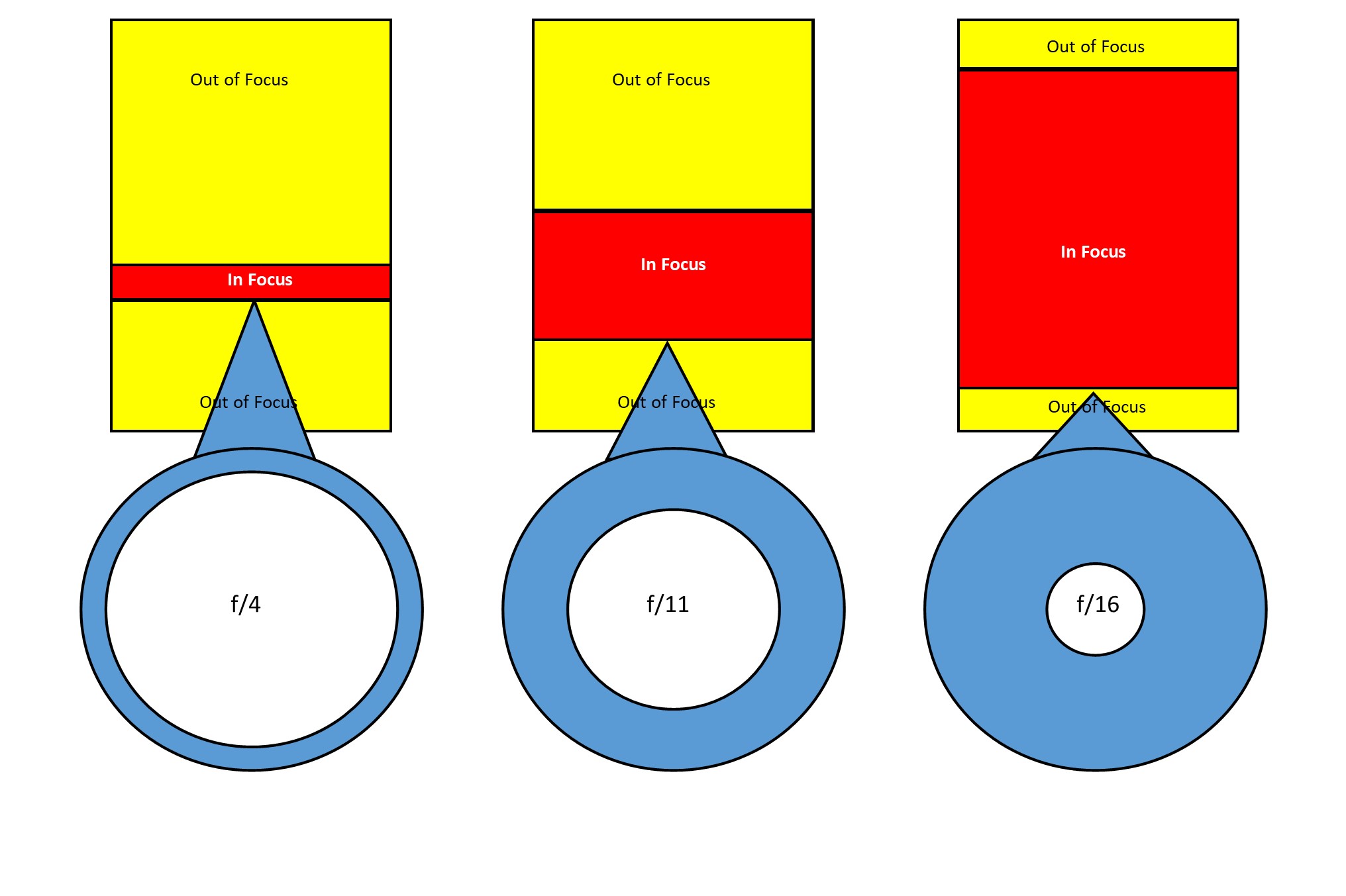
The left-hand side shows a shallow DOF due to a small f-no or a large aperture. The amount in focus is quite narrow. Whilst if we go to the right-hand side the amount in focus is significantly greater.
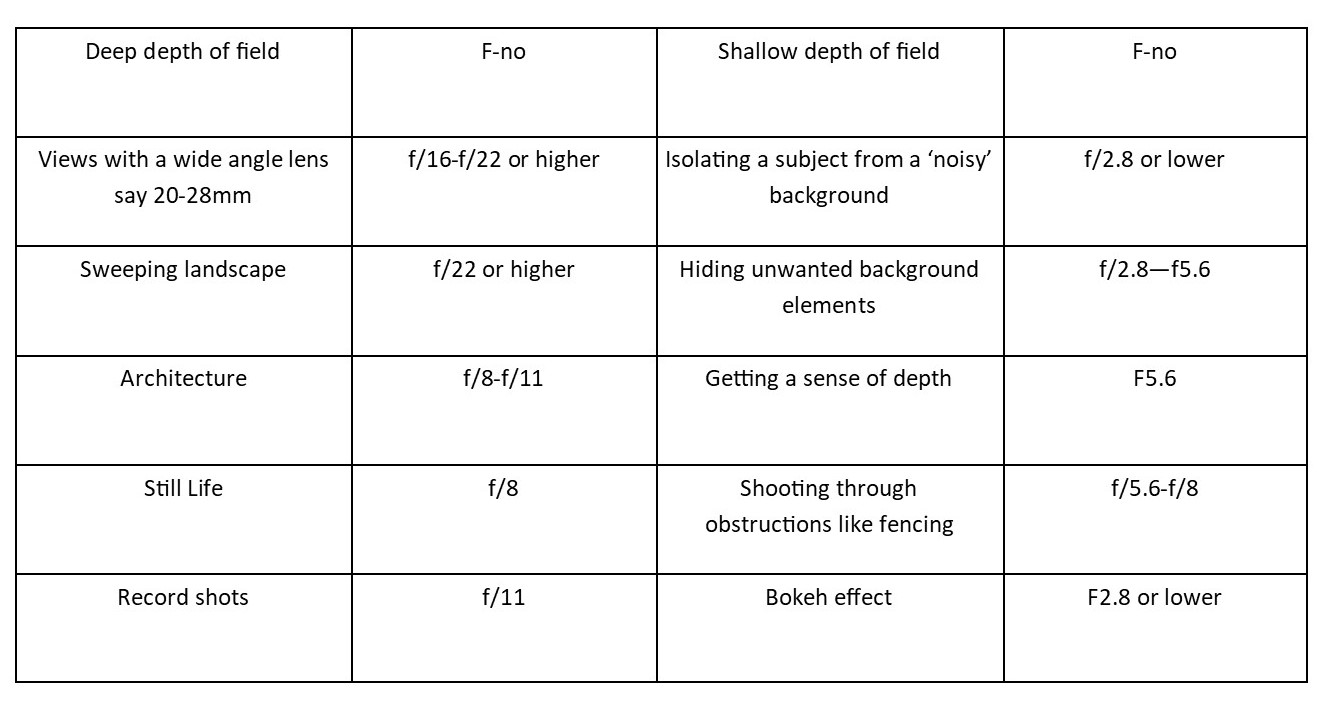
If I added another diagram to the far right showing an even smaller aperture then the amount in focus would extend out to infinity. I didn’t want to confuse you though.So, let’s look at when you would use this with this little chart:
OK enough from me, now it’s down to you.
1 Grab that camera, turn it on and take off the lens cap!
2 Get a bottle or a can or vase (the subject)
3 Now go outside
4 Mount ‘the subject’ on a table or some support
5 Find that dial that has “A” on it and find the dial that you use to adjust it.
6 If you have a zoom lens make sure it’s between 50mm and 100mm (35mm equivalent).
7 Now take three shots:
1 At Ff2.8 or lower if your camera goes that low. You may find that you can’t go as low as that due to the lens you have. So, in that case just go with the lowest setting.
2 At f/11
3 At f/22. If possible, this shot should have a long background.
Because ideally you want the same background, having a big garden or living in an apartment with a view are the ideal locations.
But you could just go to the nearest park and take all three there.Compare the shots to see the differences and then play around with different focal lengths as that can make also change the DOF.
See these examples:
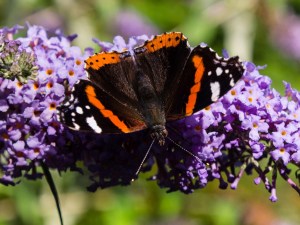
f/5.6 
f2.8 It’s best, if possible, to compare images on a monitor or at least a tablet.
Voila, you should now have an understanding of how to use the A or Aperture setting.
All in all, that should have taken you around 15 minutes (not counting any travelling time).
As an aid to this I have a simple checklist for you to download.
Just pop your name and email in the box below and it will magically appear in your inbox.
Share this:
-

Buy a Camera in 15 minutes with these 5 Questions
Buying any sort of technology whether it be a phone, a TV or in this case, a camera, can be mystifying in a lot of cases and more importantly, time consuming.
But it doesn’t have to be.
Ask these questions and you have a fair chance of coming away with a decent camera from a camera store. Note that I said camera store not online store. Sure, you can still buy it from Amazon or B & H or any online store but as with a TV you really want to ‘try before you buy’. Cameras are personal and if doesn’t feel right it won’t help you take the sort of photos you want.
All these questions are for you to answer not the camera store salesperson or online forums, facebook groups but you.
1 What are you going to use it for?
Are you are a business looking to take product picture.
Are you in the travel industry and looking for a general all-rounder for travel pictures?
Do you just want to use it for your blog?
Do you also want to take pictures of your family?You get the point.
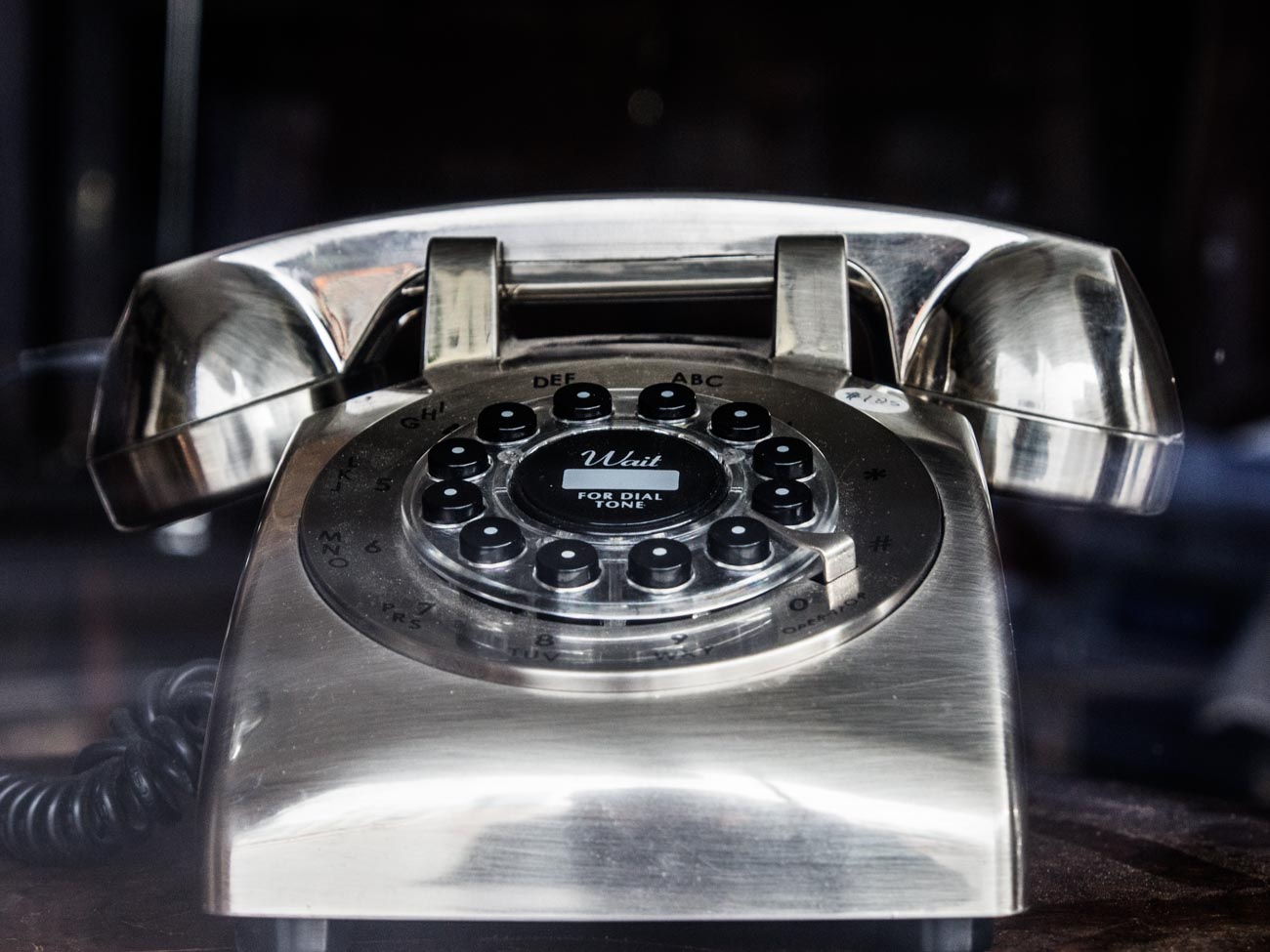
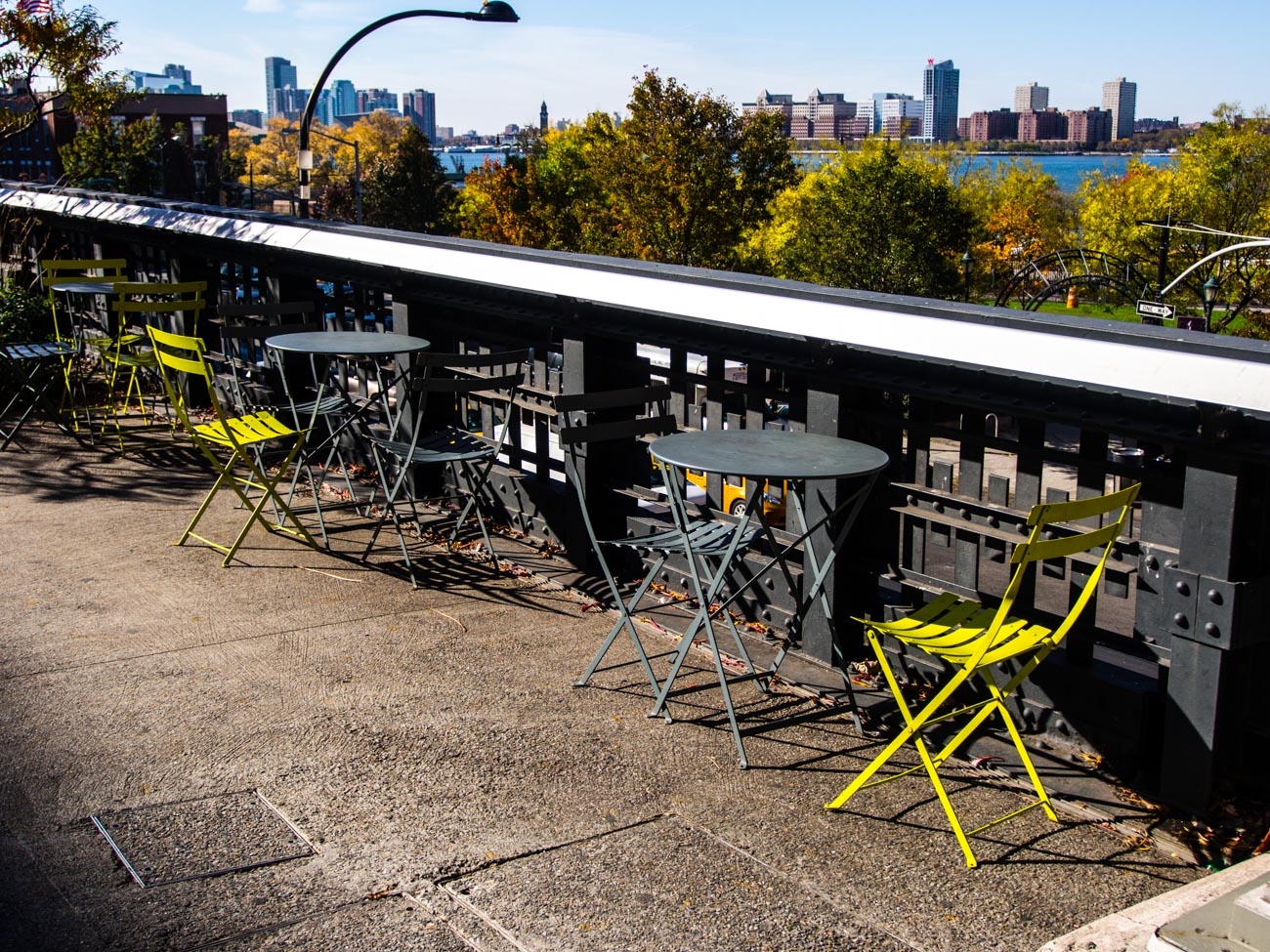
The High Line Walk Way in New York 2 What’s your budget?
Whilst the camera is not always the main reason for taking great photos it does give flexibility and that flexibility is usually but no always proportional to the amount of you want to spend.
Don’t get into financial stress over it but don’t scrimp if you can afford not to.3 What size camera do you want?
Cameras come in all sort of shapes and sizes. If you’ve been used to using a smartphone then buying a DSLR may not suit. The camera is big and the lenses quite heavy.
So maybe a top end compact or a mirrorless camera may be better. If on the other hand you’ve had a DSLR but it’s a bit old in the tooth then consider a Mirrorless. It also depends how mobile you want to be.
Do you have an existing interchangeable lens camera that you want to upgrade?
In which case you will want to keep to the same brand if possible.4 Are you the only one going to use it?
If one of your staff or another member of your family are also going to use it then it may be worth getting their input as well. On the other hand, that could also confuse the issue so think this one through first.
Cigar smoking fortune teller near Catedral Plaza, Havana 
5 Are you going to buy more than one lens?
Nearly all interchangeable lens cameras come with a ‘kit’ lens which is usually enough to get you started. You can always add to it laterSo that’s it. All you need to do now is to go into a camera store and say the following for example:
I want an camera with an interchangeable lens,
that’s light,
than can be used for portraits that will be used commercially and
that I only need one lens for.Try it out. It’s much quicker and better to ask yourself these questions than spend hours of research on the net and then be totally confused.
You can change your mind once you get into the shop but I’d try and be certain as you can before looking at different cameras so that you can keep on point.
For more on buying a camera please go to:
BUYING A NEW CAMERA? THEN READ THIS
You may also want to download my free Camera Features Guide
Thanks for reading
Post any comments below. I’d love to hear them.
And do us a favour! Please share any way which works for you.
If you want more like this then please subscribe below and you will get a free guide on how to improve your photography.
Share this:
-
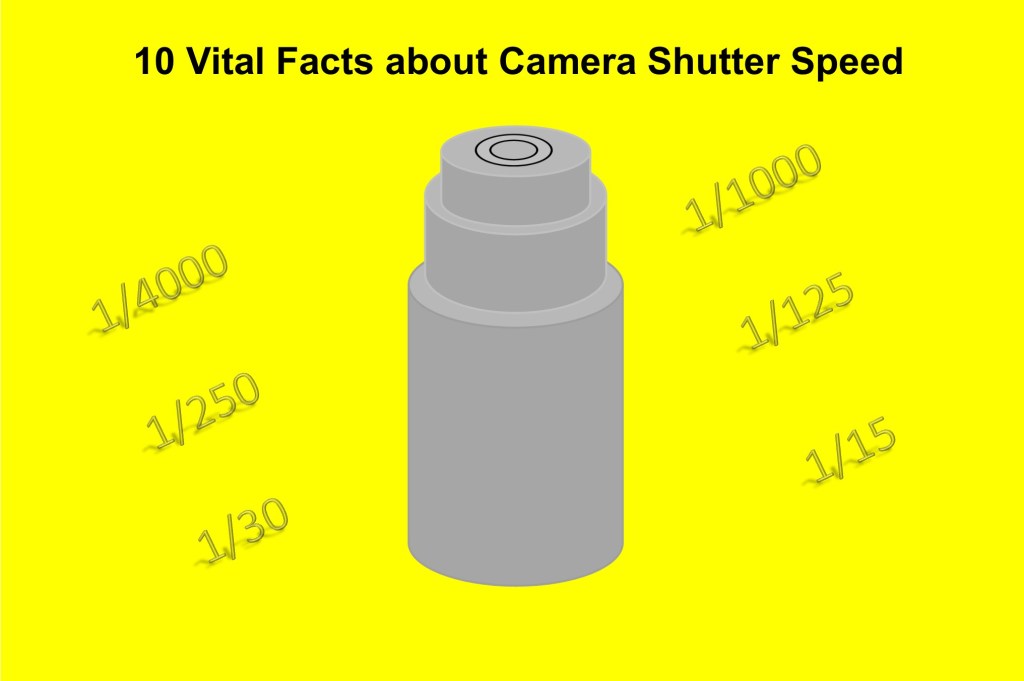
10 Vital Facts about Camera Shutter Speed
In 10 Vital Facts about Camera Aperture I wrote that “The aperture of a camera is the centre of the photographic universe – well maybe – the other centre, as some would argue, is the shutter.”
Let’s go to the other centre of the photographic universe, the Shutter and specifically Shutter Speed.
In all honesty, I must admit that shutter speed is just as important as your aperture setting. In another post Understanding the 3 points of the exposure triangle I make it clear (I hope) that ISO, Aperture and shutter speed all influence each other. Adjust one and the other changes.
So, you can see how important it is to get the right setting.
BTW make sure you scroll to the bottom of the page for an Infographic summary
Moving on let’s get straight to the 10 Vital Facts about Camera Shutter Speed.
1 The Shutter Speed is the speed that it takes to open and close the flap that sits in front of the aperture.
2 It’s measured in seconds and fractions of seconds e.g. 1/500 of a Second
3 To freeze action you need a fast (or quick) Shutter Speed
4 To show movement you need a slow Shutter Speed
5 It’s a big contributor to Camera shake or lack of
6 To calculate the minimum speed you need to prevent camera shake, use this rule of thumb. At 100 ISO- the Shutter Speed = the focal lens setting of a lens. More on this below
7 Shutter Speed becomes less important, in most situations, the better or brighter the light you have
8 When taking hand held photos in poor light i.e. indoors without a flash you need to use the fastest speed you can get.
9 The faster the shutter speed the lower the F Stop number which can in turn, can influence how much you can get in focus.
10 Taking photos with a lower F stop gives you much more freedom with your shutter speed in good light but reduces as stated in 9, how much you can get in focus.
11 The slower the shutter speed the higher the f stop number
12 Only use Shutter speed priority when you are trying to achieve something specific.
I’ve just realised I’ve given you 12 vital facts about camera shutter speed! Oh well you’ve got a bonus 2!
So why do you need to worry about it?
Well the most important reason overall is point 5; It’s a big contributor to Camera shake.
Camera shake is pretty much irreversible and whilst shutter speed is not the only contributing factor, it can be the deciding one. Unless you are wobbling around with camera in hand snapping away.
As I said in 6, a rule of thumb to get the slowest minimum shutter speed is to match the shutter speed to the focal length of the lens you are using.
As an example, if you are using a 200mm lens then the closest shutter speed will be 1/200.
But, there are complications.
If the lens or camera has mage stabilisation then you can reduce the shutter speed by a couple of settings e.g 1/50.
Then there are other factors that will come into play see 5 Ways to Eliminate Camera Shake
The size of the sensor in a camera can also affect the shutter speed. An Olympus OMD _M5 for instance has a crop factor of 2 which means you need to double the focal length to get the minimum shutter speed.
So if it was 100mm it would now be 1/200.
Now I don’t want to confuse things but it works out the same.
The reason is that a 100mm lens on a 2 x crop factor sensor camera is actually 200mm on a full frame so the minimum shutter speed is 1/200
Here are some other reasons for adjusting the shutter speed:
Freezing action
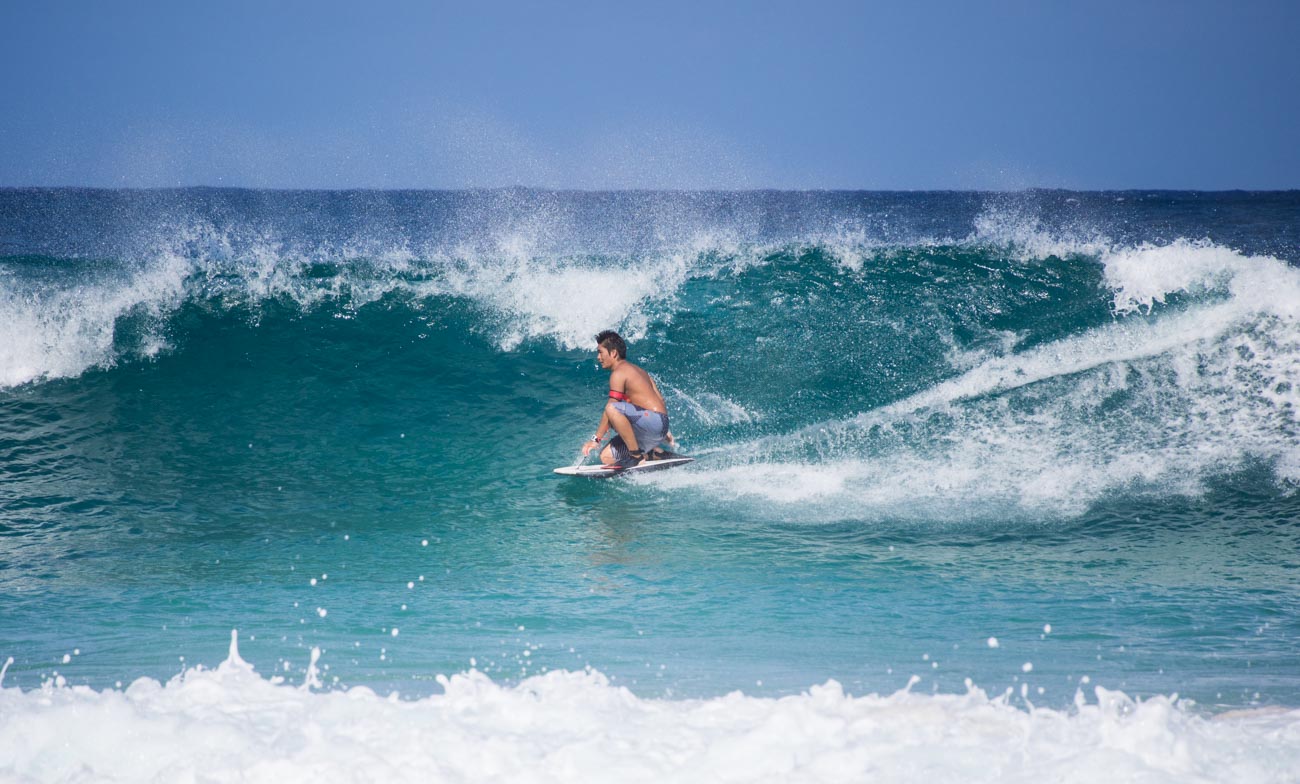
Let’s say you want a picture like this one of a surfer to freeze the moment. You want it to be crisp and clear so the shutter speed needs to be on the high side.

This one was taken at 1/1600 Sec at an aperture of f5.6 ISO 200. Whilst the foreground spray is little bit soft that’s due to the point of focus not the shutter speed.
Slowing action
On the other hand, with the waterfall below we’re looking for that fluid almost viscous look of the water flowing down the rocks.
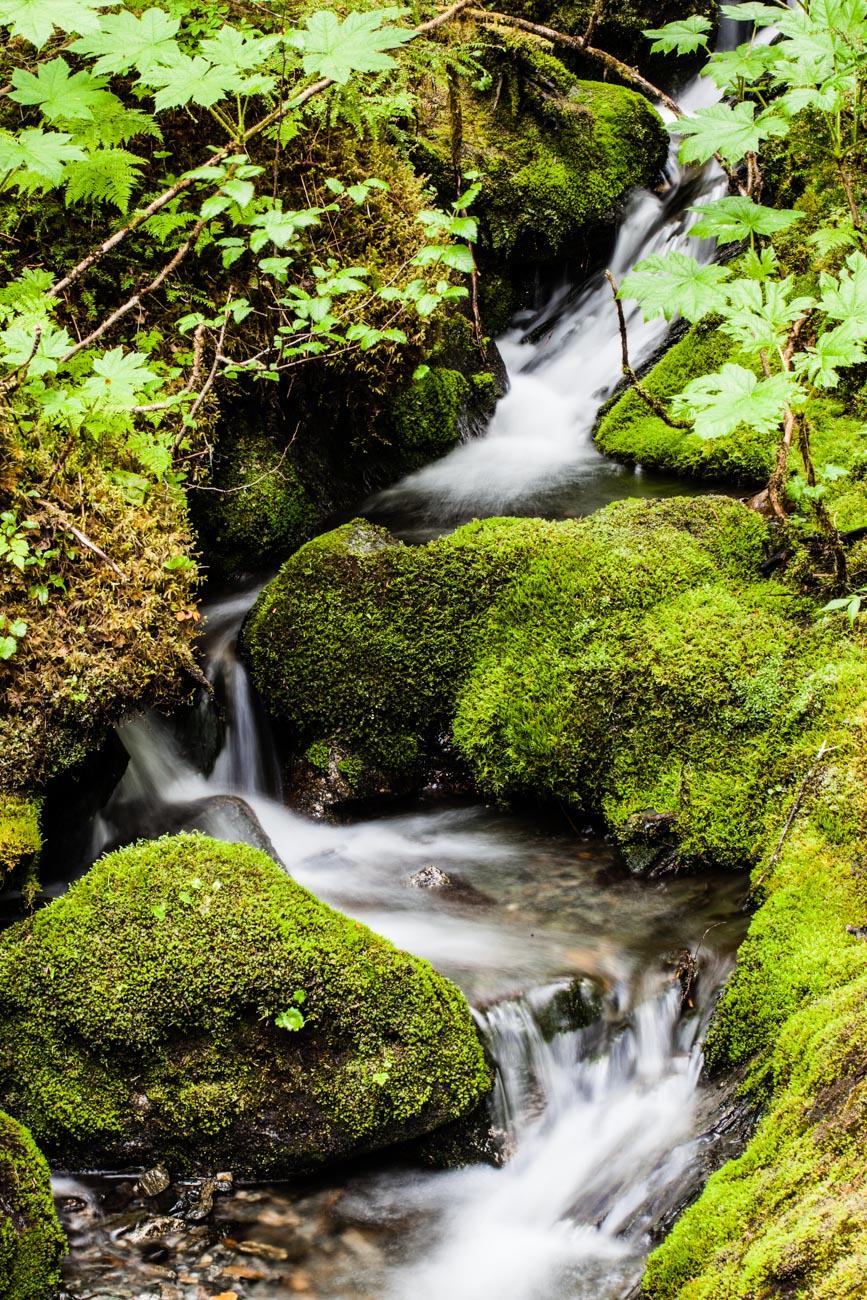
At the Medenhall Glacier reserve. 13 miles from the city centre this is one of Juneau’s main tourist attractions in Alaska This one was taken at much lower speed 1.6sec at an aperture of f32 ISO 100 which is roughly 10 times lower than the surfing picture
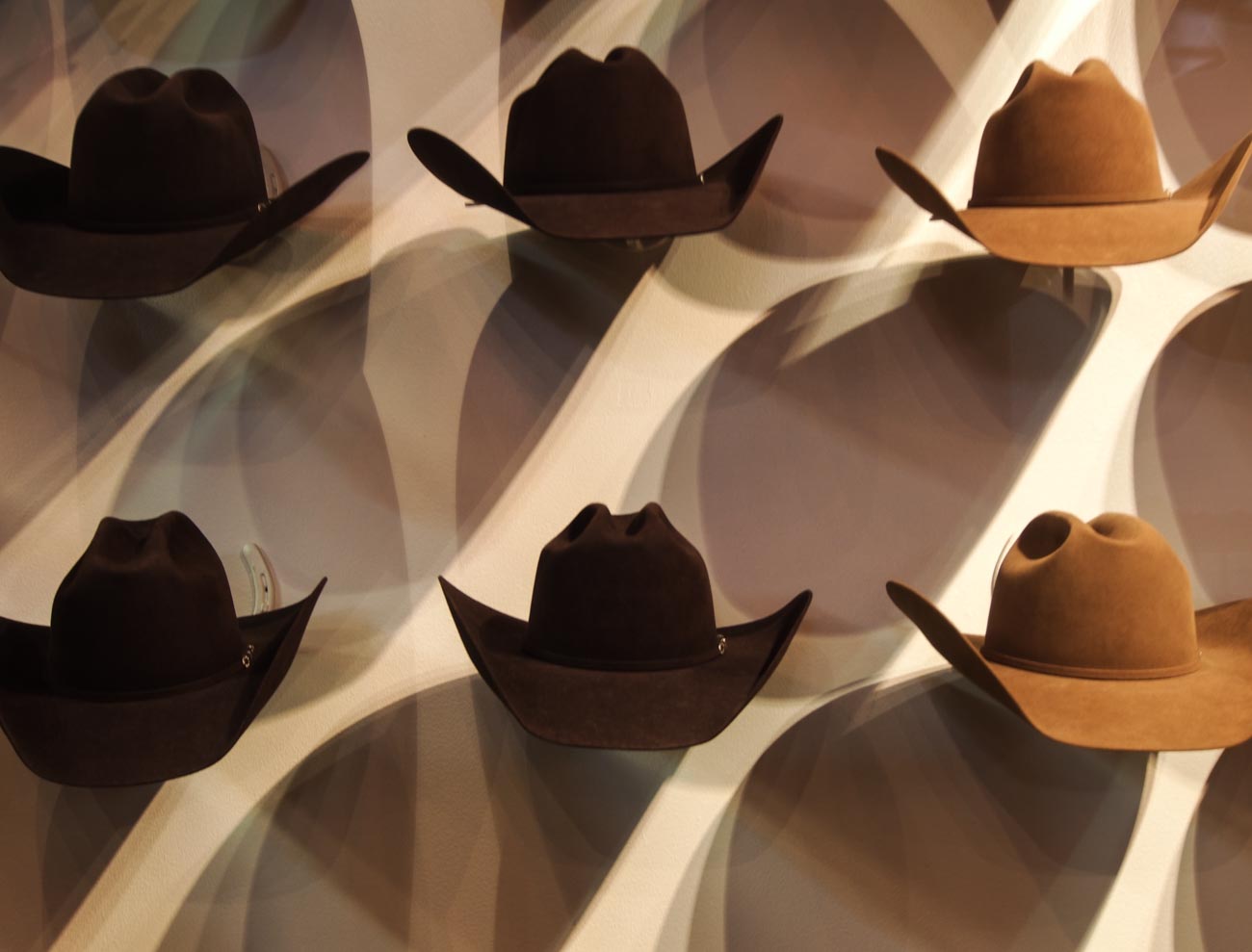
Interior light
If you don’t have a flash or don’t’ want to use it then having a fast shutter speed can help.
Conclusion
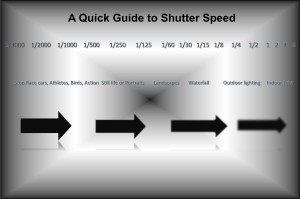
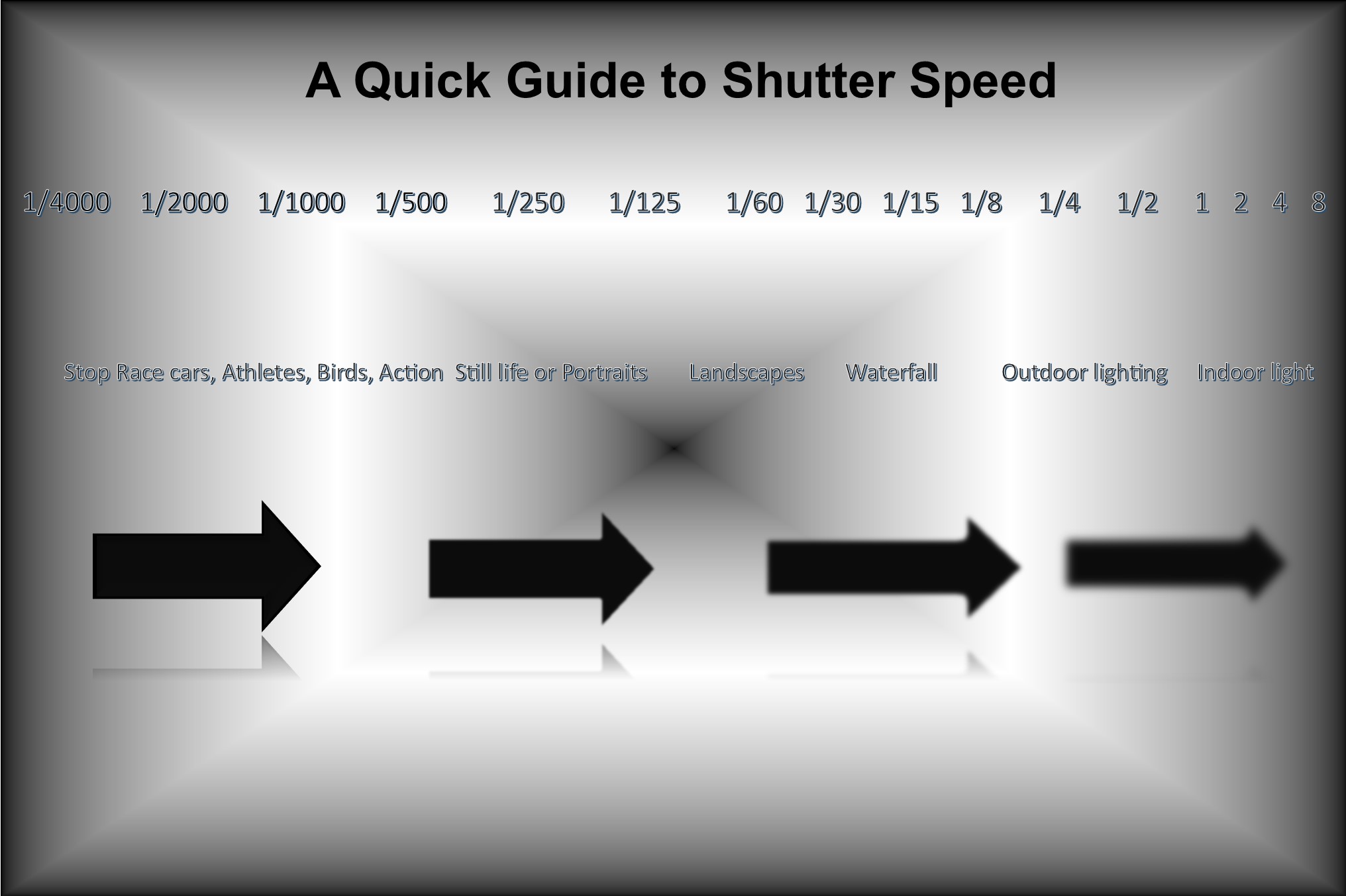
So to summarise these last points, as promised here’s an infographic.
Did you understand all that? I’m happy to clarify anything you’re not sure of.
Just post in the comments section below. Don’t be shy.
While you are at it why not subscribe for future updates below.
You’ll get my free guide “Eleven easy ways to help you take your own stock photography”.
Share this:
-

Buying a new camera? Then read this
Once upon a time I had zero interest in photography but as we were going on the trip of a lifetime I figured I should get a ‘decent’ camera.
I went to a local camera store and spoke to the guy there who had been to some of the places we were intending to visit.
He came up with a camera and a lens and a couple of other bits like a couple of filters etc. and said this what you need and it’s going to
cost you $1000.00.So, I bought it and got hooked on photography.
Now was that the best camera for me?
Could I have got a different camera cheaper but with same quality?Possibly.
Now, granted this was pre-internet and digital cameras, so research was a lot more time consuming. New camera models didn’t get
released every 6 months or so as they do today.But I trusted him and I guess it did the job.
But 18 months later I had upgraded and had a top of the range camera and sold the original one at a second-hand photo market.
So maybe it wasn’t the right one.
What you shouldn’t do
Since then I have bought many cameras and used them for various applications.
In doing that I have developed a fairly simple set of questions to ask when buying a new camera.
Let me go over what most will do when buying a camera.
First, they spend hours trolling through reviews and checking places like Amazon or B & H for the best price.
Then they may go into a camera shop and screw the salesman into giving them the best internet price.
Then they buy and off they go.
Alternatively, they buy online if they couldn’t get the deal they wanted at the bricks and mortar shop.
What’s wrong with that?
Well most people wouldn’t buy a car that way or even a TV.
Buying it that way means that the camera ends up sitting on the shelf unused. And then they blame the camera manufacturer or
salesperson for making the damn thing so complicated.You see everybody is different when it comes to comfort levels and abilities (and lots of other things as well, of course).
How do you know it’s the right camera for you? If it’s sitting on your shelf unused it’s not the right camera!
The Smartphone factor
I know a lot of people have gone for the convenience of using their smartphone instead so the camera they originally bought is
now redundant.Don’t get me wrong I’m not against smartphone cameras, I use mine all the time.
But there are lots of applications that a smartphone won’t pass muster on. That’s a future post I think.
What you should do
Here’s my system
1 Be clear on what you are going to use it for.
Here’s some questions for you to answer:
Q Do you want images with Bokeh (where the background is blurry but the subject is in focus)?
A For best results get a full frame DSLR or Mirrorless (not many Mirrorless have full frame) with a ‘fast’ lens. What’s a fast lens?
Well a lens that has a small f stop number of say F3.5You could also get crop sensor camera with an ‘fast’ lens but it needs have a low F stop number of at least 2.4
Q When would you use it?
A Taking product shots or maybe portraits of your employees or yourself

Q Are you going to take action images
A You will need a camera that has a high number of FPS (frames per second). Depending on the action 6FPS should do but you
can go as low as 4FPSQ When would you use it?
A For freezing motion or multiple shots of an action scene (see examples)
Q Will you be taking workplace shots
A The good news on this is almost any camera will give you images of people in the workplace. However, you may want to go for
one that has a reasonably high MB (Mega Pixel) if you are using this for print publications.12Mb is the lowest you would go.
Q When would you use it?
A Taking groups of workers either in posed or casual situation depending on the sort of image you are trying to portray.
Q Will you be taking Landscapes
A You can take Landscape images with pretty much any camera including the smartphone. However, if you want good quality and
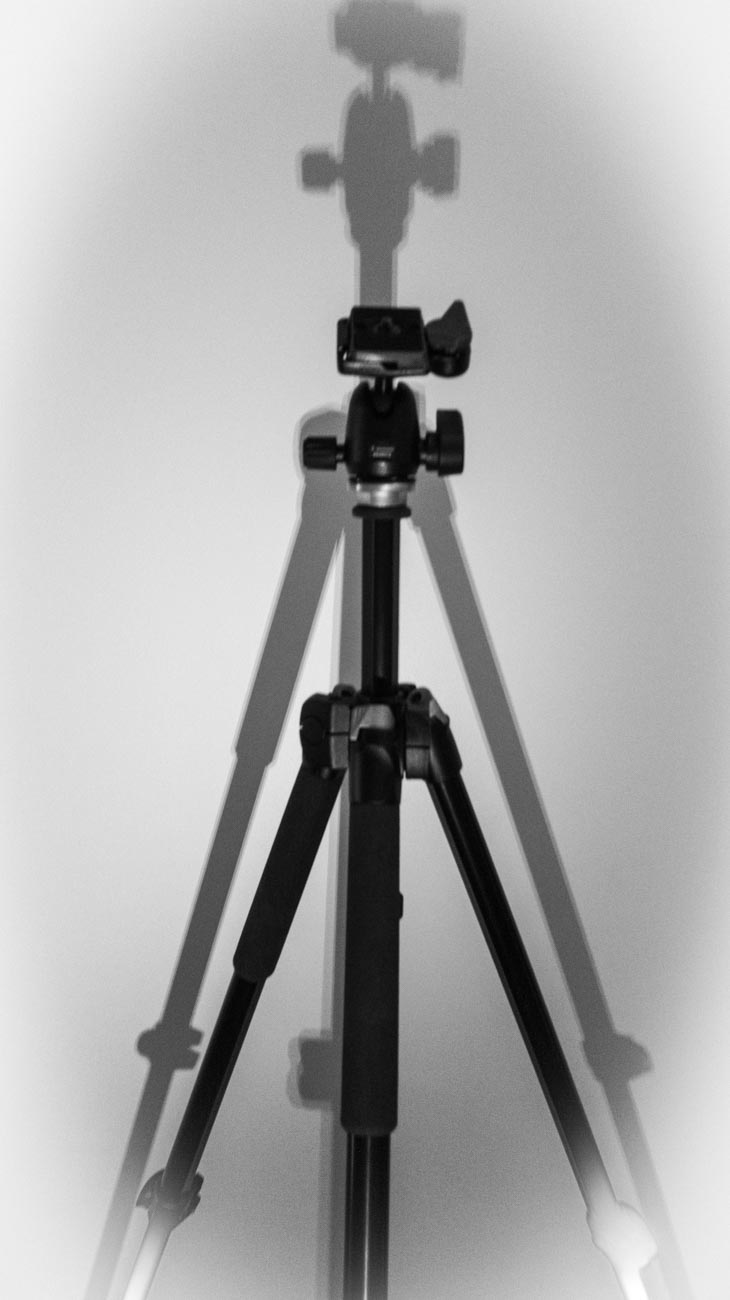
flexibility then an interchangeable lens camera with a wide-angle lens that will go at least as wide as 24mm (in 36mm).You’ll also need a tripod.
This is because to get a Landscape in focus you usually need a high F stop number. A high F stop number reduces the amount of
light and therefore will increase the chances of camera shake blur.Q When would you use it?
A Plenty of examples out there for using Landscape images.
Wineries or Breweries in scenic areas. Restaurants, Accommodation etc. etc.
Anything that needs a sense of place and a scenic backdrop
2 How much can you afford?
Pretty obvious I guess but worth mentioning anyway.
No point taking out a loan or getting into debt over a camera.
Especially if it’s your first one.
After all you may decide that it’s not for you and it gets consigned to the shelf in your office with lots of other redundant tools.
You can get a pretty decent mirrorless or even a DSLR camera for less than a $1000 including lens.
3 Try before you buy
This is the most important factor. Your comfort level with any device will determine how much you use it and what you will get out of it.
Go into a camera shop and test drive cameras within your budget that will give you the features you want, decide on the most
comfortable and buy it.Does the grip feel good?
Is it easy to turn to portrait or vertical mode?
Does the weight seem too heavy, too light or just right?
If it has a viewfinder, does that fit comfortably against your eye?
Can you see anything trough it?
Is the rear screen easy to see? How easy is it to see when you are holding it?
How easy is it to adjust the dials and access the menu/s?Now I know some of you will try before you buy in the shop and then jump on the web and buy from the cheapest online outlet.
But just remember you wouldn’t be able to test drive it if the shop didn’t exist.
By all means shop around online but a least give the shop an opportunity to match it or get into the ball park.
So to summarise do yourself a favour and ask these 3 questions before you decide which camera to buy:
1 Be clear on what you are going to use it for.
2 How much can you afford?
3 Try before you buy
As an example there is no point getting an expensive DSLR that will give you those ‘bokeh’ shots (where the background is all blurry)
if that’s not how you are going to use it.
You’re just wasting your money.Likewise, no point in getting a small compact or smartphone if you do want that ‘bokeh’ because you’re not going to like the results.
There are other questions that could be asked but let’s not confuse the issue too much.
If you want to know more then go to these posts:
The essential feature to have on your camera
4 features you must have on your camera
8 features to have on your camera
The 6 features you don’t need on your camera
You can get these all in a PDF by going to Camera Features Guide
From a stock photography point of view then this post may also be worth reading:
A Basic Stock Photography Equipment List
Be really interested in any comments you have. Just drop them in the section below.
Share this:
-
5 Ways to Eliminate Camera Shake
How many times have you looked at those beautiful images only to realise on closer inspection there’s a slight blurriness about it. It’s just not as crisp and clear as it should be.
That’s called softness and is usually caused by Camera shake.

He’s a bit soft! (Probably wouldn’t tell him that!) 
That’s better! (Fourth of July parade.) In my last post How to hold a camera correctly on this topic, I went through the best ways to hold a camera to try and reduce camera shake. Now lets’ look at 5 other ways in order you can help eliminate camera shake
1 Use a fast shutter speed
Typically, Camera Shake is caused by the shutter speed being too low.
Selecting the correct shutter speed can be a challenge. On most cameras, you can select the shutter speed and a rule of thumb, depending on the camera is the focal lens x 1.5 or 2 = the shutter speed.
So, if you have a focal length of 100mm then you will need a minimum shutter speed of 1/160; a 200mm focal length would be 320 etc. etc…
Now on some compacts and a lot of Smartphone cameras you can’t adjust the Shutter speed so the next best thing is to either adjust the exposure compensation or the ISO.
If you are going to shoot a lot of images at low light, then experiment so you know how your camera performs.2 Use image stabilisation
Many years ago, I met a photographer who was taking clear and sharp images of wildlife at dusk without a tripod. That was my first introduction to image stabilisation.
Basically it compensates for camera shake caused by slow shutter speeds.Initially they were only available on the lens but nowadays most cameras have it inbuilt. So now you don’t have to worry about what lens to use.
Having it inbuilt also means that most cameras have options and settings that can give flexibility.Smartphone cameras also have them built in but usually only have the option to turn it on or off.
Just a little warning – some manufacturers advise you to turn off stabilisation if using a tripod.
An image stabiliser only goes so far. At the end of the day if the shutter speed is too low for the conditions then it won’t help.
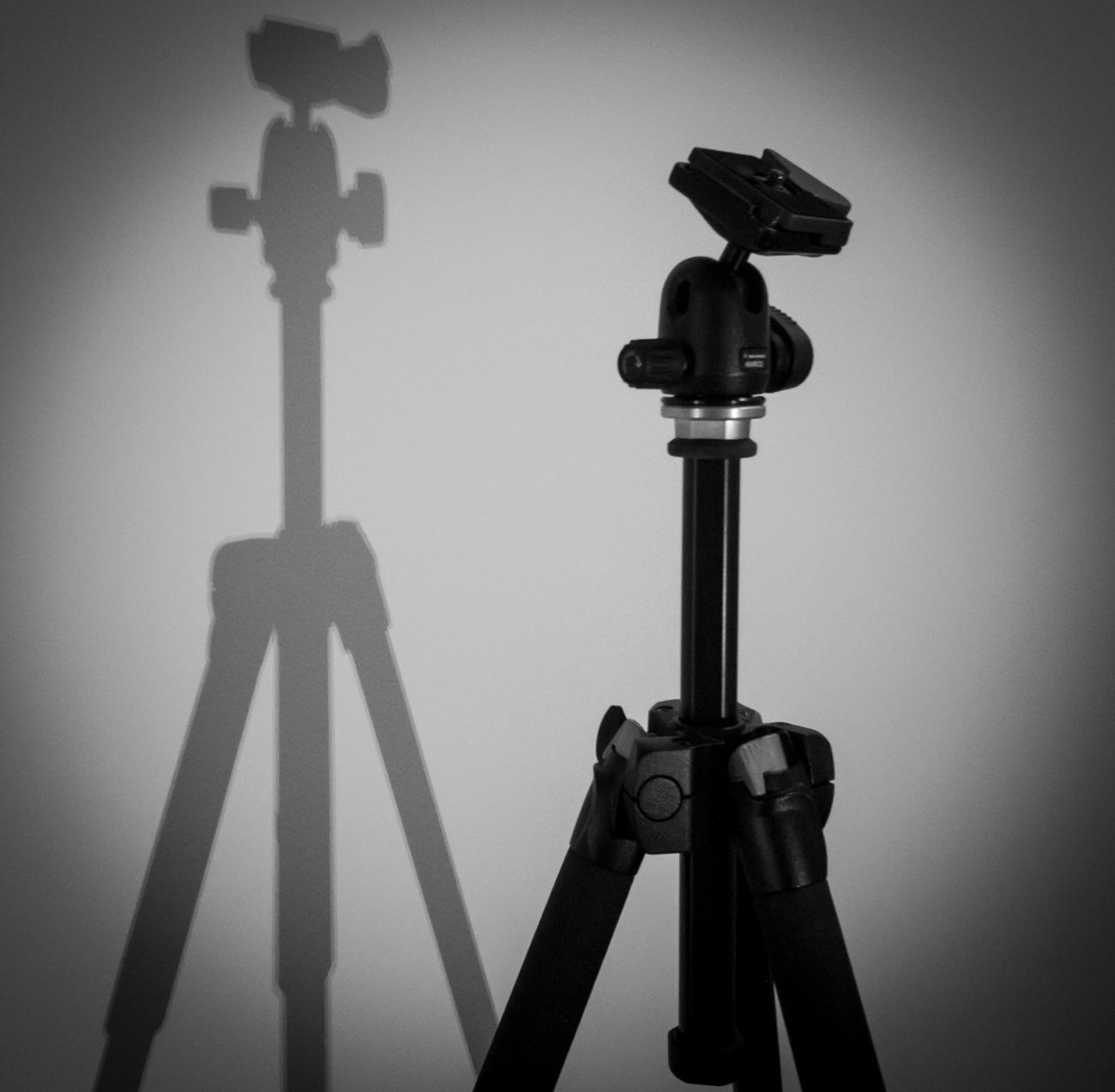
3 Use a tripod
This one is obvious. After all, if you don’t have to hold it then it’s not likely to move. Right?
Well yes and no and I’ll explain in the next tip but for now putting a camera on a tripod is always going to be better than hand holding.Nowadays there are lots of different tripods out there. Some are designed for different applications and cameras.
For a mirrorless, compact or DSLR cameras there is a few considerations such as the weight, ease of use and sturdiness.
And it also depends on the use. As an example, I have 3 tripods, a studio tripod that never leaves the ‘studio’ a heavy duty one that I use for assignments and a lightweight one which I take travelling or on assignments where weight is an issue.For smartphone cameras, there are also a lot of choices but they are usually chosen on convenience. I use the Joby Grip Tight Micro Stand, a great little find that has a mini stand. It can also be fitted to a standard tripod head.

4 Use the timer
The other main reason for camera shake is the shutter button action. When you press down on the shutter button the camera moves. Even if you are gentle it still moves. Of course, if you have a fast-enough shutter speed then it’s not a problem but if you are shooting in low light then it will create vibration which equals camera shake
Another option is to use the timer. In all seriousness, you wouldn’t use the timer if you were hand holding. The idea is to use it when on a tripod or if you have the camera mounted on something sturdy.
Most cameras have 2 or 3 timer settings. Use the lowest unless there’s some reason you need time like taking a self-portrait. After all, 2 seconds is not a lot of time to get into position.
5 Use a remote
For the same reason as the previous point (5) using a remote will take that that heavy human press out of the equation.
There are a lot of types of remotes out there.
From the old-school release cable for a DSLR to using a smartphone app to trigger your mirrorless camera to using a Bluetooth remote trigger for your smartphone.Choose the one that is right for you or choose a couple for different applications.
Did you understand all that? I’m happy to clarify anything you’re not sure of.
Just post in the comments section below. Don’t be shy.
While you are at it why not subscribe for future updates below.
You’ll get my free guide “Eleven easy ways to improve your marketing photography”.
Share this:









 Katin Images Travel Photography