Katin Images Travel Photography

Travel Photos, Travel Photography Tips and Software

Tag: selfie

  • How to take an ‘awesome’ selfie!
    How to take an ‘awesome’ selfie!

    How to take an ‘awesome’ selfie!

    In previous posts I’ve talked about having the need to have a decent self-portrait or ‘selfie’ on your website or publication to show the human face.

    If you don’t have a website or business you almost certainly will have a social media presence, whether it’s LinkedIn, Facebook, Instagram, Twitter or anything else.

    In this day and age of digital social interactions I believe it’s still important to control your personal image and make sure any ‘selfie’ is a true representation of you.

    That’s right, ‘you’ not your dog, kids, motorbike or picture taken on holiday in a bar in Bali.

    Once you get ahead around that you then need to decide what sort of self-portrait or selfie you think represents you best

    1. You may want a more conservative head shot.
    2. Or a full-length portrait with business like clothes like jacket and trousers.
    3. On the other hand, you may want to convey a trendy relaxed image.
    4. There are no rules except to be true to yourself.

    The four most crucial factors to getting a professional ‘selfie’ or self portrait

    1 Equipment

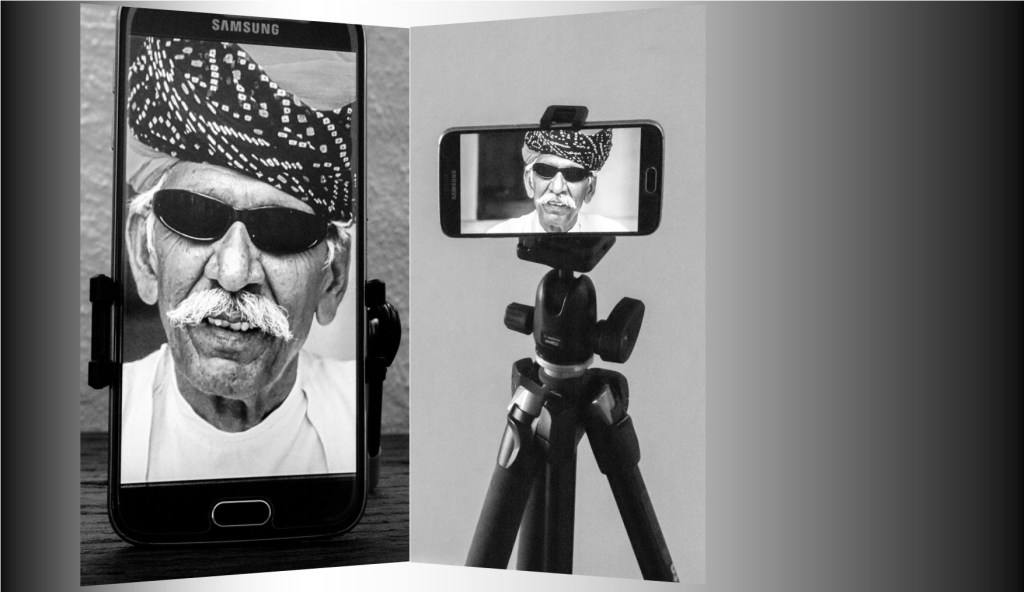
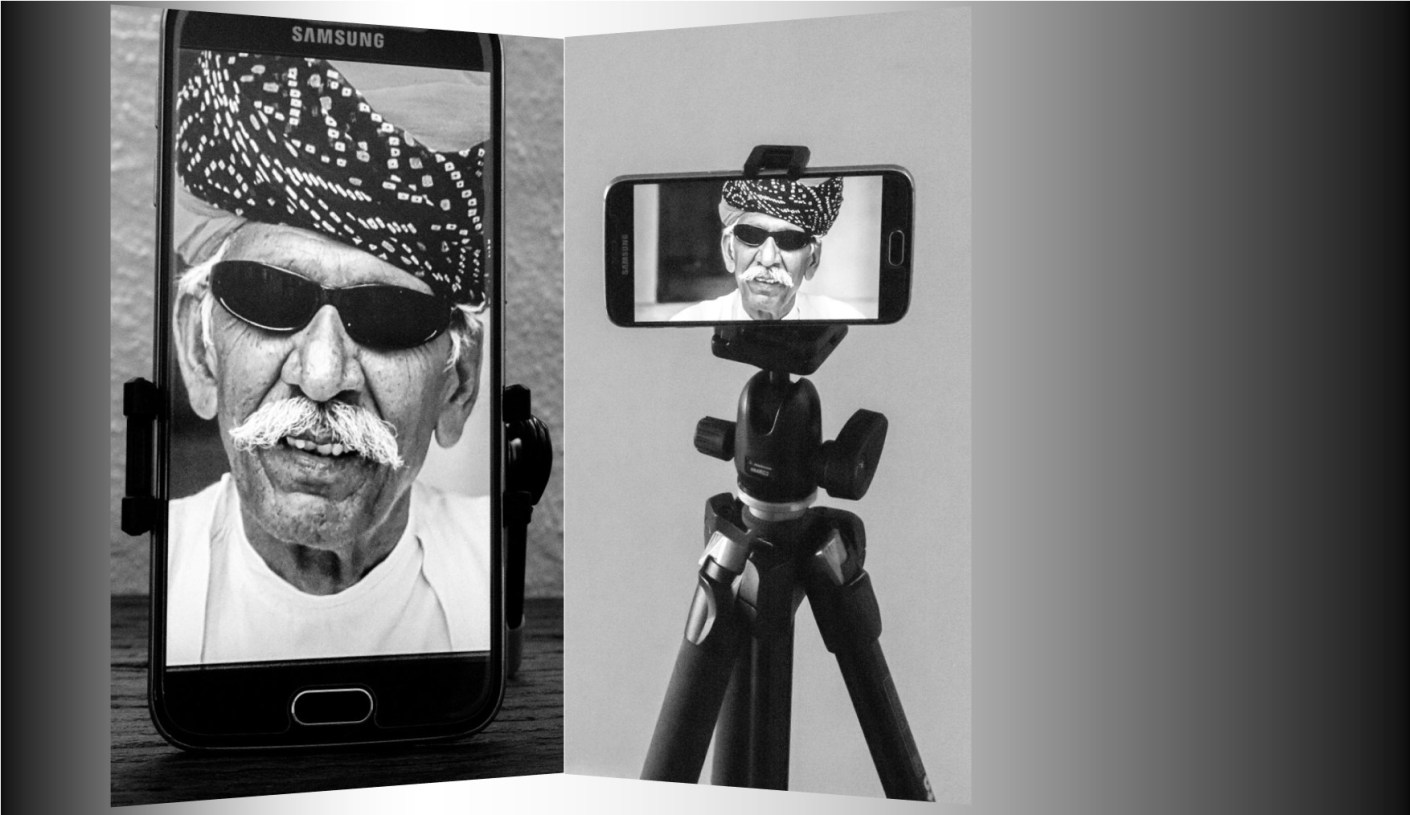
    I’m going to show you on a smartphone but any camera should do the job provided it works

    2 Light

    Light is everything. If the light is dull or too bright the image can be too dark or ‘blown out’ (a term for images that have the highlights way too bright).

    3 A way of mounting the camera.

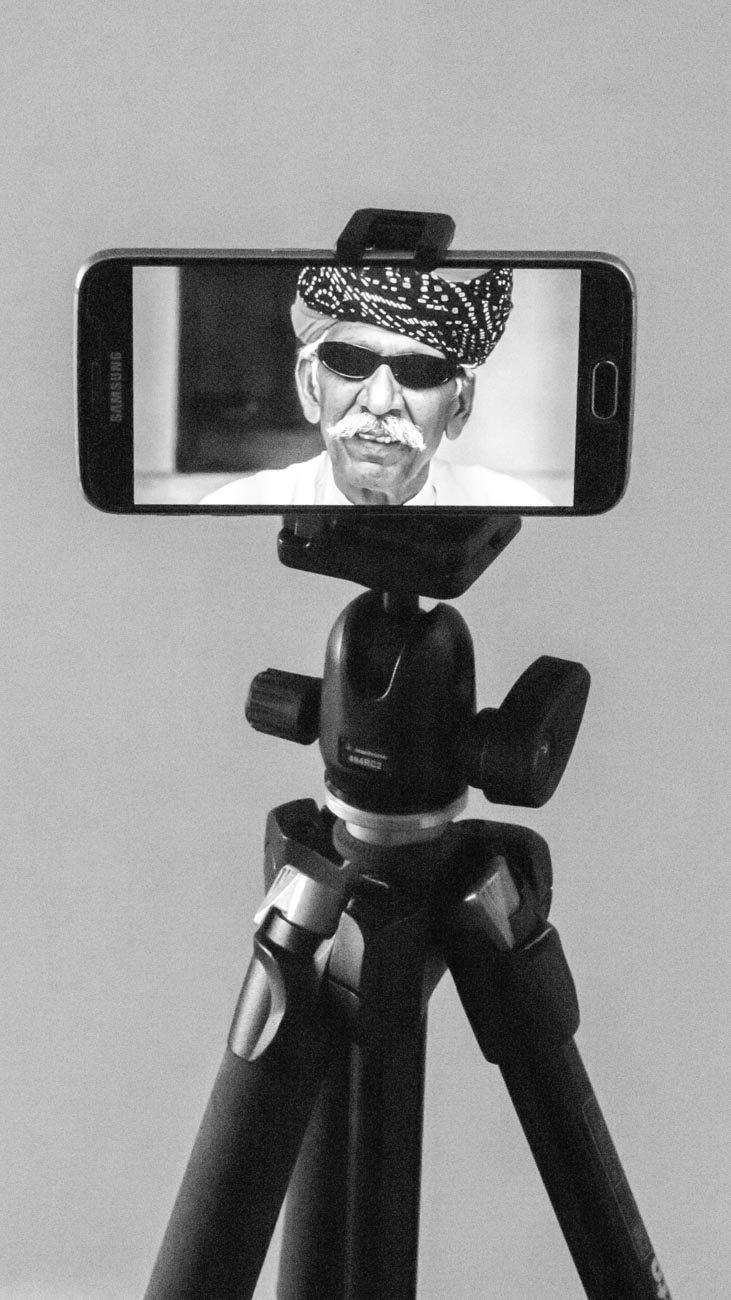
    A tripod is undoubtable the best way if someone is not taking it for you.

    4 Staging

    Make sure you select the correct pose. You may have to take several different images at different angles to get one you want to use.

    Incidentally there is no rule that says you must use the same image across the all platforms or for the same purpose
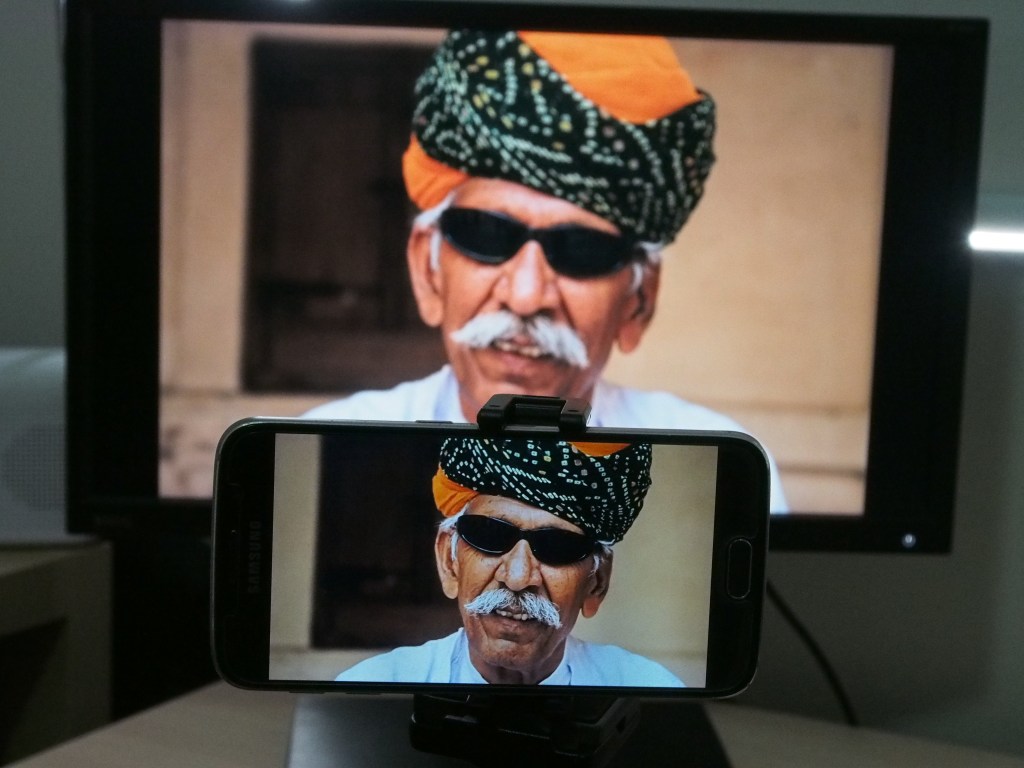
    Man in turban at Mehrangarh Fort in Jodhpur, Rajasthan.
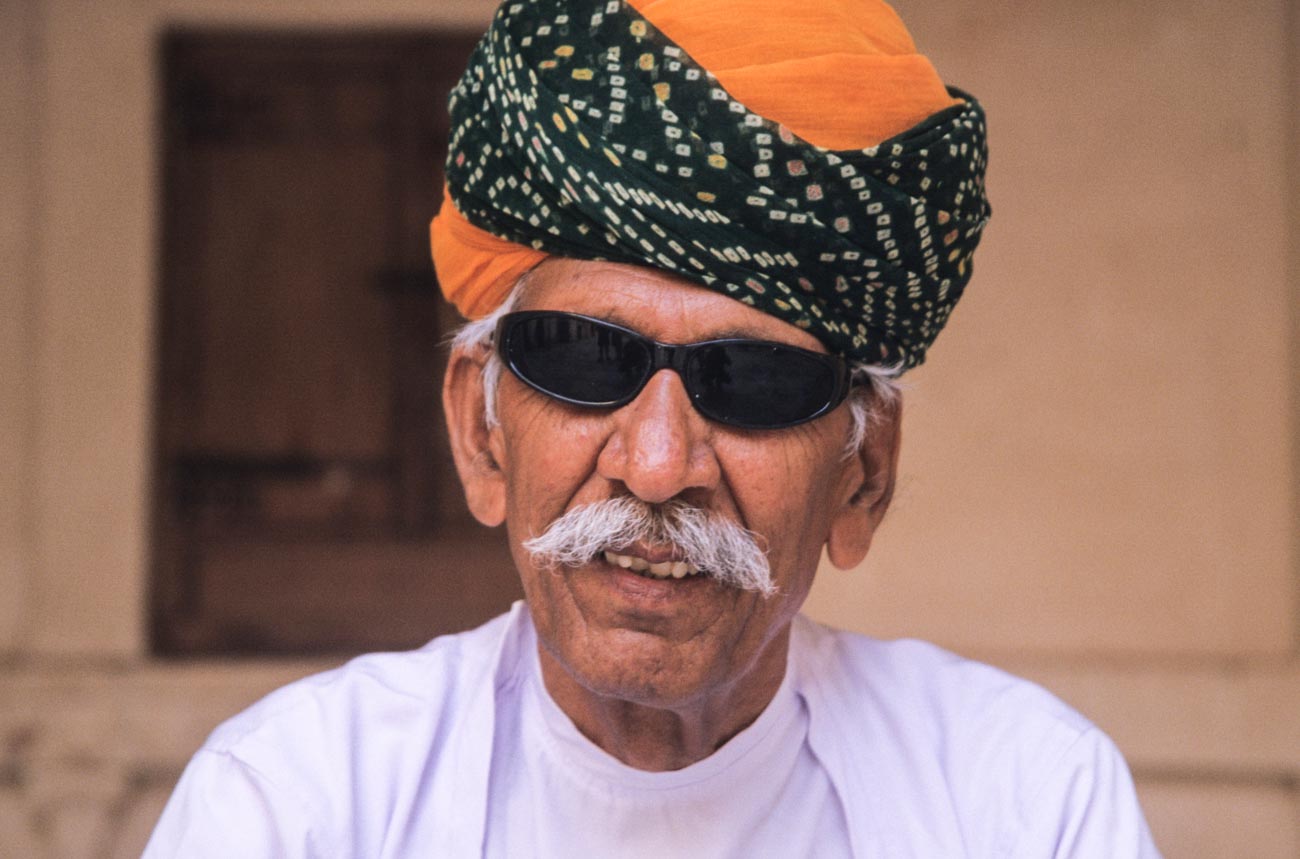
    Man in turban at Mehrangarh Fort in Jodhpur, Rajasthan.

    Set the camera up;

    1 Regardless of what the use is, make sure you have the biggest resolution.

    • Much better to size down than try to upsize.
      For example on the Samsung S series smartphone cameras you will find picture size next to the settings icon.
      Select 16M or 12M or whatever the largest number is.
      The resolution on the IPhone is set to maximum and has no adjustment from that except with the use of a third-party app.
      Some other brands only give you the option to select large or high
      Note: The front camera usually has a much smaller resolution than the main camera, so avoid using it for this application
    • Find the timer and set it to 10 seconds
      You can usually just leave the camera on auto if the light is pretty good.
      But you can change the settings on some smartphones.
      The only settings I recommend changing are either the ISO and/or the exposure compensation.
    • Mount the camera on a tripod or any other way you can find to mount.
      I use the Joby Grip Tight Micro Stand a great little find that has a mini stand.
      It can also be fitted to a standard tripod head.

    2 Set the scene

    • Find a well-lit position.
      You can be creative by sitting or standing near a window and allow the light to be strongest on one side.
      Alternatively, if you want to light up both sides, use a whiteboard on the side away from the light.
    • Think about the background.
      Make sure it’s not cluttered and distracting to the eye.
      Again, a whiteboard is handy.
      White (or off white) backgrounds are always the best way.
    • Think about your position.
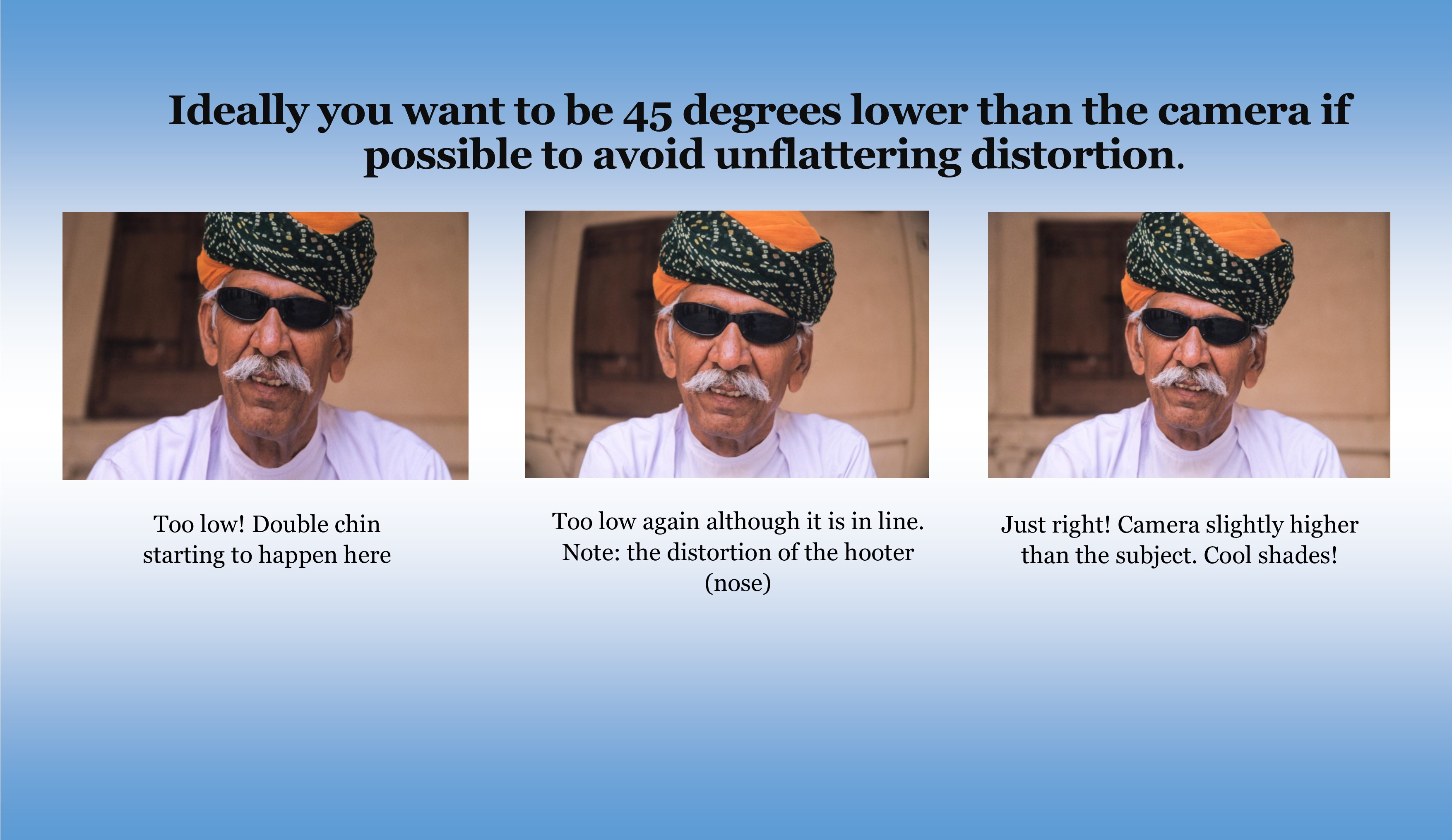
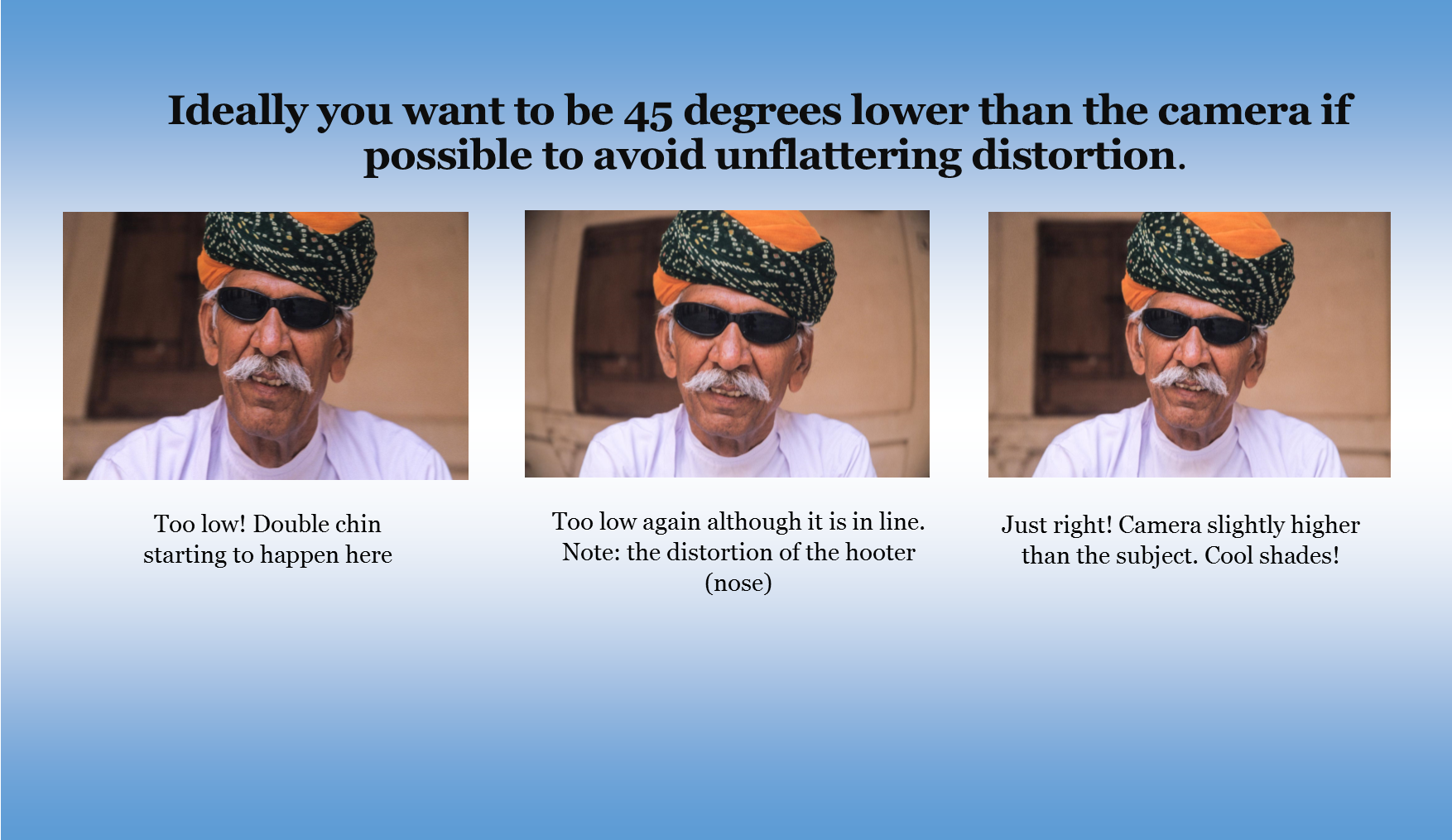
      Ideally you want to be slightly lower than the camera if possible to avoid unflattering distortion.
    How to take an ‘awesome’ selfie
    • Now comes the tricky bit.
      Unless you have someone else helping, you are going to have to focus the camera on your final position, be it a full length or head shot.
      The easiest way to do this is to put something in that position and then focus on it.
    • Just press the shutter button and then get into position.
    • Take plenty of images, trying different poses and maybe different locations.
      You can’t take too many!

    3 Review

    1. Review on your phone and add a filter if you wish.
      There’s plenty of them out there!
    2. Load the images onto your computer.
    3. Look for softness (slightly blurry), unwanted distractions or items and light
    4. Crop if required.
      You may need to crop for different applications.
    5. Upload to your platform of choice

    Finally

    Rinse and repeat if need be.
    You may think you’ve got it right but there’s always room to improve.

    Summary for “How to take an ‘awesome’ selfie”

    • Make sure you are true to yourself and have a ‘selfie’ that truly represents you.
    • Decide on your orientation and pose
    • Four crucial factors for selfies are:
      • Equipment
      • Light
      • Mounting
      • Staging
    • Set the camera up
    • Set the scene
    • Review

    Do you see yourself taking some great travel photos that you can share or display?

    Or can see yourself reliving your travel experience by bringing home some emotive travel photos?

    Maybe you want to get your travel photos published.

    If one or all of these is YOUR goal, I can help.

    If you go to the form below you can sign up and get my free eBook “9 ways to improve your Travel Photography”.

    At the same time, you will also subscribe to my Travel Photo Tips Newsletter which is exclusive to those who have signed up.

    Remember if you want to take great travel photos

    • that you can share and display.
    • that help you relive your travel experience
    • give you a chance to have your travel photos published

    Then go to the form below and subscribe to my Travel Photo Tips Newsletter and for your trouble get my eBook “9 ways to improve your Travel Photography”

    Any questions then please write your comments below or contact me here

    Now that you’ve got down this far can I ask a favour.

    Please share this with anyone who is going on a trip and wants to take and bring back some great travel photos.

    You’ll be doing both them and I a favour.

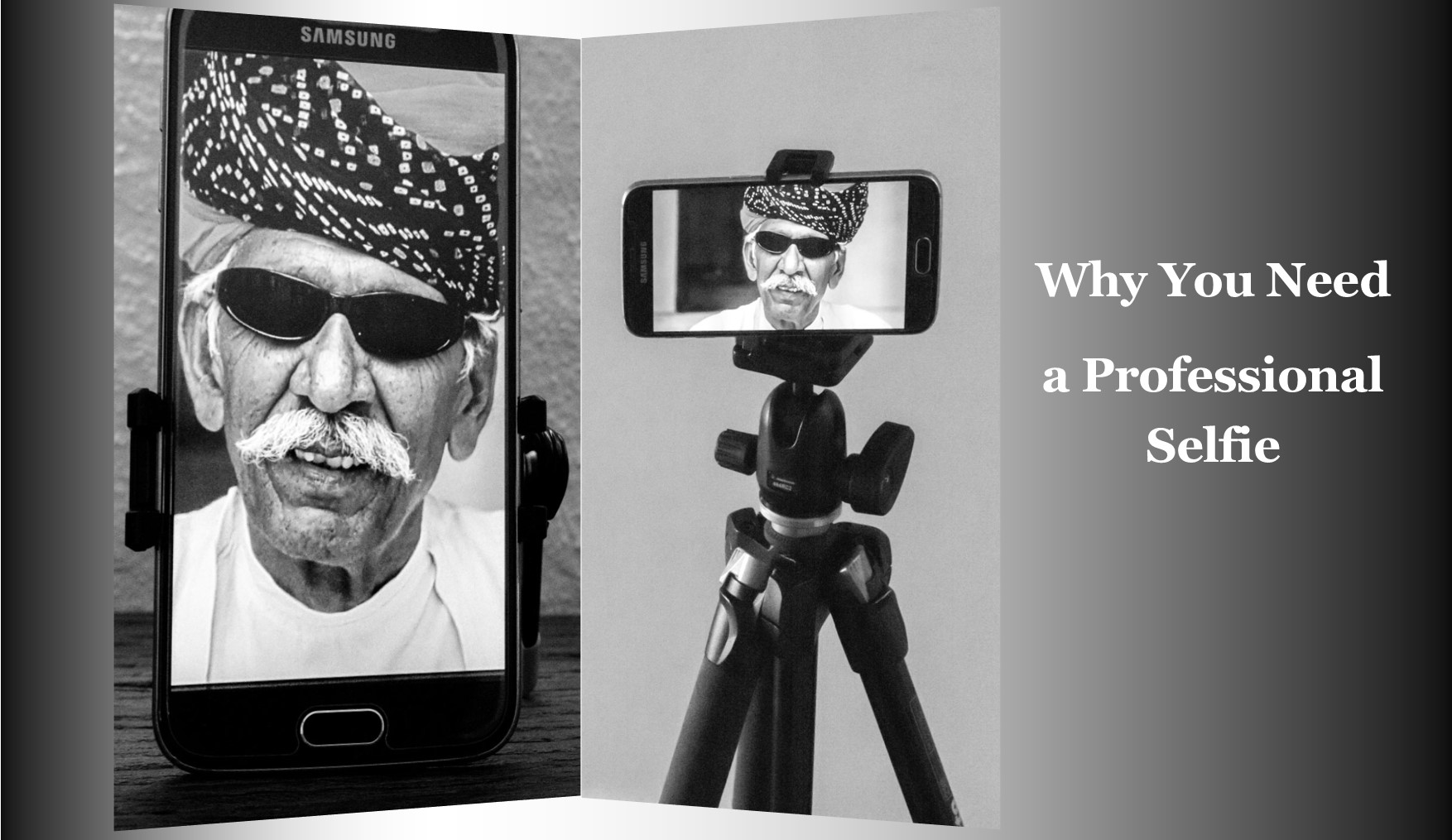
  • Why You Need a Professional Selfie

    Why You Need a Professional Selfie

    “Taking pictures of myself, self, self”

    After watching the “campaign of the century” Trump v Hilton, it seems obvious to me how important image is especially self-image.

    So, this leads me to the ‘Selfie’. But not the one that we attempt to get one handed or on the end of a selfie pole with our smartphone but the one that represents you and your business.

    In the first of a couple of posts I tackle Why You Need a Professional Selfie

    In the next post, I’ll take you through a good way of getting that professional ‘Selfie’.

    The last in my series on features to have on your camera is actually about what features you don’t need.

    The 6 features you don’t need on your camera

    If you haven’t had time to read the series, you can scroll to the bottom of any of the posts and get all four in a PDF.

    As always please share and I would love to hear your feedback

    OK bye for now and talk to you next week

    PS: “Taking pictures of myself, self, self” sung by Nina Nesbitt in Selfies 2014 – not a bad video on YouTube

  • How to take an ‘awesome’ selfie

    How to take an ‘awesome’ selfie

    In Why You Need a Professional Selfie I talked about having the need to have a decent self-portrait or ‘selfie’ on your website, social media or publication to show the human face.

    Maybe you’ve decided to get this done but don’t want to use a professional photographer or Uncle Eric who has a good camera.

    In which case read on.

    So just to refresh. In Why You Need a Professional Selfie I suggested that you need to

    Decide what sort of self-portrait you think represents your brand best

    A financial adviser or lawyer may want a more conservative head shot.

    Or they may want a full-length portrait with business like clothes like jacket and trousers.

    A social media site may wish to convey a trendy relaxed image. So, it may decide that, rather than have a headshot, an image of its employees being active may be better.

    Whilst I have concentrated on websites and maybe social media you may also wish to use it for some printed marketing material or even billboards.

    And that’s when the capability of the camera and printing become important

    The four most crucial factors to getting a professional self portrait

    1. Equipment

    I’m going to show you on a smartphone but any camera should do the job provided it works 🙂

    1. Light

    Light is everything. If the light is dull or too bright the image can be too dark or ‘blown out’

    (a term for images that have the highlights way too bright).

    1. A way of mounting the camera.

    How to take a selfie

    A tripod is undoubtable the best way if someone e.g. an employee, is not taking it for you

    1. Staging

    Make sure you select the correct pose. You may have to take several different images at different angles to get one you want to use.

    Incidentally there is no rule that says you must use the same image across the all platforms and marketing material.

    Set the camera up;

    1. Regardless of what the use is, make sure you have the biggest resolution. Much better to size down that attempt to upsize.

    On the Samsung S series smartphone cameras for example you will find picture size next to the settings icon.

    Select 16M or 12M or whatever the largest number is.

    The resolution on the IPhone is set to maximum and has no adjustment from that except with the use of a third-party app.

    Some other brands only give you the option to select large or high

    Note: The front camera usually has a much smaller resolution than the main camera so avoid using it for this application

    1. Find the timer and set it to 10 seconds
    1. You can usually just leave the camera on auto if the light is pretty good. But you can change the settings on some smartphones. The only ones I recommend is possibly the ISO or exposure compensation.
    1. Mount the camera on a tripod or any other way you can find to mount.

    I use the Joby Grip Tight Micro Stand a great little find that has a mini stand. It can also be fitted to a standard tripod head.

    Set the scene

    1. Find a well-lit position. You can be creative by sitting or standing near a window and allow the light to be strongest on one side.

    Alternatively, if you want to light up both sides, use a whiteboard on the side away from the light.

    1. Think about the background. Make sure it’s not cluttered and distracting to the eye.

    Again, a whiteboard is handy. White (or off white) backgrounds are always the best way.

    1. Think about your position. Ideally you want to be slightly lower than the camera if possible to avoid unflattering distortion.
    1. Now comes the tricky bit. Unless you have someone else helping, you are going to have to focus the camera on your final position, be it a full length or head shot.

    The easiest way to do this is to put something in that position and then focus on it.

    1. Just press the shutter button and then get into position.
    1. Take plenty of images trying different poses and maybe different locations. You can’t take too many!

    How to take a good selfie


    Review

    1. Review on your phone and add a filter if you wish. There’s plenty of them out there.
    1. Load the images onto your computer.
    1. Look for softness (slightly blurry), unwanted distractions or items and light
    1. Crop if required. You may need to crop for different applications.
    1. Upload to your website, social media or another platform.
    1. Discuss requirements with your printer if you are using hard copy marketing material.

    Finally

    Rinse and repeat if need be.

    You may think you’ve got it right but there’s always room to improve.


    Is there anything else you want to know? Did you give it a go?

    I’d be really interested in any results that you wish to share.

    Let me know in the comments below.